93
English
NEAR
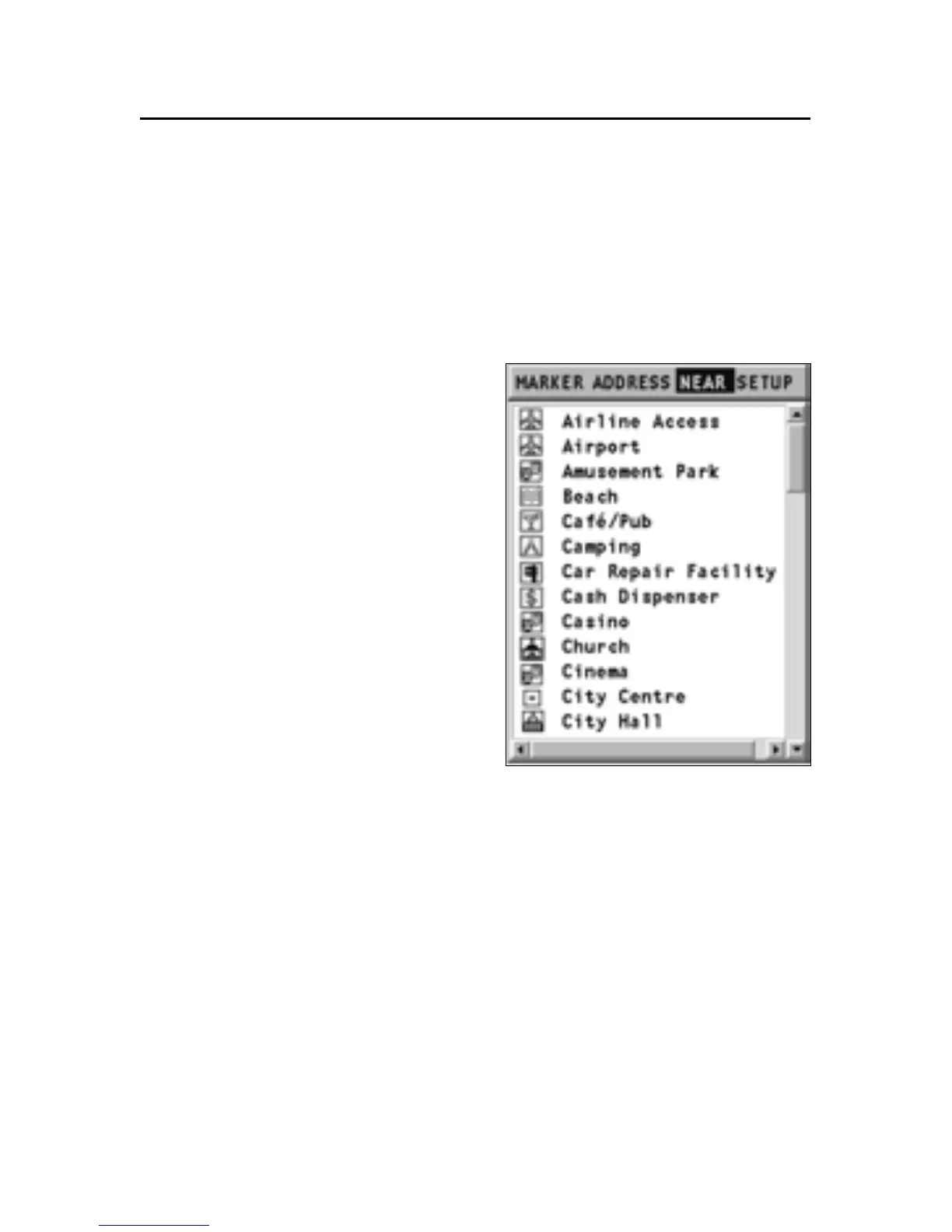
To display the list of the services available and to search for
the service nearest your position or cursor’s position, select
NEAR and press the GOTO key.
Selecting/defining a service
By means of the joystick, scroll
the list of the services available,
select the service and press EN-
TER to confirm the operation. The
display will show three icons,
the largest one indicating the ser-
vice nearest the reference posi-
tion.
When positioning the joystick on
each icon, the window situated
in the lower side will display
the name of the service, its ad-
dress and the distance from the
current position.
Select the icon desired and press
ENTER to confirm the operation.
After setting the service desired, define it as Destination,
Marker or Starting point in the dialog box. Confirm the opera-
tion by ENTER.
Near



 To Next Page