EasyManua.ls Logo

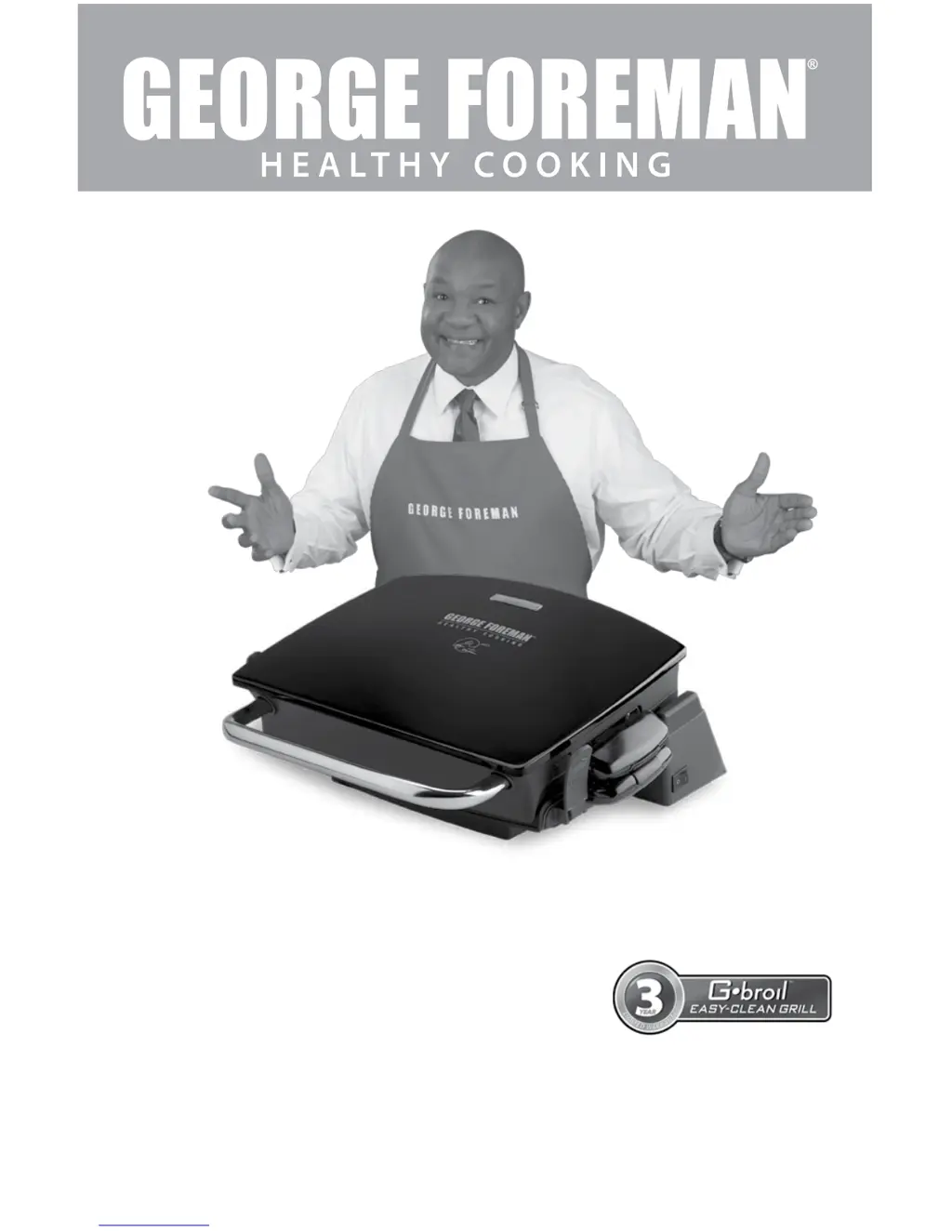
George Foreman G-broil GRP72CTB - User Manual

George Foreman G-broil GRP72CTB
15 pages
Print Icon
To Next Page IconTo Next Page
Loading...
Model/Modelo
❑GRP72CTB
Customer Care Line:
USA 1-800-231-9786
Accessories/Parts (USA)
1-800-738-0245
For online customer service
and to register your product, go to
www.prodprotect.com/applica

Questions and Answers

  • M
    Matthew FlynnJul 25, 2025
    What to do if my George Foreman G-broil GRP72CTB does not turn on?
    • G
      Greg DeanJul 26, 2025
      If your George Foreman Grill isn't turning on, first ensure that the appliance is properly plugged into a working electrical outlet. Also, check that the On/Off switch is in the ON position.
  • D
    David CastilloJul 31, 2025
    How to clean food buildup on George Foreman Grill?
    • C
      Christopher BishopJul 31, 2025
      To remove food buildup on your George Foreman Grill plates, use a silicone scrubbing pad with hot, soapy water to clean the grill plates. Avoid using steel wool scrubbing pads or abrasive cleaners, as they can damage the surface.
  • O
    omcdonaldAug 4, 2025
    Why is my food dry and burnt on the George Foreman G-broil GRP72CTB Grill?
    • G
      Gerald HolmesAug 4, 2025
      If your food is coming out dry and burnt on the George Foreman Grill, it's likely overcooked. Since the grill cooks from both sides simultaneously, food cooks much faster than in a skillet or under a broiler. Refer to the cooking chart as a guide and check the food at the lowest time indicated on the chart.
  • L
    Larry TurnerAug 10, 2025
    How to get better grill marks on George Foreman G-broil GRP72CTB?
    • J
      Julie ThompsonAug 10, 2025
      If the grill marks on your food are very light when using the George Foreman Grill, it may be because the grill was not fully preheated. Always preheat the grill for at least 5 minutes before cooking any foods.
  • J
    Joshua HobbsAug 14, 2025
    How to prevent scratches on George Foreman G-broil GRP72CTB Grill plates?
    • B
      bjacksonAug 15, 2025
      If the finish on your George Foreman Grill plates has cut marks, it's likely due to the use of metal utensils. Always use heatproof plastic, silicone, or wood utensils to avoid scratching the nonstick surface of the grill plates.
  • D
    Deborah CarrAug 19, 2025
    What to do if George Foreman G-broil GRP72CTB plate has white spots?
    • D
      Debbie FerrellAug 20, 2025
      If you notice white spots on your George Foreman Grill plate, it means that water from cleaning has dried on the surface. To prevent this, dry the grill plate immediately after washing.

Summary

Important Safeguards

Polarized Plug

Details on polarized plug safety features and usage for electrical shock reduction.

Tamper-Resistant Screw

Information on the tamper-resistant screw for preventing access to internal components and risk reduction.

Electrical Cord

Guidance on using short or detachable power-supply cords and extension cords for safety.

How to Use

Getting Started

Instructions for initial product setup, warranty registration, and cleaning before first use.

Attaching the Grill Plates

Detailed steps for securely attaching the top and bottom grill plates before operation.

Preheating the Grill

Procedure for preheating the grill, including indicator light function and duration.

Grilling in the Floating Hinge Position

Guidance on using the floating hinge for thick foods and proper cooking techniques.

Using the Locking Hinge Position

Grilling Chart

Grilling Fruits and Vegetables

Care and Cleaning

Cleaning

Instructions for safely cleaning the grill, including plate removal and washing.

Storage

Guidelines for proper storage of the grill, ensuring cleanliness and secure latches.

Troubleshooting

George Foreman G-broil GRP72CTB Specifications

General IconGeneral
BrandGeorge Foreman
ModelGRP72CTB
TypeElectric Grill
ColorBlack
Cooking Surface Area72 square inches
Removable PlatesYes
Dishwasher Safe PartsYes
CoatingNon-stick
Drip TrayYes
Indicator LightsYes
Floating HingeYes

Related product manuals