EasyManua.ls Logo

GET DHMD102 - User Manual

GET DHMD102
7 pages
Print Icon
To Next Page IconTo Next Page
Loading...
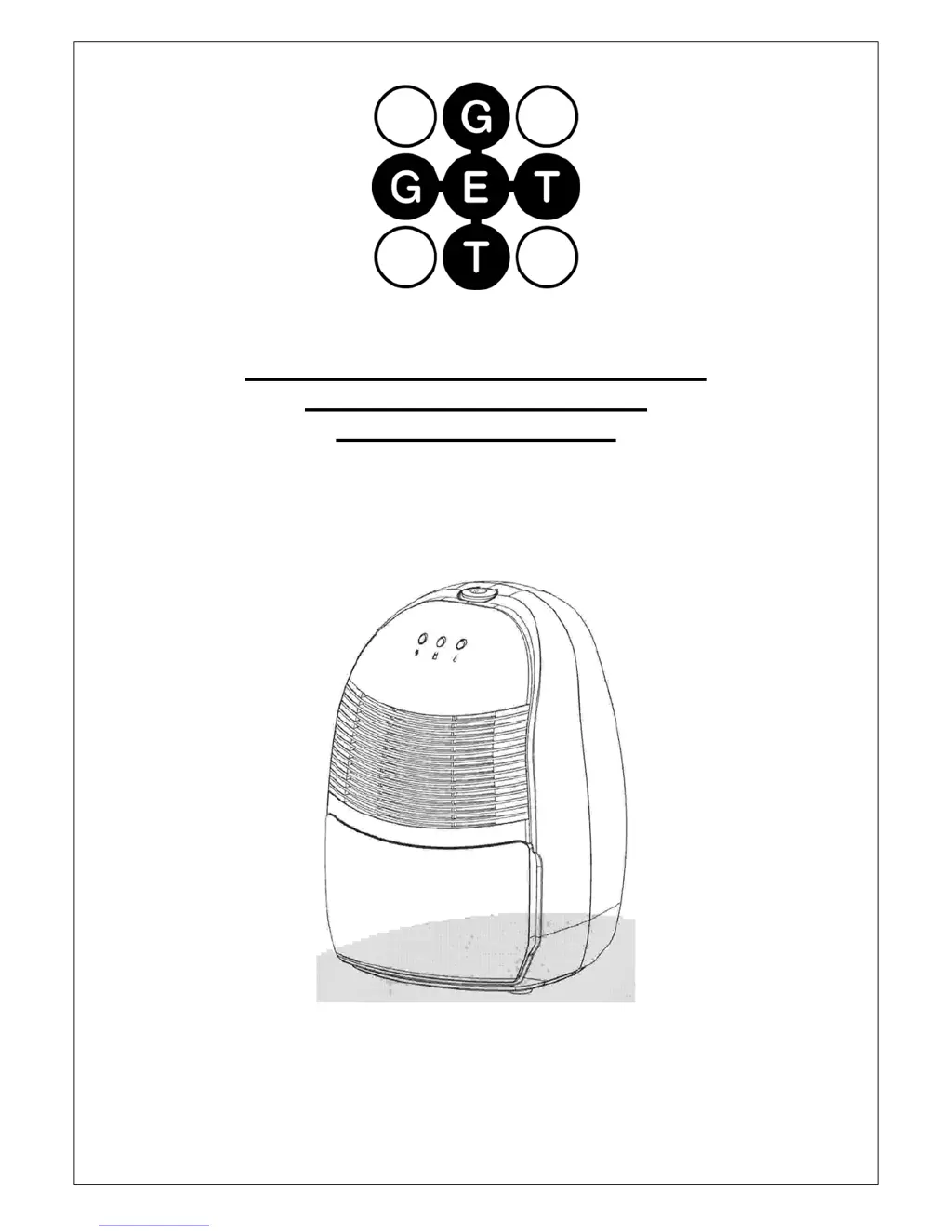
USER INSTRUCTIONS FOR 10 LITRE
PORTABLE DEHUMIDIFIER
MODEL NO. DHMD102
THANK YOU FOR CHOOSING YOUR NEW DEHUMIDIFIER. BEFORE USING THE UNIT READ
THESE INSTRUCTIONS FULLY AND RETAIN THEM FOR FUTURE REFERENCE

Questions and Answers

  • B
    barnettjohnJul 31, 2025
    What to do if my GET DHMD102 Dehumidifier is not collecting water?
    • D
      Dalton CollinsJul 31, 2025
      If your GET Dehumidifier isn't collecting water, the air intake filter might be blocked, so try cleaning it. Also, the refrigerant level could be low, requiring a return for service. In some cases, the temperature and humidity might be too low, which is a normal function.
  • D
    Dana PerryAug 5, 2025
    How to fix a noisy GET Dehumidifier?
    • K
      kathryncurryAug 5, 2025
      If your GET Dehumidifier is making excessive noise, it might be because the floor is uneven. Place the unit on a level surface to resolve this issue.
  • B
    benderkennethAug 10, 2025
    What to do if the condenser is frozen on my GET DHMD102 Dehumidifier?
    • B
      Barbara JordanAug 10, 2025
      If the condenser in your GET Dehumidifier is frozen, the filter might be dirty; try cleaning it. Another reason might be that the temperature is too low; switch off the unit and wait for the temperature to rise.
  • Q
    qpageAug 15, 2025
    Why is my GET DHMD102 Dehumidifier leaking water?
    • T
      thompsonpeterAug 15, 2025
      If your GET Dehumidifier is leaking, the water tank might not be installed properly; ensure it is correctly fitted. Alternatively, there could be a micro switch failure, requiring a return for service. Another possibility is that the unit has frozen; unplug it and allow the ice to melt.
  • J
    john42Aug 20, 2025
    Why are the fan and compressor not working on my GET Dehumidifier?
    • K
      Kerry EnglishAug 20, 2025
      If both the fan and compressor on your GET Dehumidifier aren't working, the unit might not be getting power. Check the power to the socket and ensure that the power is switched on.
  • L
    lcoxAug 26, 2025
    What to do if the compressor or fan is not working on my GET DHMD102?
    • J
      Jessica WatkinsAug 26, 2025
      If the compressor or fan isn't working on your GET Dehumidifier, it could be due to motor failure or faulty electronics, both requiring a return for service. Alternatively, the unit might be in a time delay period; simply wait.

Summary

Safety Notes and Precautions

General Safety Guidelines

Covers electrical connection, wet hands, usage locations, and preventing access to internal parts.

Operational and Maintenance Safety

Includes instructions on storing upright, unplugging for cleaning, and unit covering.

Appliance Integrity and Servicing

Notes on cord damage, servicing by qualified personnel, and fuse replacement.

Plug Replacement Procedure

Wiring Instructions for Plug Replacement

Details for connecting live, neutral, and earth wires and fuse rating.

Identification of Parts

Control Panel Overview

Identifies control panel elements, indicators, and knob functions.

Operating Instructions

Basic Operation and Humidity Control

Steps for plugging in, setting humidity, and understanding basic operation.

Water Tank Management and Defrosting

Handles full tank indication, emptying, and automatic defrosting procedures.

Continuous Draining Option

Procedure for setting up continuous drainage using a hose.

General Precautions

Handling and Electrical Safety

Warnings against pulling cord, using sprays near unit, or exposing to heat.

Placement and Operational Environment

Advice on floor placement, wall clearance, room sealing, and preventing grille obstruction.

Storage and Movement Precautions

Guidance on proper orientation when moving or storing the unit.

Maintenance Procedures

Cabinet and Air Filter Cleaning

Instructions for cleaning the unit's exterior and the air filter.

Troubleshooting Guide

Unit Storage and Servicing

Storage Recommendations

Guidance on storing the unit upright in a cool, dry place, protected from dust.

Professional Servicing Requirement

Emphasizes that servicing must be performed by qualified service engineers only.

Product Specifications

GET DHMD102 Specifications

General IconGeneral
BrandGET
ModelDHMD102
CategoryDehumidifier
LanguageEnglish

Related product manuals