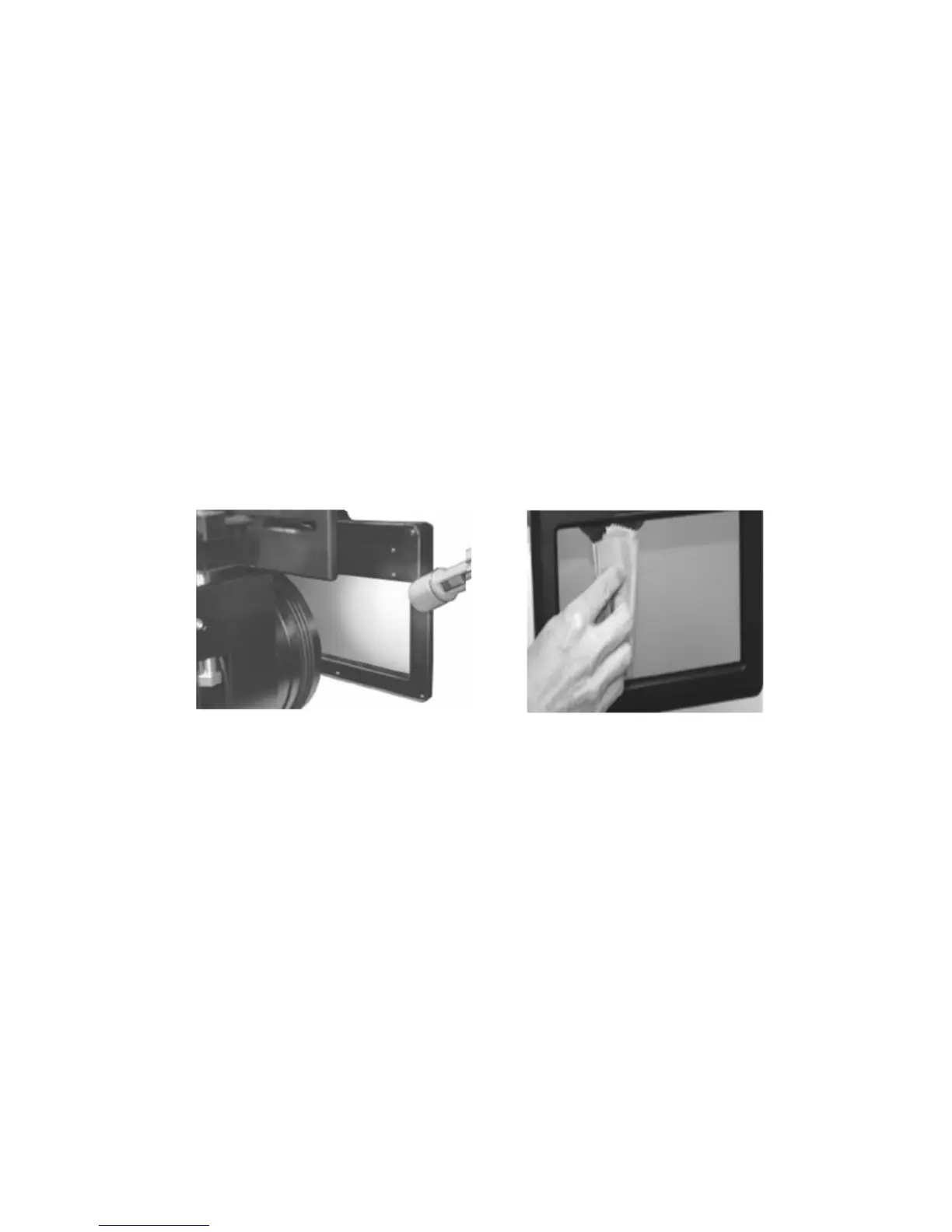
4. Cleanness and Maintenance for polarizer module
Clean only for visible dust and smut. When c leaning the dust on the screen, please
do accordingly as below:
Do not touch the surface of the screen, because there are anti‐reflection coatings on
the screen and optical glass.
You can use the bright tool to check the surface of screen and optical glass, like the
flashlight.
● Dust
Tools: flashlight, blowing nozzle
1、 Remove the polarizer module
2、 Blow dusts on the two screens by blowing nozzle
3、 Check the clearance of screen surface by the flashlight
● Fingerprints and smudges
Tools: superfine fiber, flashlight
1、remove the polarizer module
2、Clean the Fingerprints and smudges on the screen by superfine fiber according to
the linear or ring
3、Check the residues on the screen by the flashlight
If you have any questions during the process of installing and using, please contact
the supplier.


 To Next Page