20
Instructions for use
5018610-00 Rev.D Edition 0703
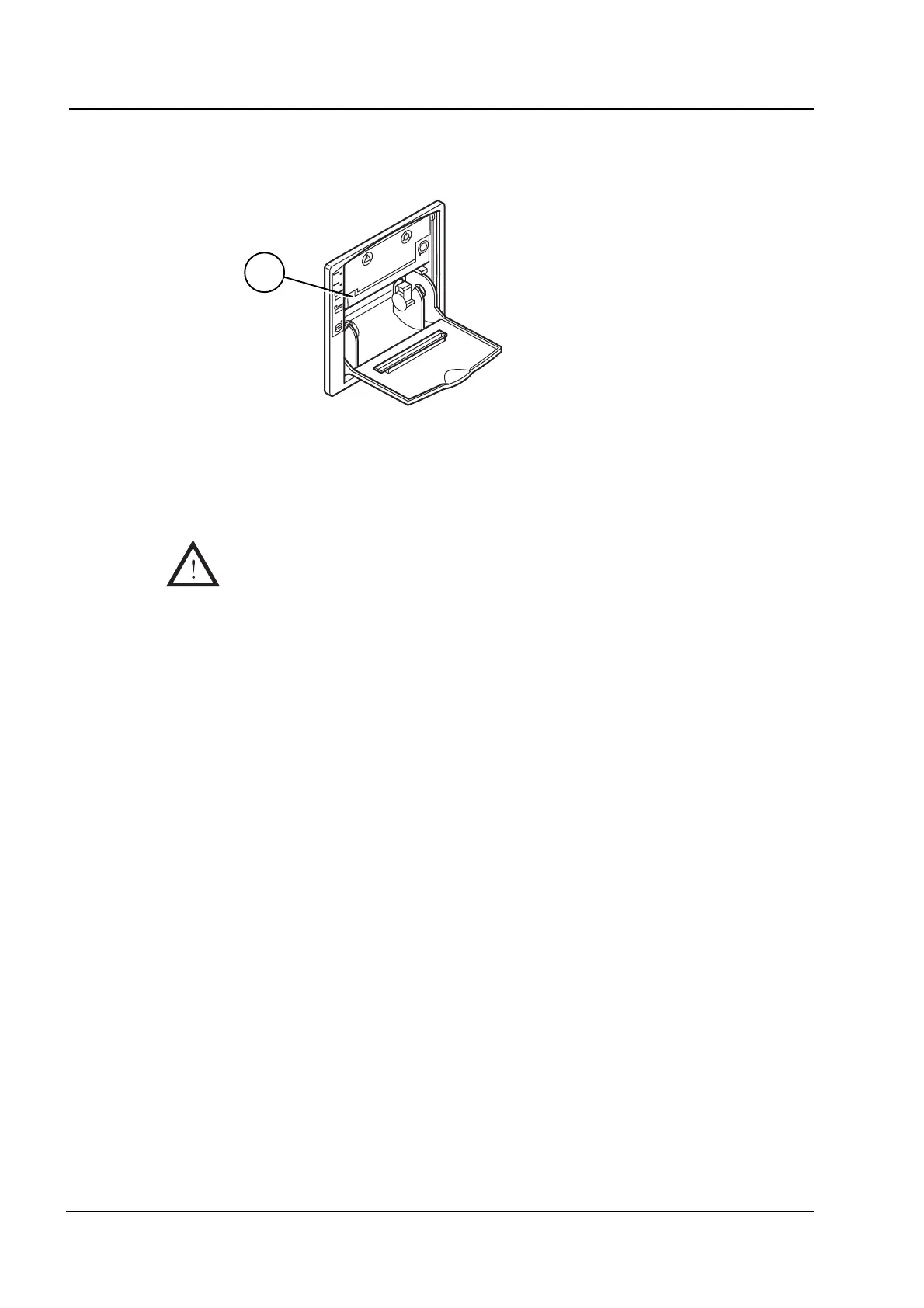
Ribbon cassette replacement
• Open the front door of the printer.
• Remove the ink ribbon by pressing gently on the left-hand side of the ribbon
cassette.
• Insert the new ribbon cassette. The printer is now ready to use again.
Never use the printer without paper and/or ink ribbon.
A
V1973
Inspection



 To Next Page