-2-
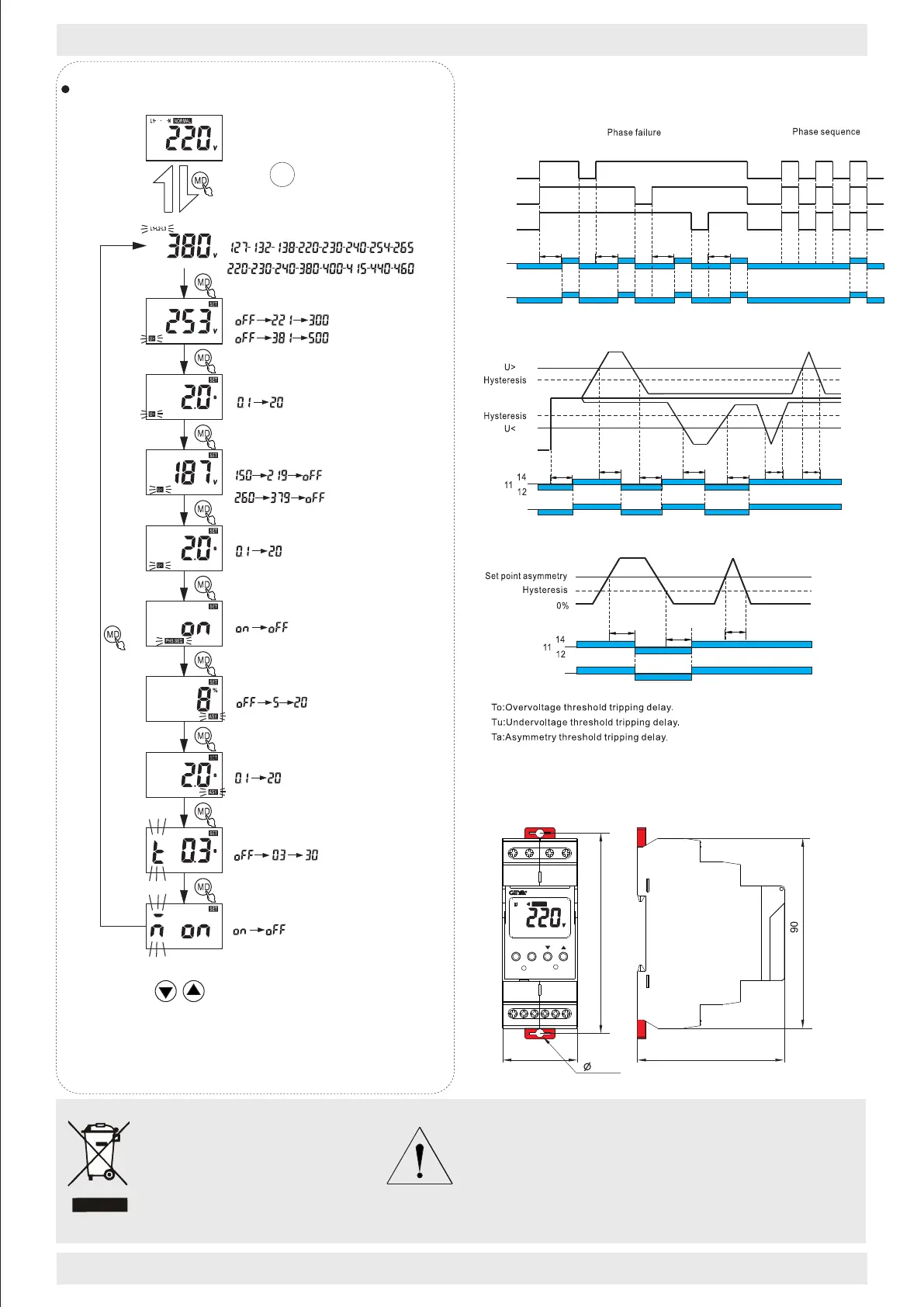
Functions Diagram
Dimensions(mm)
http://www.geya.net
Disposal of Electrical Waste
All electrical waste should be
disposed of in compliance with
current WEEE regulations.
95
4.2
R/TMDMD
R
GRV8-S
1214
11
222421
70
36max
L1L2L3N
●Phase failure and phase equence function diagram
14
11
12
L3
TrTrTrTr
L2
L2L1L3
L1
L3L2L2
L1L3L1
24
21
22
●Overvoltage and undervoltage function diagram
To
Tu
<Tu
<To
Tr
Tr
Tr
L1/L2/L3
L1/L2/L3-N
21
24
22
●Asymmetry function diagram
Tr:Power up delay
Ta
<Ta
Tr
21
24
22
Parameter setting
Start and reset time setting
Automatic reset setting
Voltage asymmetry action time setting
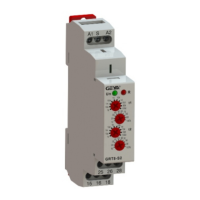
GRV8-SN
Press MD 3s to enter the param-
eter setting interface.
Overvoltage setting
Overvoltage action time setting
Undervoltage setting
Undervoltage action time setting
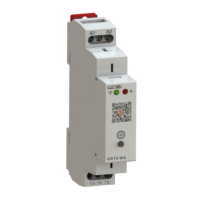
GRV8-SP
GRV8-SP
GRV8-SN
Phase sequence setting
Voltage asymmetry setting
NOTE:
Short press can add and drop parameters, long
press can be quickly set.If 60s does not operate the key, it
will exit automatically.When over-voltage protection, und-
ervoltage protection or unbalanced protection are switch-
ed off,The menu is not showing the action time setup
process.
Rated voltage setting
GRV8-SN
GRV8-SP
GRV8-SN
Caution
The products must be installed by qualified electricians. All and
any electrical connections of the product shall comply with
the appropriate safety standards.



 To Previous Page