EasyManua.ls Logo

Gfp 300Series - User Manual

Default Icon
26 pages
Print Icon
To Next Page IconTo Next Page
Loading...
Gfp300Series
January2019
1
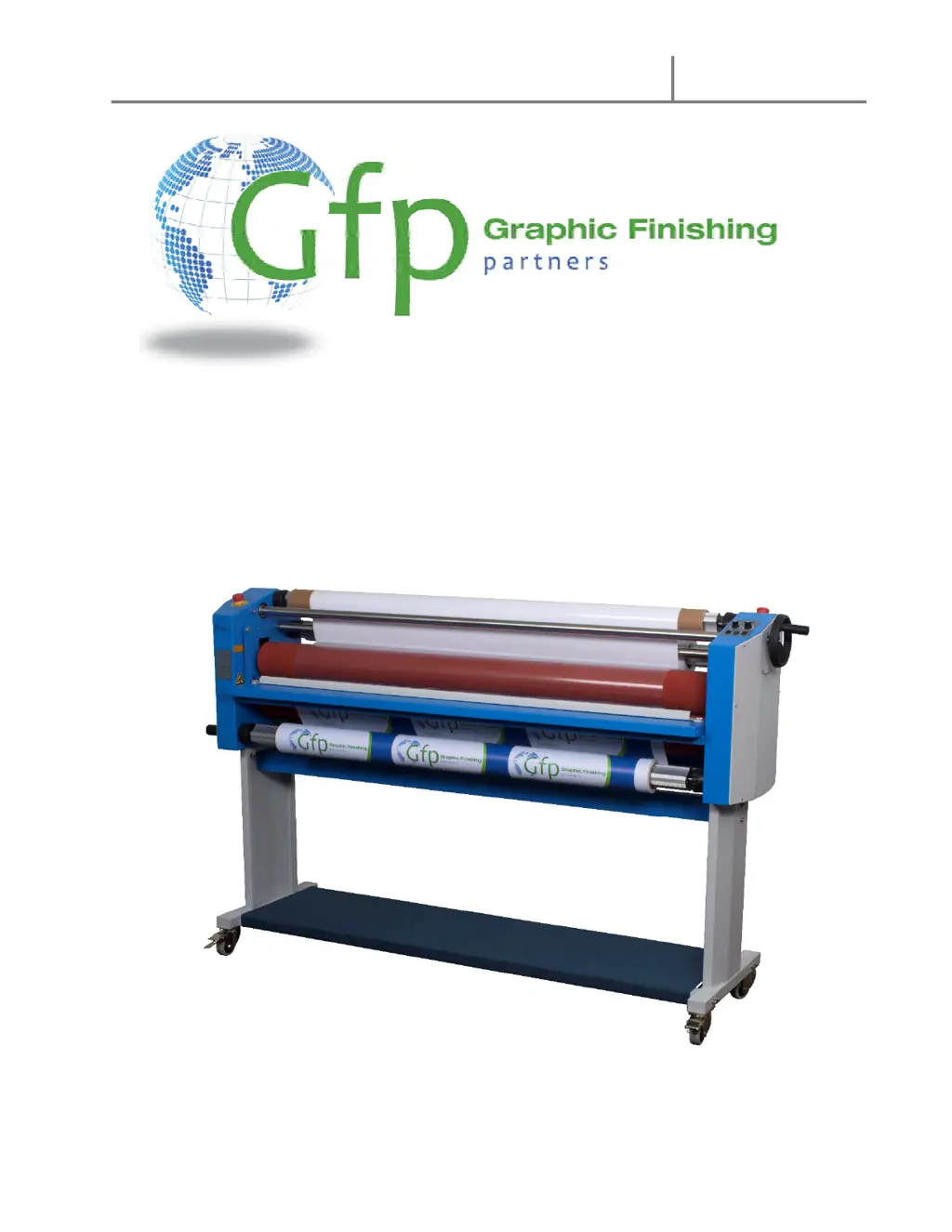
OPERATING MANUAL Gfp 355 TH
Gfp 363 TH
Please read this manual carefully before operating!
Unpacking, assembly, and operating videos are available at
www.gfpartnersllc.com

Questions and Answers

  • B
    Brett SawyerAug 7, 2025
    Why Gfp 300 Laminator machine does not turn on?
    • M
      Molly JordanAug 7, 2025
      If your Gfp Laminator does not turn on, there could be several reasons: * There is no power supply. In this case, plug in the power cord. * The main power switch is off. Turn the power switch to the on position. * The circuit breaker has tripped. Reset the circuit breaker. * The main power fuse is blown. Replace the fuse on the rear panel. * The motor has failed. Change the electric motor.
  • E
    Eric FarmerAug 11, 2025
    What to do if Gfp Laminator rollers do not turn after pressing the “Run” button?
    • D
      dhicksAug 12, 2025
      If the rollers on your Gfp Laminator do not turn after pressing the 'Run' button: * Ensure that the emergency switch is not engaged. Disengage it. * The roller nip pressure might be too high. Reduce the nip pressure of the rubber rollers.
  • A
    Alyssa ByrdAug 15, 2025
    Why Gfp 300 Laminator lamination output is curled?
    • J
      Joseph NguyenAug 16, 2025
      If the lamination output from your Gfp Laminator is curled: * If the sheet is curled upward, reduce top roll tension. * If the sheet is curled downward, reduce bottom roll tension.
  • J
    Jonathan CalderonAug 20, 2025
    What to do if there are wrinkles in film both on top and bottom in Gfp Laminator?
    • T
      thompsonrichardAug 20, 2025
      If you notice wrinkles in the film on both the top and bottom when using your Gfp Laminator, it could be due to too much nip roller pressure. Reduce the nip pressure using the hand wheel.
  • R
    richardjonesAug 25, 2025
    Why Gfp Laminator has poor film adhesion or cloudy prints?
    • M
      michaelpetersonAug 25, 2025
      If you're experiencing poor film adhesion or cloudy prints with your Gfp Laminator: * The nip roller pressure might be too low. Increase the nip roller pressure. * There may be dust on the surface of the print. Clean the print surface before lamination.
  • H
    Heidi HaleAug 28, 2025
    What to do if Gfp Laminator film supply roll gets loose during operation?
    • C
      Christopher EdwardsAug 28, 2025
      If the film supply roll on your Gfp Laminator gets loose during operation, it is likely that there is not enough brake tension on the supply roll. Increase the brake tension on the supply roll.
  • F
    Frank FisherSep 1, 2025
    What to do if Gfp 300 Laminator backing paper gets loose when being rolled up?
    • L
      Lisa HoffmanSep 2, 2025
      If the backing paper gets loose when being rolled up in your Gfp Laminator, it indicates that there is not enough brake tension on the backing paper rewind roller. Increase the brake tension on the backing paper rewind roller.

Gfp 300Series Specifications

General IconGeneral
BrandGfp
Model300Series
CategoryLaminator
LanguageEnglish

Related product manuals