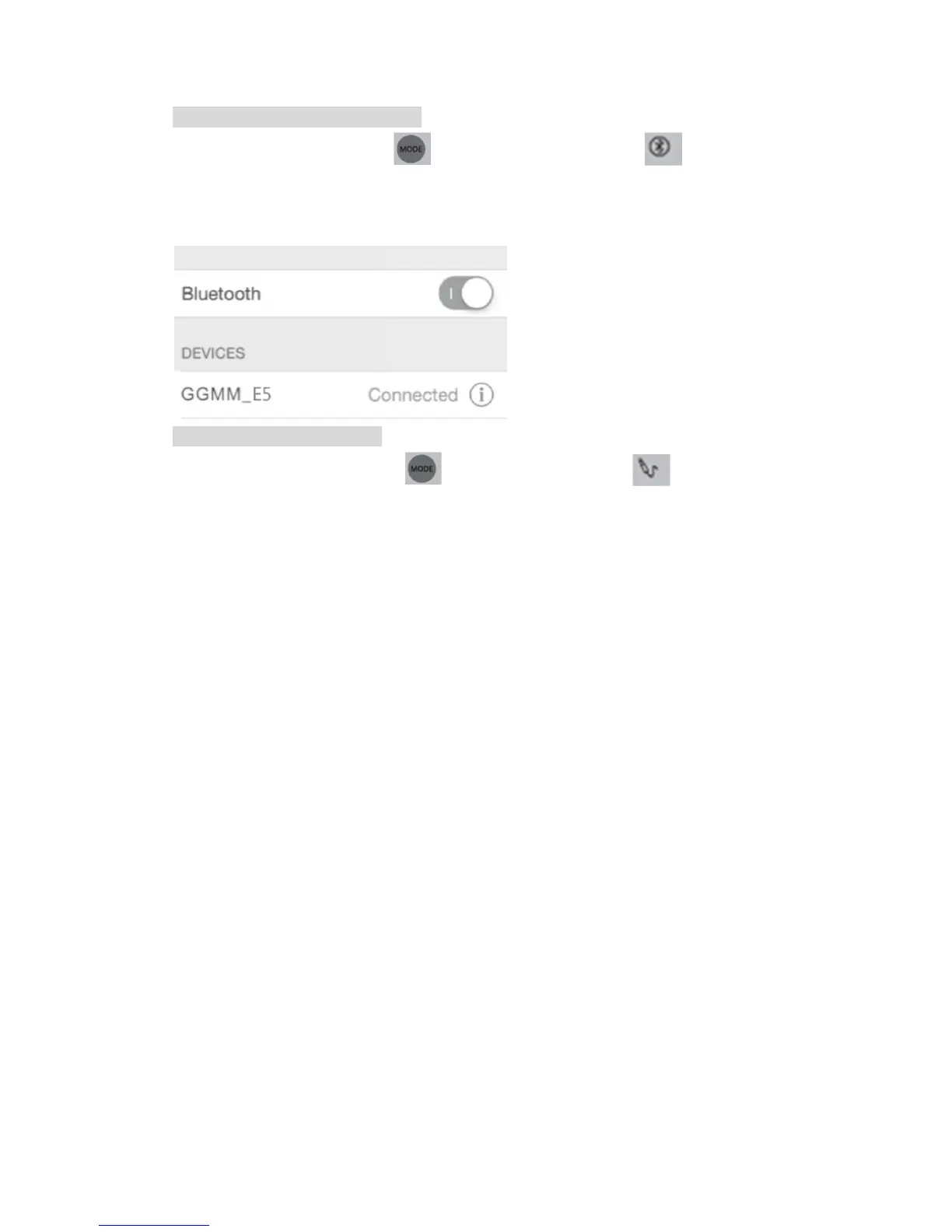
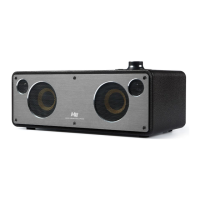
Use Bluetooth connection mode
Press mode switch button to select Bluetooth mode , white LED
indicator blinks.
Open Bluetooth settings of the device (such as a smart phone, tablet PC, PC,
Mac, etc.) and connect with GGMM_E5 for music playing.
Use AUX connection mode
Press mode switch button to select AUX mode , green LED
indicator is must be on.
Connect the device (such as a smart phone, tablet PC, PC, Mac, etc.) to the
E5 by using the AUX cable to play music.
Remarks:
* When there is a reminder for software update, please connect to the power
adapter for updating. During the update, please don’t unplug the power
adapter.
* When E5 is not connected to the power adapter, it will automatically power off
if there is no music playing or other operation for more than 30 minutes.


 To Next Page