Revision August 2006, 01EE, SW--PW V1.03/CTL V2.03 D-1
Appendix D How to Use PLC Function
D.1 The Steps for PLC Execution
Please operate PLC function by the following five steps.
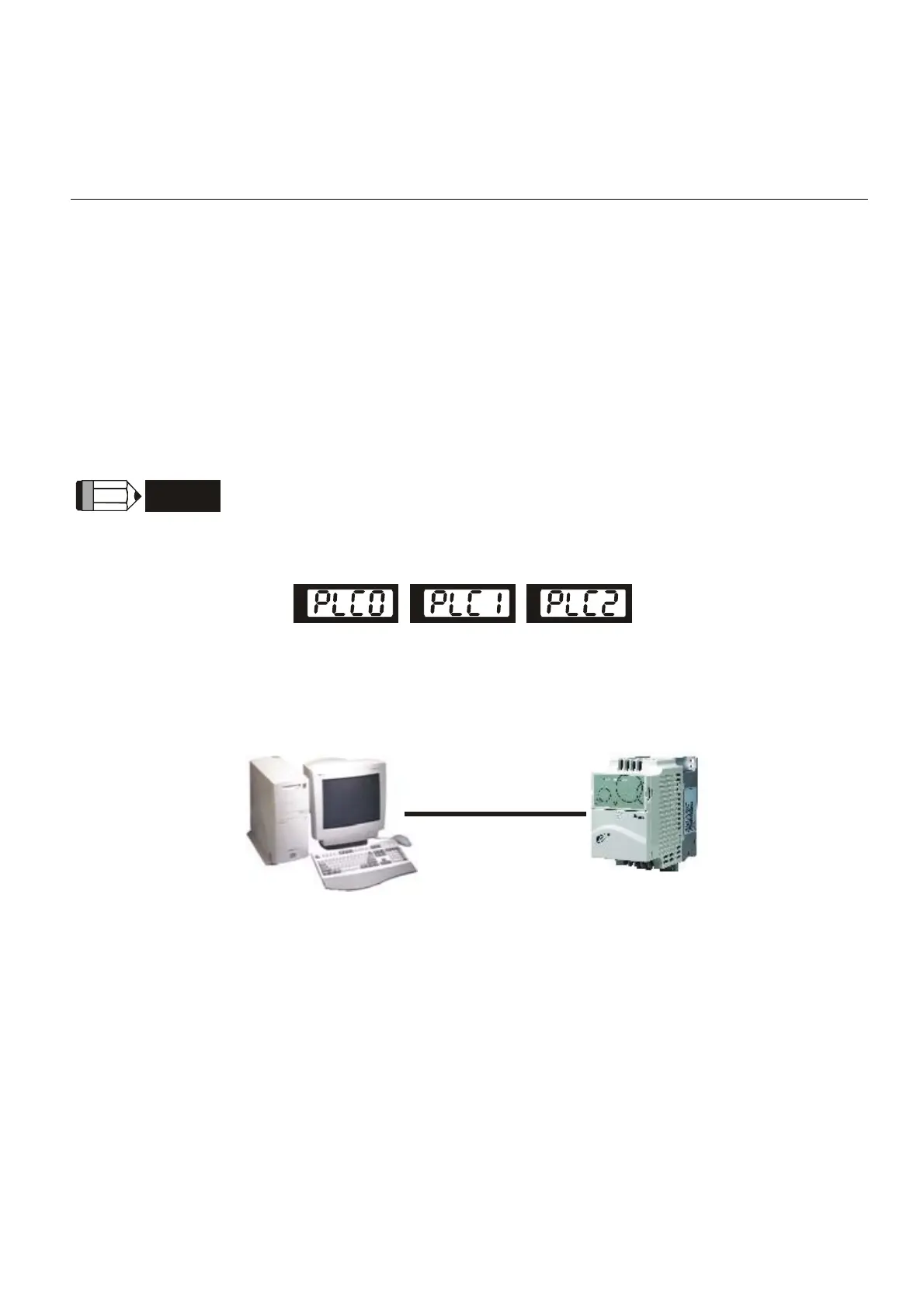
1. Switch the mode to PLC2 for program download/upload:
A. Go to “PLC0” page by pressing the MODE key
B. Change to “PLC2” by pressing the “UP” key and then press the “ENTER” key after
confirmation
C. If succeeded, “END” is displayed and back to “PLC2” after one or two seconds.
NOTE
You don’t need to care about the PLC warning, such as PLod, PLSv and PldA, before downloading a
program to VFD-E.
Disable
Run PLC
Read/write
PLC program
into AC drives
2. Connection: Please connect RJ-45 of AC motor drive to computer via a RS485-to-RS232
converter.
RS485
3. Download PLC program to AC drive: Refer to D.2 to D.7 for writing program and
download the editor (WPLSoft V2.09) at Ghisalba website
http://www.ghisalba.com.


 To Next Page
 Loading...