Appendix D How to Use PLC Function
VFD-E Series
D-2 Revision August 2006, 01EE, SW--PW V1.03/CTL V2.03
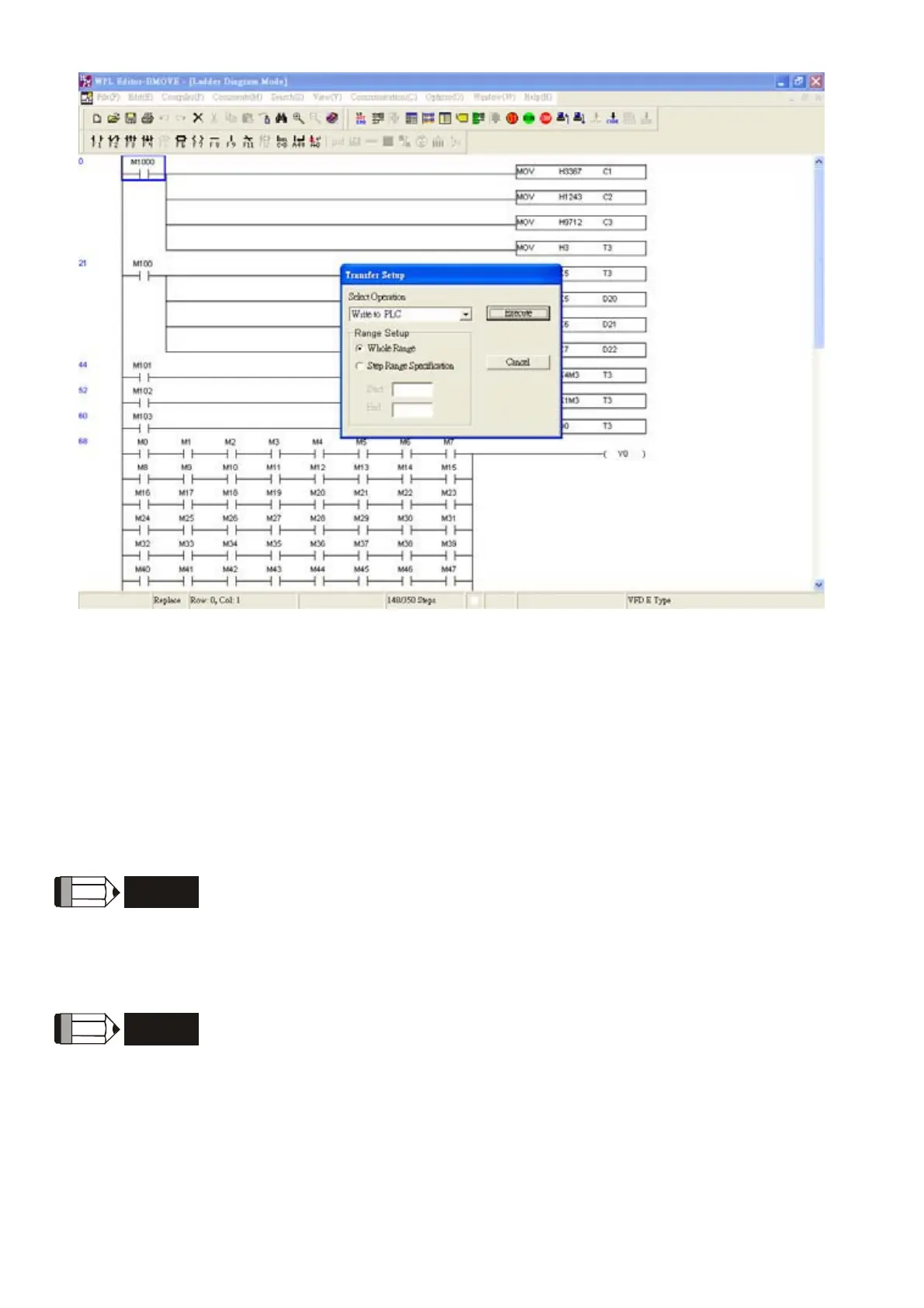
4. Run the program. The PLC status will always be PLC2, even if the AC motor drive is
switched off.
There are three ways to operate PLC:
A. In “PLC1” page: execute PLC program.
B. In “PLC2” page: execute/stop PLC program by using WPL software.
C. After setting multi-function input terminals (MI3 to MI9) to 23 (RUN/STOP PLC), it will
display “PLC1” for executing PLC when the terminal is ON. It will display “PLC0” to stop
PLC program when terminals are OFF.
NOTE
When external terminals are set to 23 and the terminal is ON, it cannot use keypad to change PLC
mode. Moreover, when it is PLC2, you cannot execute PLC program by external terminals.
NOTE
When power on after power off, the PLC status will be in “PLC1”.


 To Next Page
 Loading...