Appendix D How to Use PLC Function
VFD-E Series
Revision August 2006, 01EE, SW--PW V1.03/CTL V2.03 D-3
5. When you are in “PLC2”, please remember to change to “PLC1” when finished to prevent
anyone modifying PLC program.
NOTE
When output/input terminals (MI1~MI9, Relay1~Relay 4, MO1~MO4) are used in PLC program, they
cannot be used in other places. For example, When Y0 in PLC program is activated, the
corresponding output terminals Relay(RA/RB/RC) will be used. At this moment, parameter 03.00
setting will be invalid. Because the terminal has been used by PLC.
NOTE
The PLC corresponding input points for MI1 to MI6 are X0 to X5. When extension card are added,
the extension input points will be numbered from X06 and output points will start from Y2.
D.2 The Limit of PLC
1. The protocol of PLC is 7,E,1
2. Make sure that the AC drive is stop and stop PLC before program upload/download.
3. The priority of commands WPR and FREQ is FREQ > WPR.
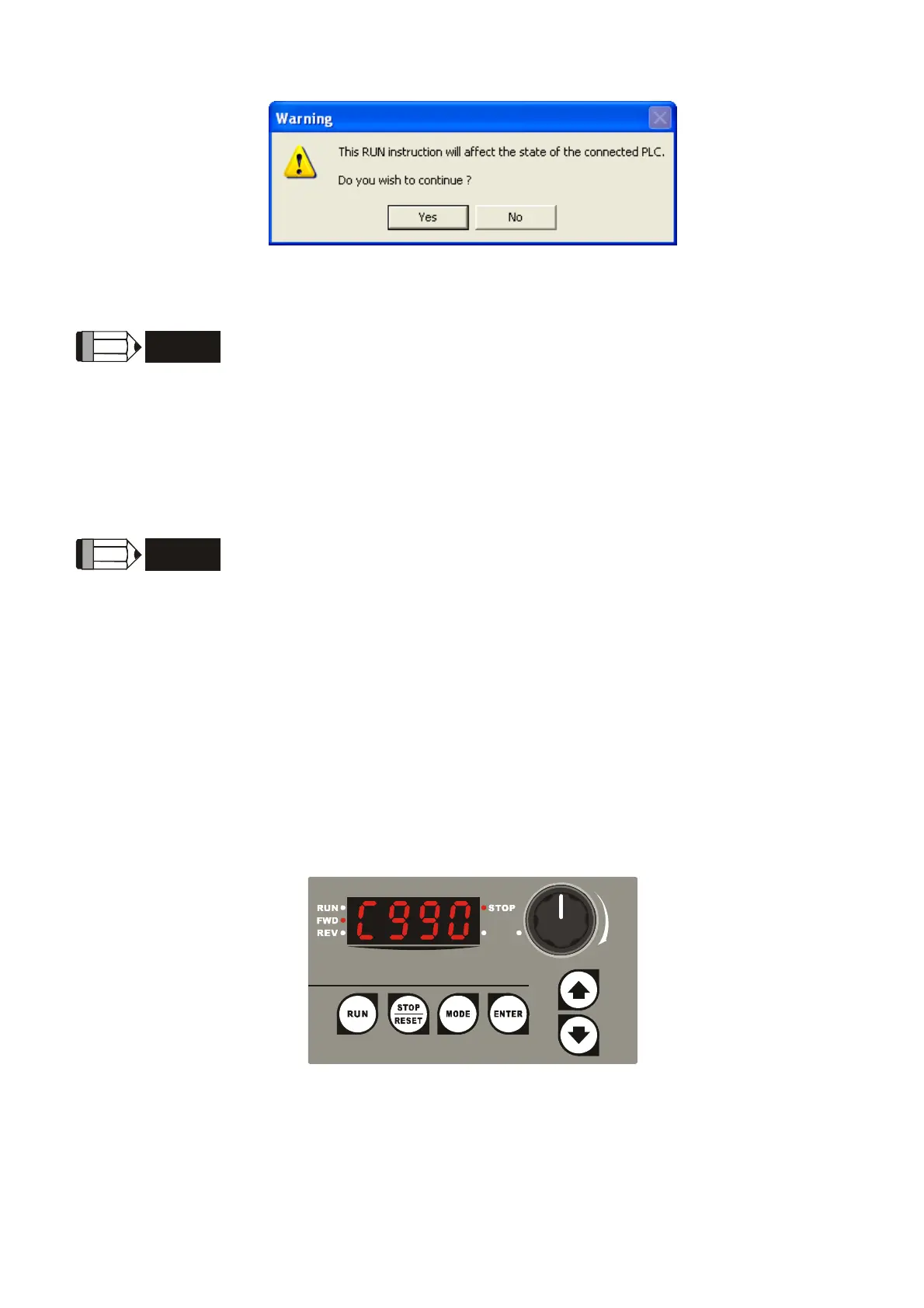
4. When setting P 00.04 to 2, the display will be the value in PLC register D1043.
5. 0 ~ 999 display:


 To Next Page
 Loading...