Appendix D How to Use PLC Function
VFD-E Series
Revision August 2006, 01EE, SW--PW V1.03/CTL V2.03 D-41
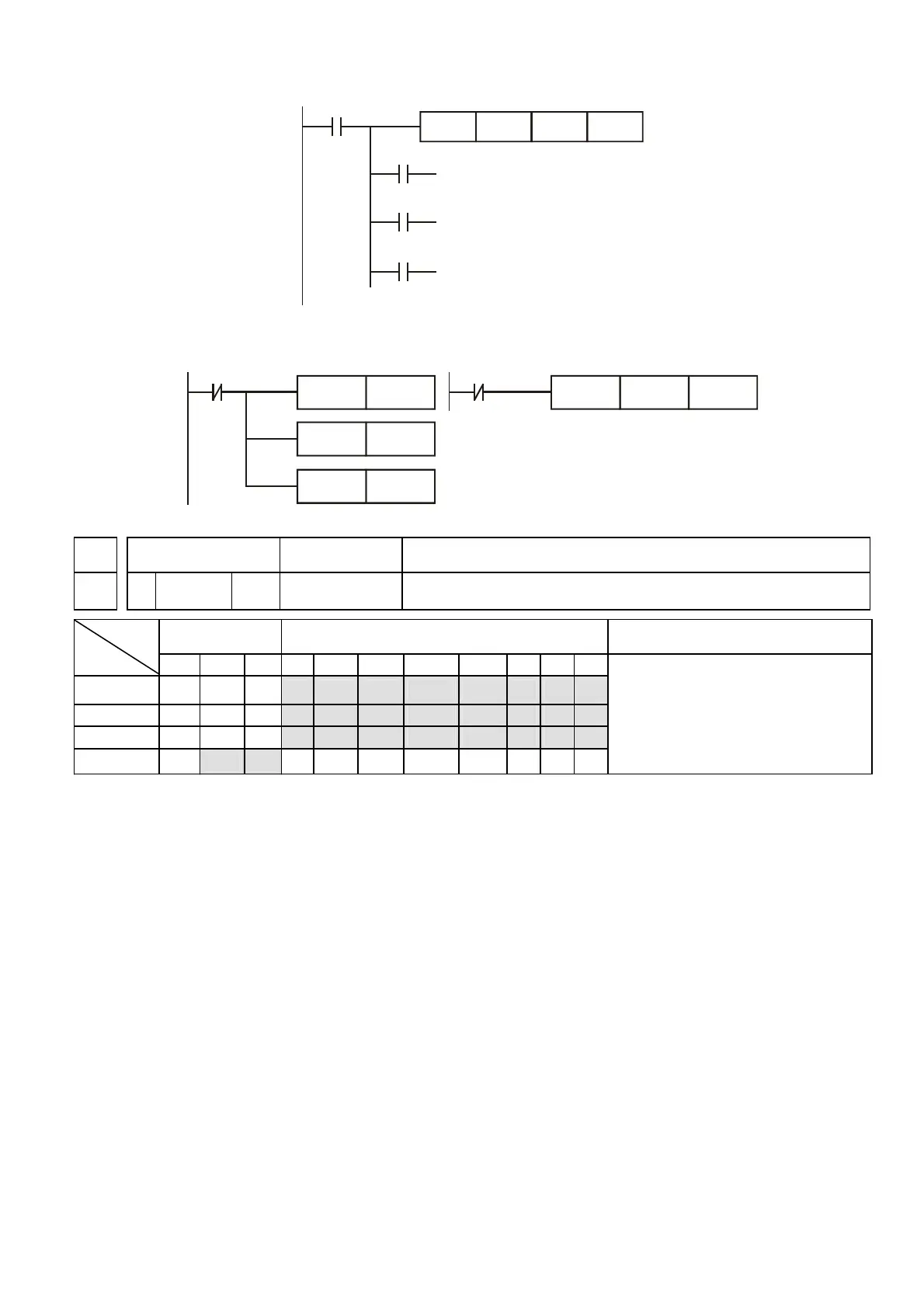
X10
Y0
Y1
Y2
CMP K10 D10 Y0
If K10>D10, Y0 = On
If K10=D10, Y1 = On
If K10<D10, Y2= On
4. Please use RST or ZRST command to reset the comparison result.
X10
RST
M0
RST
RST
M1
M2
X10
ZRST
M0
M2
API Mnemonic Operands Function
11 ZCP P S
1
,S
2
, S, D Zone Compare
Bit Devices Word devices Program Steps
Type
OP
X Y M K H KnX KnY KnM T C D
S
1
* * * * * * * *
S
2
* * * * * * * *
S * * * * * * * *
D * *
ZCP, ZCPP: 9 steps
DZCP, DZCPP: 17 steps
Operands:
S1: First comparison value (Minimum) S2: Second comparison value (Maximum) S: Comparison
value D: Comparison result
Explanations:
1. Operand S
1
should be less than Operand S
2
.
2. Operand D occupies 3 continuous devices.
3. Refer to each model specification for usage range.
4. S is compared with its limits S1 and S2 and D denotes the compare result.
5. When S1웟S2, set S1 as the limit to compare.
6. Two comparison values are compared algebraically and this function compares the two
values that are considered binary values. If b15=1 in 16-bit command, the comparison will
regard the value as the negative of the binary value.


 To Next Page
 Loading...