Appendix D How to Use PLC Function
VFD-E Series
D-42 Revision August 2006, 01EE, SW--PW V1.03/CTL V2.03
Program Example:
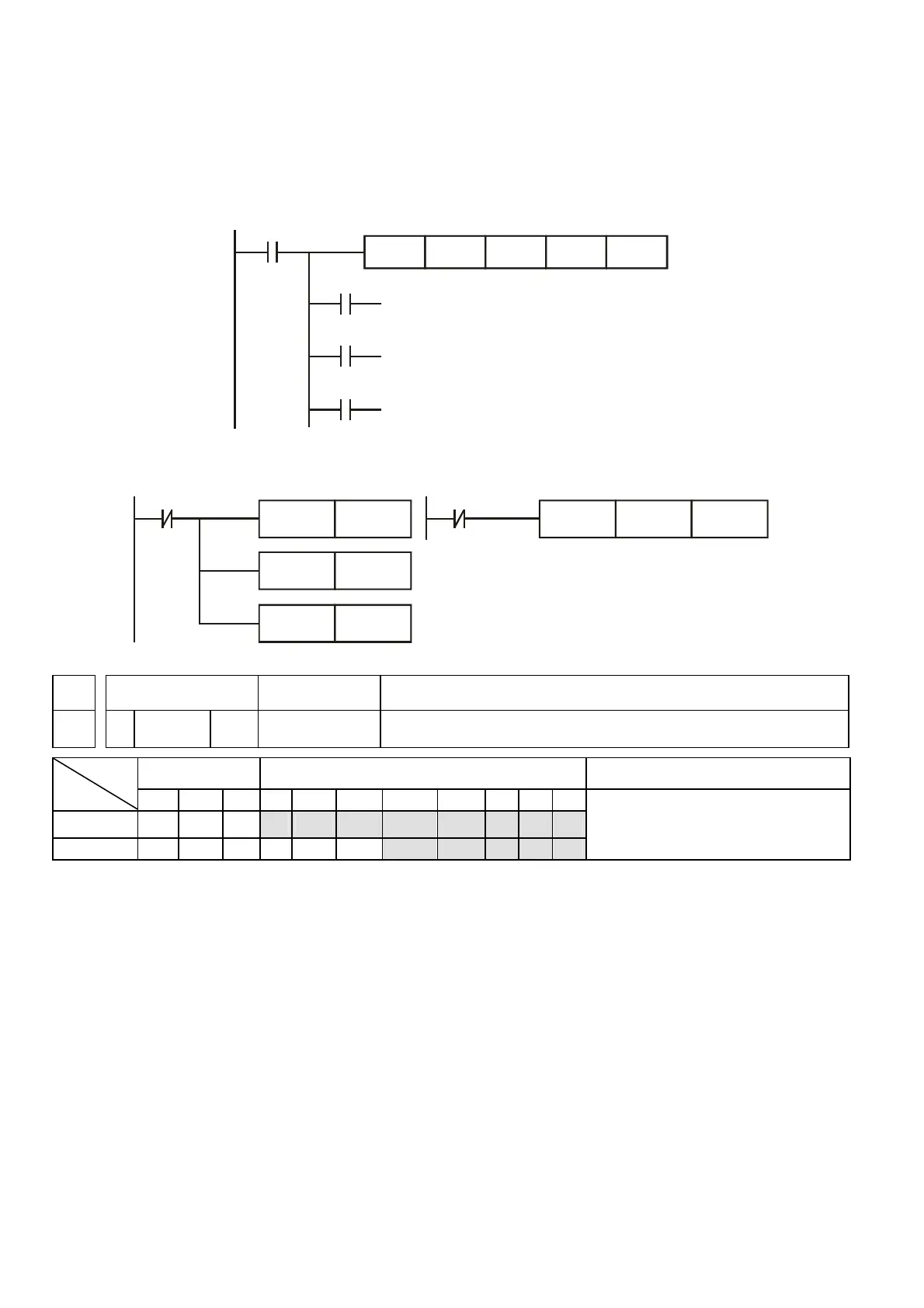
1. If D is set to M0, then M0, M1, M2 will work as the program example as below.
2. When X0=On, ZCP command is driven and one of M0, M1, M2 is On. When X0=Off, ZCP
command is not driven and M0, M1, M2 remain in the previous status.
X0
M0
M1
M2
ZCP
If C10 < K10, M0 = On
,IK10 < C10 < K100, M1 = On
If C10 > K100, M2 = On
X0
K10 C10 M0K100
==
3. Please use RST or ZRST command to reset the comparison result.
X0
RST
M0
RST
RST
M1
M2
X
ZRST
M0
M2
API Mnemonic Operands Function
12 MOV P S, D Move
Bit Devices Word devices Program Steps
Type
OP
X Y M K H KnX KnY KnM T C D
S * * * * * * * *
D * * * * *
MOV, MOVP: 5 steps
DMOV, DMOVP: 9 steps
Operands:
S: Data source D: Data destination
Explanations:
1. Refer to specification for usage range.
2. When the MOV command is driven, the data of S is moved to D without any change. If the
MOV command is not driven, the content of D remain unchanged.


 To Next Page
 Loading...