Chapter 3 Start Up
VFD-E Series
Revision August 2006, 01EE, SW--PW V1.03/CTL V2.03 3-23
Chapter 3Start Up
3.1 Preparations before Start-up
Carefully check the following items before proceeding.
Make sure that the wiring is correct. In particular, check that the output terminals U/T1,
V/T2, W/T3 are NOT connected to power and that the drive is well grounded.
Verify that there are no short-circuits between terminals and from terminals to ground or
mains power.
Check for loose terminals, connectors or screws.
Verify that no other equipment is connected to the AC motor.
Make sure that all switches are OFF before applying power to ensure that the AC motor
drive doesn’t start running and there is no abnormal operation after applying power.
Make sure that the front cover is correctly installed before applying power.
Do NOT operate the AC motor drive with humid hands.
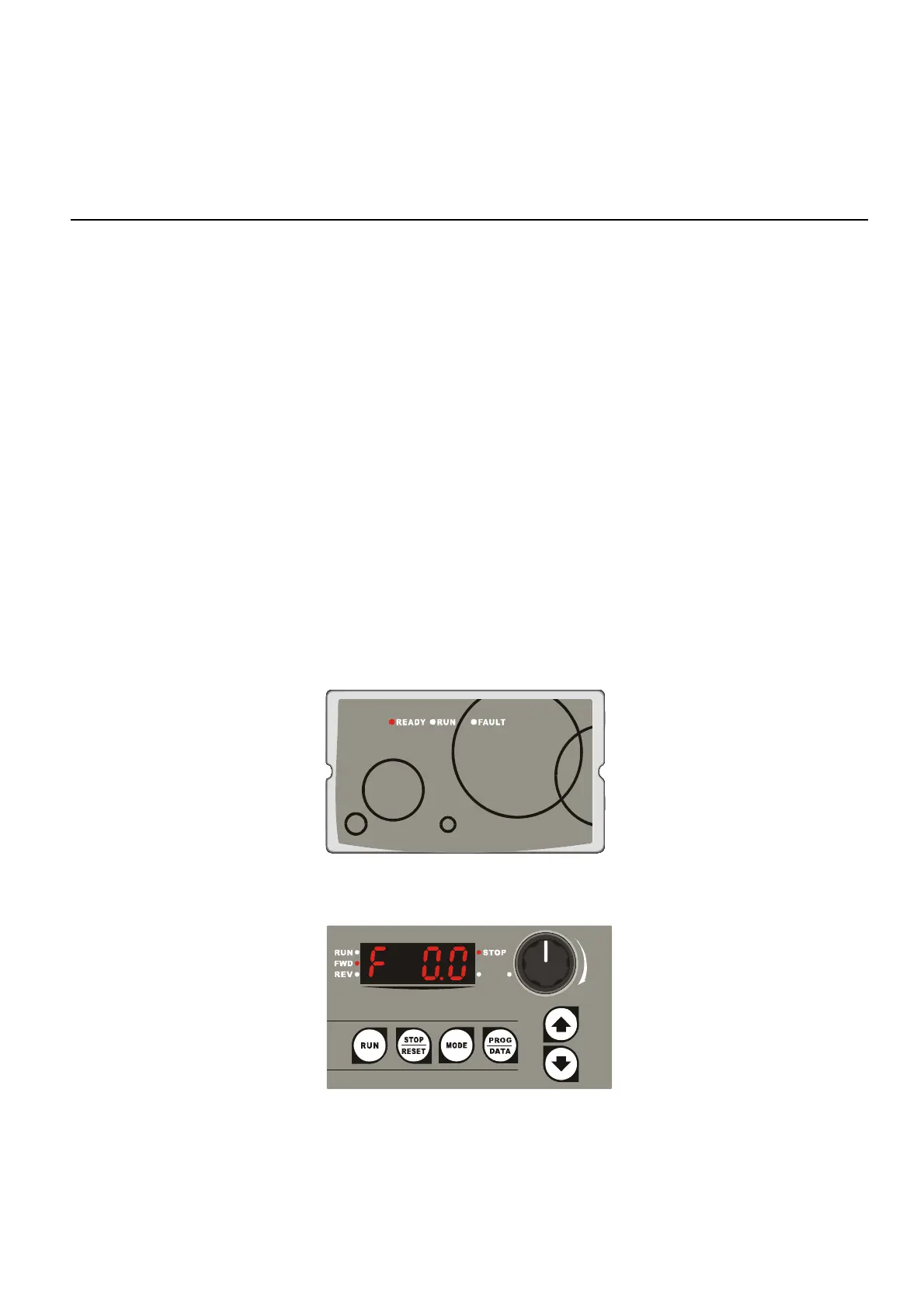
Check the following items after applying power: The display without digital keypad should
be as following.
When power is applied, LED "READY" should
light up as shown above.
The display with digital keypad should light up as follows (normal status with no error)
When power is ON, it will display "F 0.0"and LED "STOP"
and "FWD" should light up.
- If the drive has built-in fan, it should run. The factory setting of Fan Control
Pr.03.11=0 (Fan always on).


 To Next Page
 Loading...