Chapter 3 Start Up
VFD-E Series
Revision August 2006, 01EE, SW--PW V1.03/CTL V2.03 3-25
Connect digital keypad to AC motor drive correctly.
After applying the power, verify that LED display shows F 0.0Hz.
Set Pr.02.00=0 and Pr.02.01=0. (Refer to chapter 4 operation flow for detail)
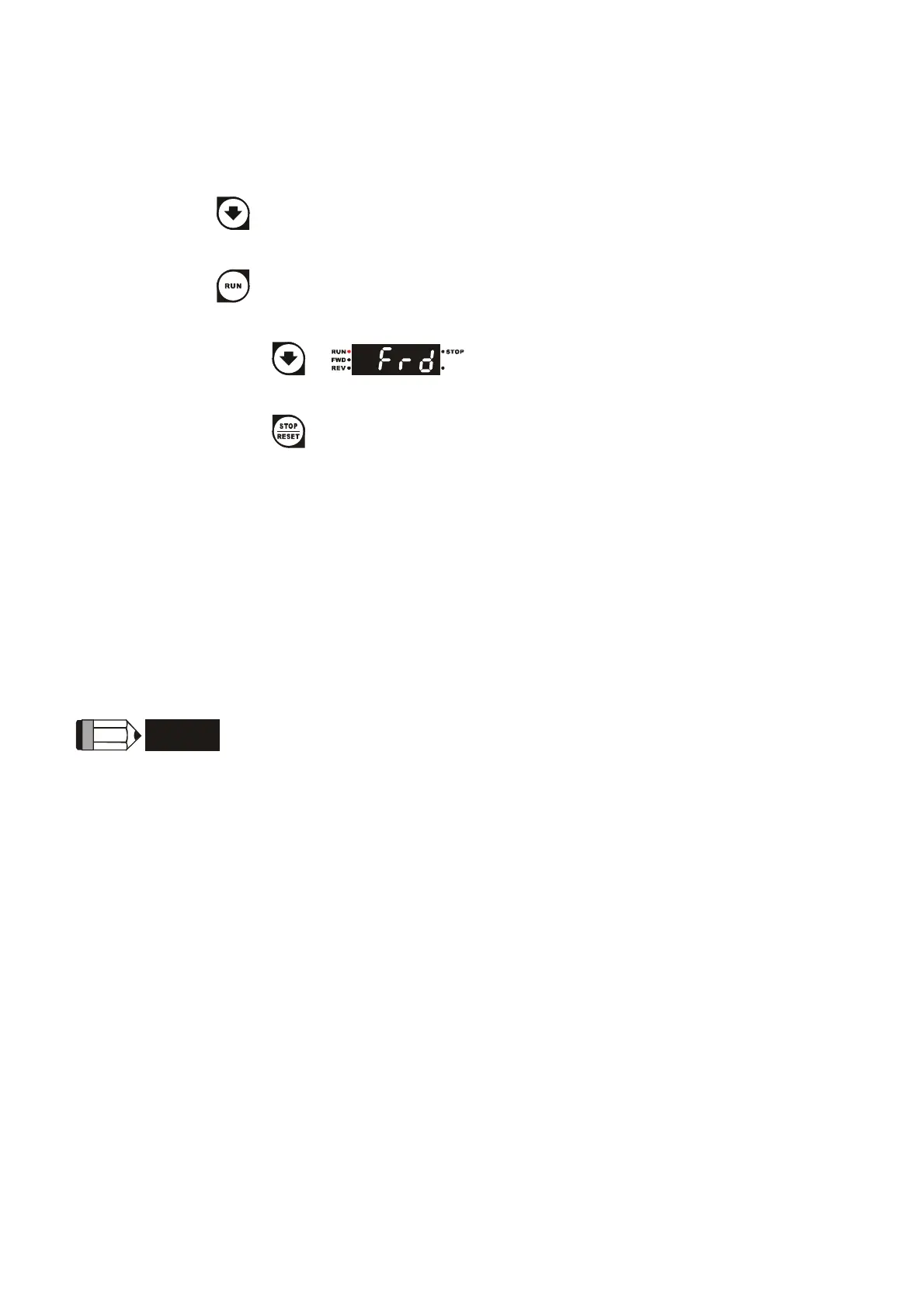
Press
key to set frequency to around 5Hz.
Press
key for forward running. And if you want to change to reverse running, you
should press
in page. And if you want to decelerate to stop,
please press
key.
Check following items:
Check if the motor direction of rotation is correct.
Check if the motor runs steadily without abnormal noise and vibration.
Check if acceleration and deceleration are smooth.
If the results of trial run are normal, please start the formal run.
NOTE
1. Stop running immediately if any fault occurs and refer to the troubleshooting guide for solving the
problem.
2. Do NOT touch output terminals U/T1, V/T2, W/T3 when power is still applied to R/L1, S/L2, T/L3
even when the AC motor drive has stopped. The DC-link capacitors may still be charged to
hazardous voltage levels, even if the power has been turned off.
3. To avoid damage to components, do not touch them or the circuit boards with metal objects or
your bare hands.


 To Next Page
 Loading...