EasyManua.ls Logo

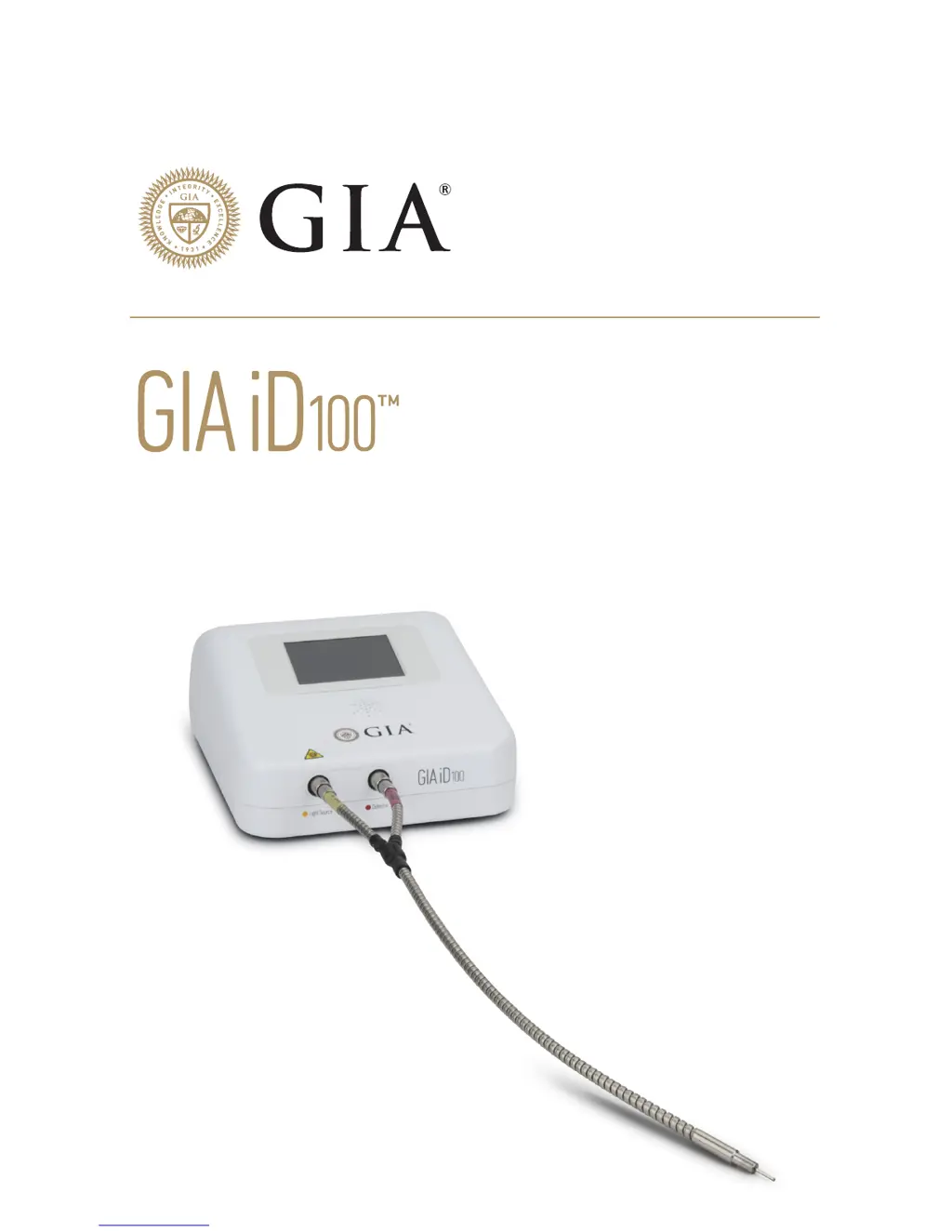
GIA iD100 - User Manual

GIA iD100
17 pages
Print Icon
To Next Page IconTo Next Page
Loading...
 
   

Questions and Answers

  • B
    Brenda PhillipsJul 28, 2025
    What to do if GIA Measuring Instruments screen is black?
    • P
      Philip RobinsonJul 28, 2025
      If the screen of your GIA iD100TM Measuring Instruments remains black after switching it on for 30 seconds, it may not be powered. Ensure that the power cable is properly connected both to an AC power outlet and to the GIA iD100TM device.
  • M
    Margaret WilcoxAug 7, 2025
    What to do if GIA iD100TM Measuring Instruments does not return any results?
    • J
      John PughAug 7, 2025
      If your GIA iD100TM Measuring Instruments does not return any results after pressing the “Test” button, it could be due to a damaged or broken fiber probe. Examine the fiber probe for any signs of damage. If you find that it is damaged or broken, you should contact GIA to purchase a replacement.
  • C
    Christopher PeckAug 16, 2025
    Why no UV light from GIA Measuring Instruments fiber probe?
    • E
      Erin NielsenAug 17, 2025
      If there is no UV light emitting from the fiber probe of your GIA Measuring Instruments after pressing the “Test” button, it may be caused by internal fiber damage or breakage. Inspect the fiber probe for any damage. If damaged or broken, contact GIA to purchase a replacement fiber probe.

Summary

Safety Precautions

UV Light Hazard

Warning about the UV light source and potential eye damage from the device.

Environmental Operation Guidelines

Safe operating conditions regarding altitude, temperature, and humidity.

Getting Started: Key Considerations

Light Source and Safety Warning

Warning about the UV light source and potential eye damage during operation.

Proper Fiber Probe Handling

Guidelines for handling and using the fiber probe correctly to avoid damage.

Fiber Probe Usage and Testing Mounted Stones

Fiber Probe Handling Techniques

Proper techniques for holding and manipulating the fiber probe during tests.

Optimal Fiber Probe Positioning

Guidelines for positioning the fiber probe correctly for accurate testing.

Testing Loose Stones and Calibration

Quick Start Guide: Initial Setup

Connecting Power and Fiber Probes

Step-by-step guide for connecting the power cable and fiber probes to the device.

Quick Start Guide: Operation Steps

Fiber Probe Handling for Testing

Proper techniques for holding and manipulating the fiber probe during tests.

Device Power On and Calibration

Steps to turn on the device and perform room light calibration.

Quick Start Guide: Diamond Screening

Performing Diamond Screening

Procedure to initiate the diamond testing process with the device.

GIA iD100 Specifications

General IconGeneral
BrandGIA
ModeliD100
CategoryMeasuring Instruments
LanguageEnglish

Videos

How to Use the GIA iD100

Related product manuals