2 User Guide 3User Guide
Technical Specifications for the GIA iD100
TM
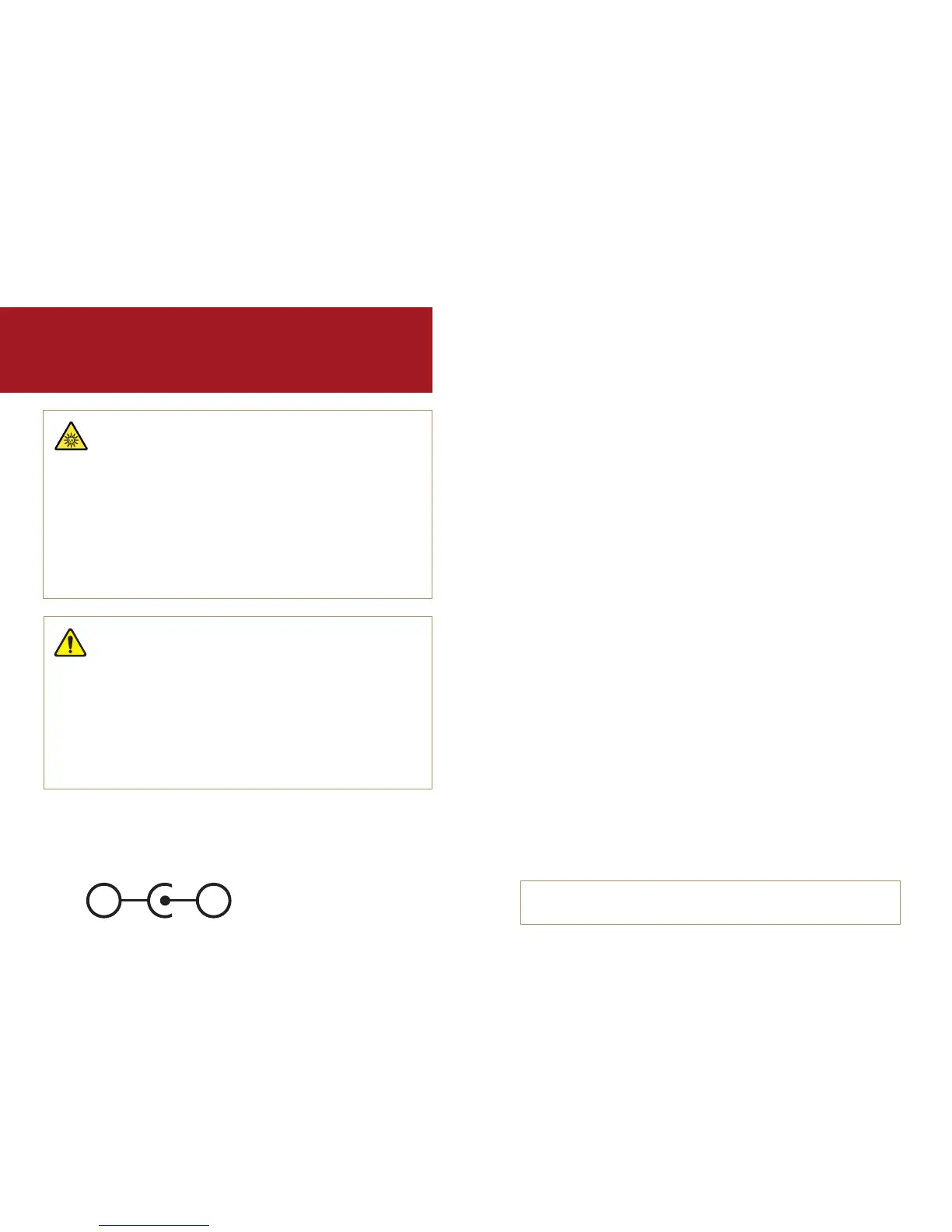
Input: AC 100-240V, 45-65VA, 0.58A
HZ: 50/60
Output: DC 5V 4A
IMPORTANT!
READ THIS USER GUIDE BEFORE SETTING UP
AND USING THIS PRODUCT
CAUTION!
Environmental
For indoor use only. Use only in a dry location. Pollution Degree 2,
Installation Category (CATII).
Do not use above a maximum altitude of 2000 meters (~6500 feet).
Ambient temperature range should not exceed 0°C to 40°C (32°F to 104°F)
Maximum relative humidity should not exceed 80% for temperatures
up to 31°C (87°F).
Main supply voltage fluctuations can reach +/- 10% of the normal voltage.
CAUTION!
Ultraviolet (UV) Light Hazard
For best results, device should be used in manner specified by manufacturer.
Using the device in any other way may result in decreased protection from UV light.
The device enclosure should not be opened. Unless specified otherwise, there are
no user serviceable parts.
This device includes a light source that emits CLASS 1M long-wave,
ultraviolet-A (UV-A) radiation during operation. Avoid looking directly at the
light-emitting portion of the fiber probe or using any optical device such as
magnifiers or loupes at the light-emitting end of the fiber probe. Doing so
may cause permanent eye damage.
Table of Contents
General Information.......................................................................................................4
“How to Use the GIA iD100
TM
” Video ..........................................................................4
Device Capabilities ......................................................................................................... 5
Reading Test Results ..................................................................................................... 5
REFER Rate on Natural Diamonds ............................................................................5
Things to Know Before Getting Started ...................................................................6
The Light Source ............................................................................................................6
To Maintain the Sensitivity and Longevity of the Device ....................................7
Proper Use of the Fiber Probe ...................................................................................7
Preparing Your Items for Testing ..............................................................................7
Handling the Fiber Probe ............................................................................................. 8
Fiber Probe Position ...................................................................................................... 9
Testing Mounted Stones ...............................................................................................9
Testing Loose Stones ..................................................................................................10
Room Light Calibration ...............................................................................................10
Room Light and Testing Surface Requirements .................................................11
Automatic Power Saving ............................................................................................11
Parts List.........................................................................................................................12
Replaceable Parts ..........................................................................................................13
Dimensions .....................................................................................................................13
External Power Supply ...............................................................................................14
Connections ....................................................................................................................15
Quick Start Guide ..........................................................................................................17
Maintenance ...................................................................................................................23
Troubleshooting ............................................................................................................23
Technical Support ........................................................................................................26
Return Information.......................................................................................................27
Warranty and Terms ....................................................................................................27
For the online and translated versions of the user guide, visit
GIA.edu/id100-user-guide
–
+


 To Next Page