8
2. Drivers install
After the operating system has been installed, we need to install some
hardware drivers.
NOTE:Pictures below just showing the driver install steps; please
see the real product for detailed information.
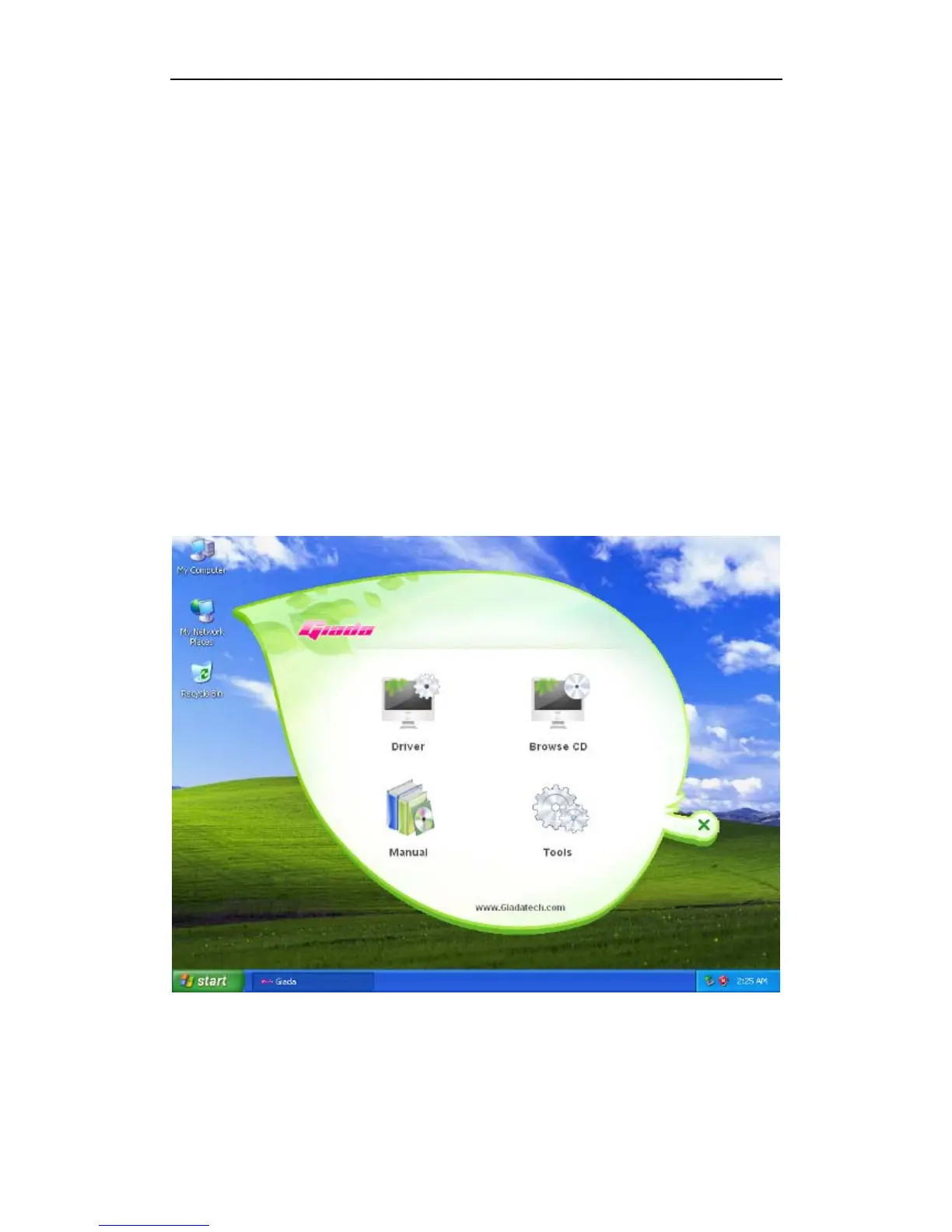
Step1. Put the drivers CD into CD-ROM, a user interface pops up automatically.
Click the “Drivers” button for next step. (For Windows XP, Windows Vista,
Windows 7 OS)
Step2. The driver install program will detect your PC, and list all the drivers you
need.


 To Next Page