Video
Determines which devices system will boot to.
Option: Do not launch /UEFI /Legacy. Default setting is [Legacy ].
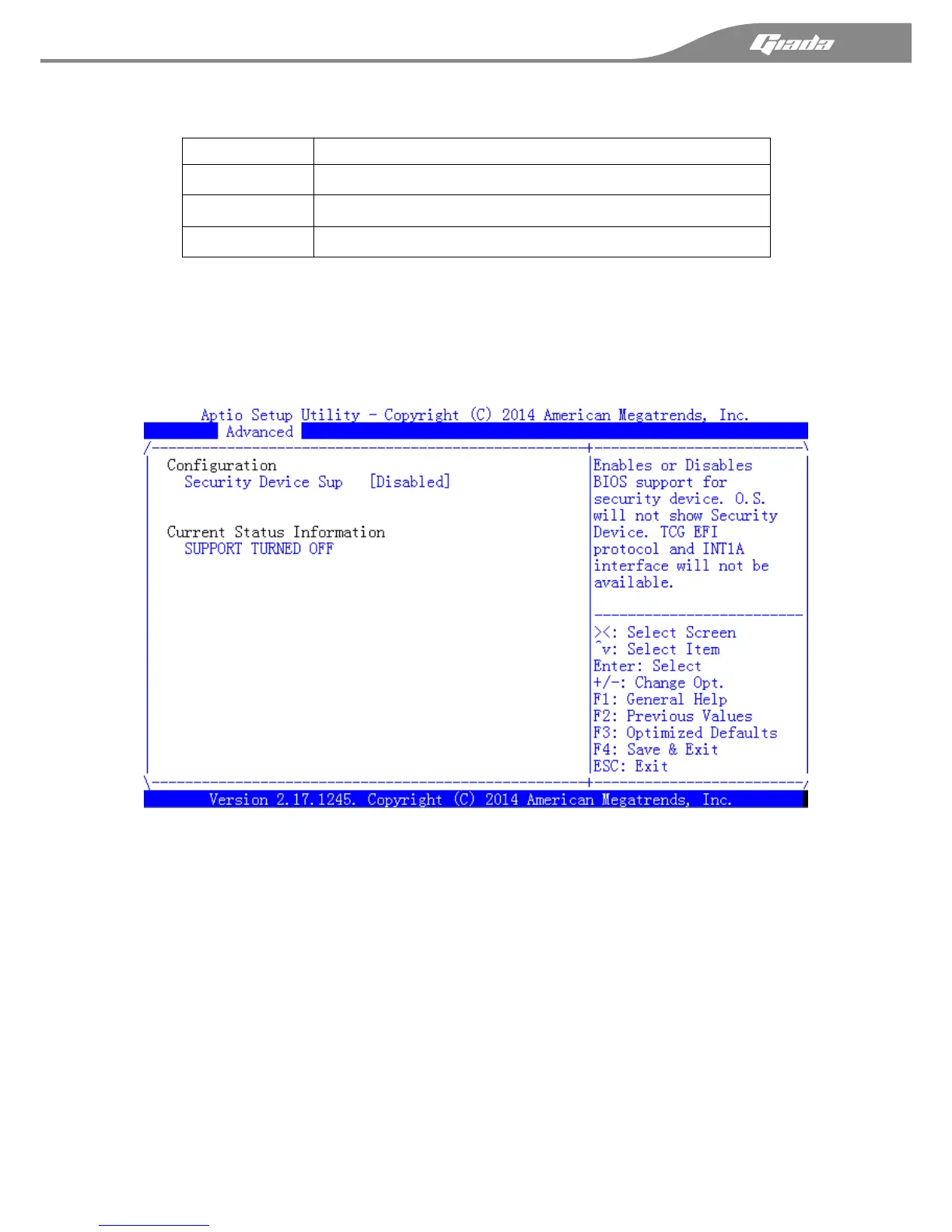
3.3.6 Trusted Computing
This option specifies TPM; The setup default setting is [Disabled]. If you have installed an
extend TPM module, you can find the detail TPM setting options here.
TPM State
Safety device settings. Note:The device state of your computer will reboot to save the
changed .
Pending operation
Adding an action for safety equipment. Note:In order to save the state changed of the
security device.Your computer will reboot.



 To Next Page