How to Setup
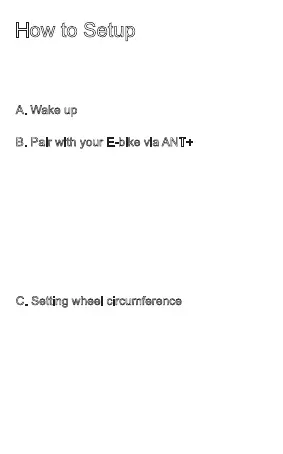
Please insert CR2032 battery to computer
before activate RideControl Plus.
•
•
•
•
•
•
•
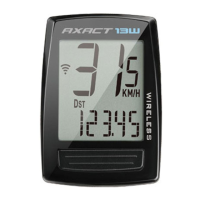
Press central button.
Turn on E-bike power, and wake up RideControl Plus
computer.
Recommend: Take E-bike away from other ANT+
signal to avoid RideControl Plus finding other sensor.
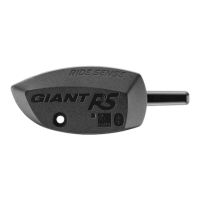
Press Reset Button on back side to enter pair mode.
Screen will show “Pair” when RideControl Plus finds
E-bike.
Auto search: don’t need to pair with same E-bike
next time waking up RideControl Plus.
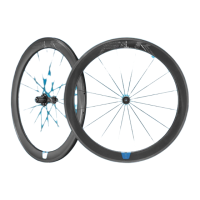
Wheel circumference setting is not necessary when
pairing with E-bike system. When using a speed
sensor on regular bike, please set wheel
circumference.
To enter setting mode, it’s not necessary to connect
to E-bike, you can operate solely with RideControl
Plus.
A. Wake up
B. Pair with your E-bike via ANT+
C. Setting wheel circumference



 To Next Page