1
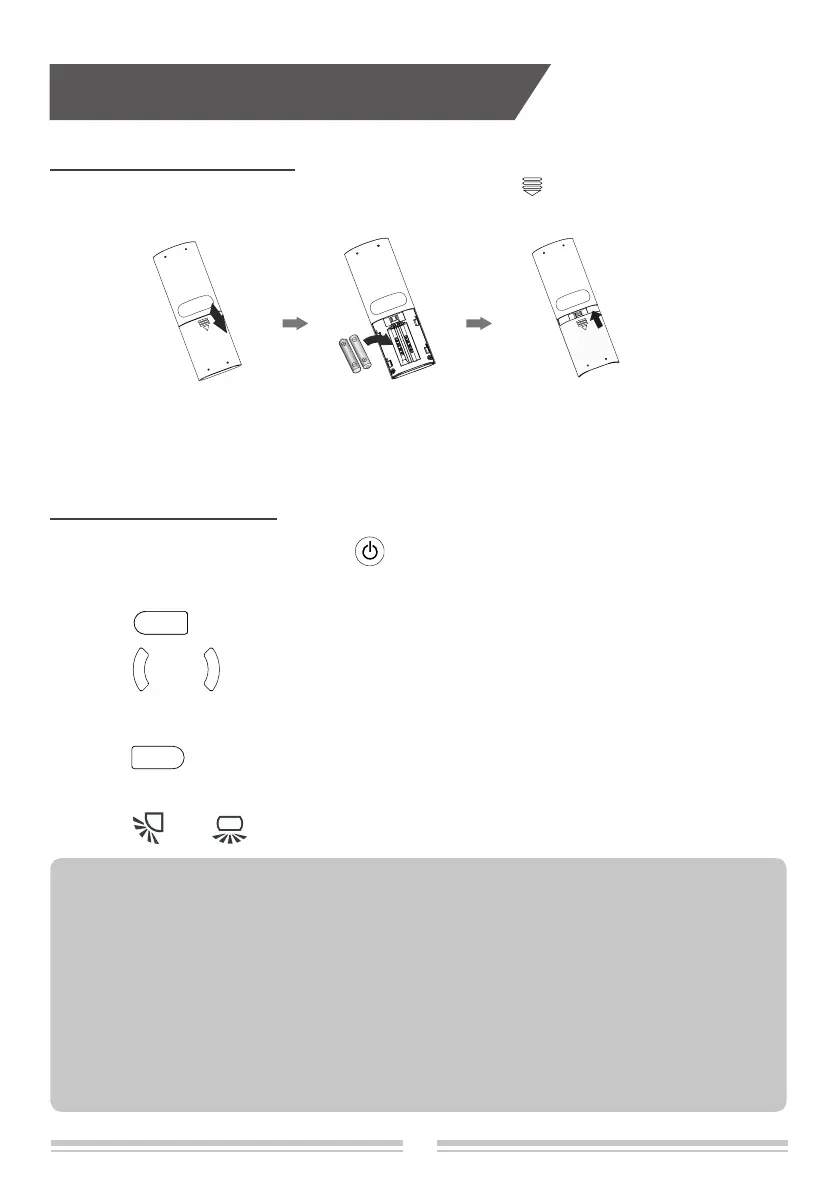
1. Press the back side of remote controller marked with " ", as shown in the picture,and
then push out the cover of battery box along the arrow direction.
2. Installation two 7# (AAA 1.5V) dry batteries, and make sure the positions of "+" polar and
"-" polar are correct.
3. Reinstall the cover of battery box.
Operation guidance
Installation batteries
Operation guidance
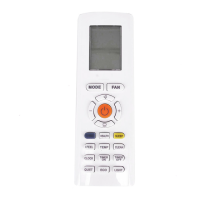
1.After connecting the power, press " " button on remote controller to turn on the air
conditioner.
2.Press " " button to select your required mode: Auto, Cooling, Dry, Fan, Heating.
3.Press " " or " " button to set your required temperature. (Temperature can’t be
adjusted under auto mode).
4.Press " " button to set your required fan speed: auto, fan1, fan 2 , fan 3 , fan 4,
fan 5, stepless speed.
5.Press "
" or " " button to select fan blowing angle.
MODE
FAN
+
-
● During operation, point the remote control signal sender at the receiving window on indoor unit.
● The distance between signal sender and receiving window should be no more than 8m, and there
should be no obstacles between them.
● Signal may be interfered easily in the room where there is uorescent lamp or wireless telephone;
remote controller should be close to indoor unit during operation.
● Replace new batteries of the same model when replacement is required.
● When you don’t use remote controller for a long time, please take out the batteries.
● If the display on remote controller is fuzzy or there’s no display, please replace batteries.
NOTE:


 To Next Page
 Loading...