9
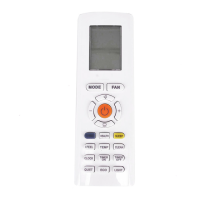
Function introduction for combination buttons
QUIET button
Press this button to turn on or turn off the QUIET function in cooling, heating, auto mode.
Note:
● Press "TURBO" or "FAN" button the unit will quit this function.
● This function is no use in fan mode or dry mode.
ECO button
In cooling mode, press "ECO" button and the unit will operate under ECO mode.
Note:
● Remote controller displays " ".
● Air conditioner will operate at auto speed. Set temperature can’t be adjusted.
● In cooling mode, sleep function can not work with ECO mode together at the same time.
● Change mode will exit the ECO mode.
LIGHT button
Press this button can turn off the light for indoor unit’s display. " " icon on remote
controller will disappear.Press this button again to turn on the light for indoor unit’s display.
" " icon on remote controller will be displayed.
Buttons on remote controller
Child lock function
Press "+" and "-" simultaneously to turn on or turn off child lock function. When child lock
function is on, "
" icon is displayed on remote controller. If you operate the remote
controller, the "
" icon will blink three times without sending signal to the unit.
Temperature display switchover function
In the off mode, press "-" and "MODE" buttons simultaneously to switch temperature
display between °C and °F.
In the heating mode, press "SLEEP" and "TURBO" buttons together for 3s would start or
cancel the Timing defrost.
Timing defrost


 To Next Page
 Loading...