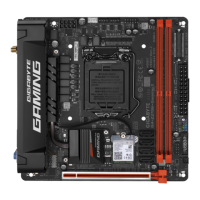
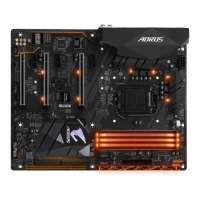
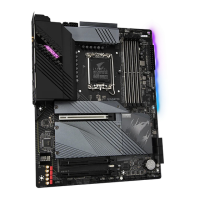
8) M2A_SB/M2M_SB (M.2 Socket 3 Connectors)
TheM.2connectorssupportM.2SATASSDsorM.2PCIeSSDsandsupportRAIDconguration.Please
notethatanM.2PCIeSSDcannotbeusedtocreateaRAIDseteitherwithanM.2SATASSDoraSATA
harddrive.TocreateaRAIDarraywithanM.2PCIeSSD,youmustsetupthecongurationinUEFIBIOS
mode.RefertoChapter3,"ConguringaRAIDSet,"forinstructionsonconguringaRAIDarray.
M2A_SB
80110 60 42
M2M_SB
80 60 42
FollowthestepsbelowtocorrectlyinstallanM.2SSDintheM.2connector.
Step 1:
LocatetheM.2connectorwhereyouwillinstalltheM.2SSD,useascrewdrivertounfastenthescrewon
the heatsink and then remove the heatsink. (Only the M2A_SB connector has the heatsink)
Step 2:
LocatethepropermountingholebasedonthelengthofyourM.2SSDdrive.Ifneeded,movethestandoff
tothedesiredmountinghole.InserttheM.2SSDintotheM.2connectoratanangle.
Step 3:
PresstheM.2SSDdownandthensecureitwiththescrew.Replacetheheatsinkandsecureittotheoriginal
hole.Makesuretoremovetheprotectivelmfromthebottomoftheheatsinkbeforereplacingtheheatsink.
- 17 -


 To Next Page
 Loading...