- 20 -
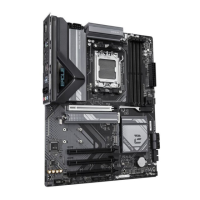
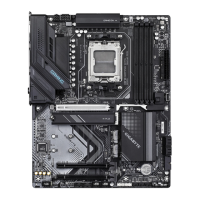
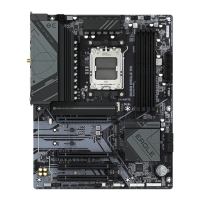
2-8 Internal Connectors
Read the following guidelines before connecting external devices:
• First make sure your devices are compliant with the connectors you wish to connect.
• Before installing the devices, be sure to turn off the devices and your computer. Unplug the power
cord from the power outlet to prevent damage to the devices.
• After installing the device and before turning on the computer, make sure the device cable has
been securely attached to the connector on the motherboard.
j Only for B650 EAGLE AX.
k Only for B650 EAGLE.
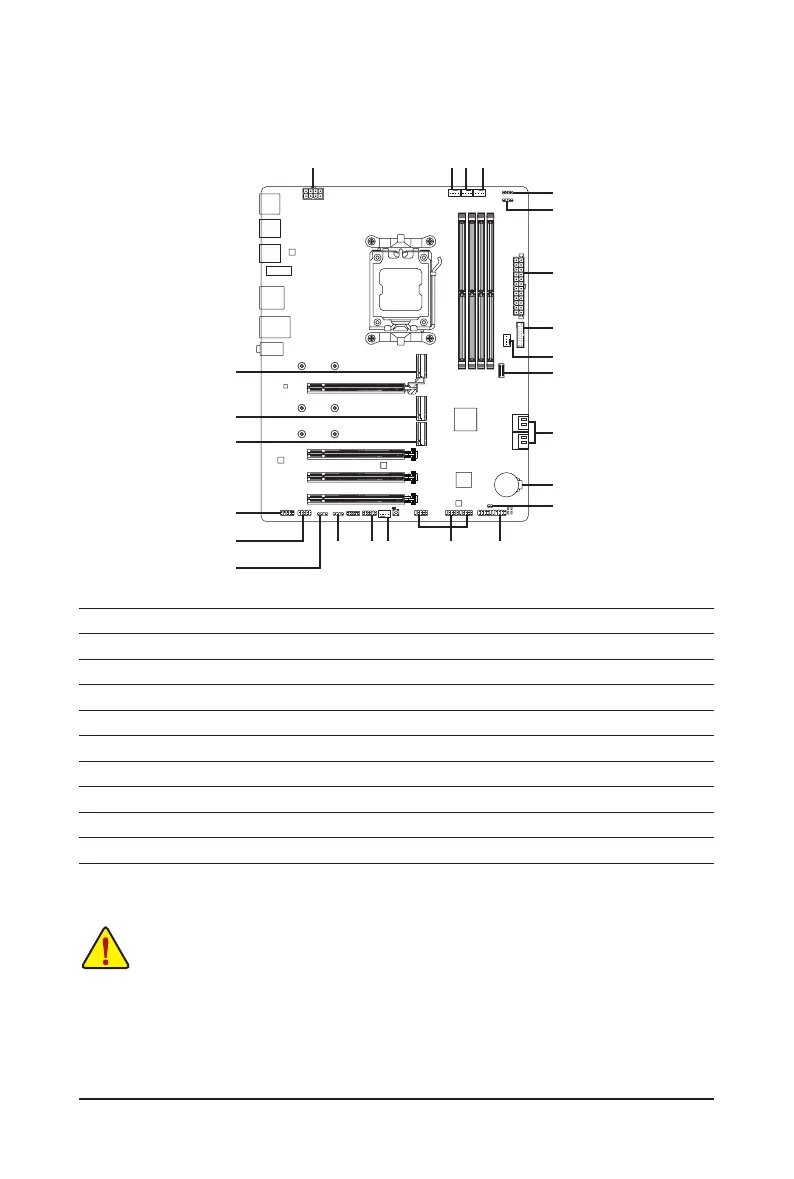
1) ATX_12V
2) ATX
3) CPU_FAN
4) SYS_FAN1/2
5) SYS_FAN3_PUMP
6) CPU_OPT
7) LED_C
8)
ARGB_V2_1jk/ARGB_V2_2jk/ARGB_V2_3
9) SATA3 0/1/2/3
10) M2A_CPU/M2P_CPU/M2C_SB
11) F_PANEL
12) F_AUDIO
13) F_U32C
14) F_U32
15) F_USB1/F_USB2/F_USB3
16) COMjk
17) SPI_TPM
18) BAT
19) CLR_CMOS
2
7
5
15
1
11
3
10
9
16jk
19
13
14
8
46
8jk
10
10
12
18
17 48jk




 To Next Page