EasyManua.ls Logo

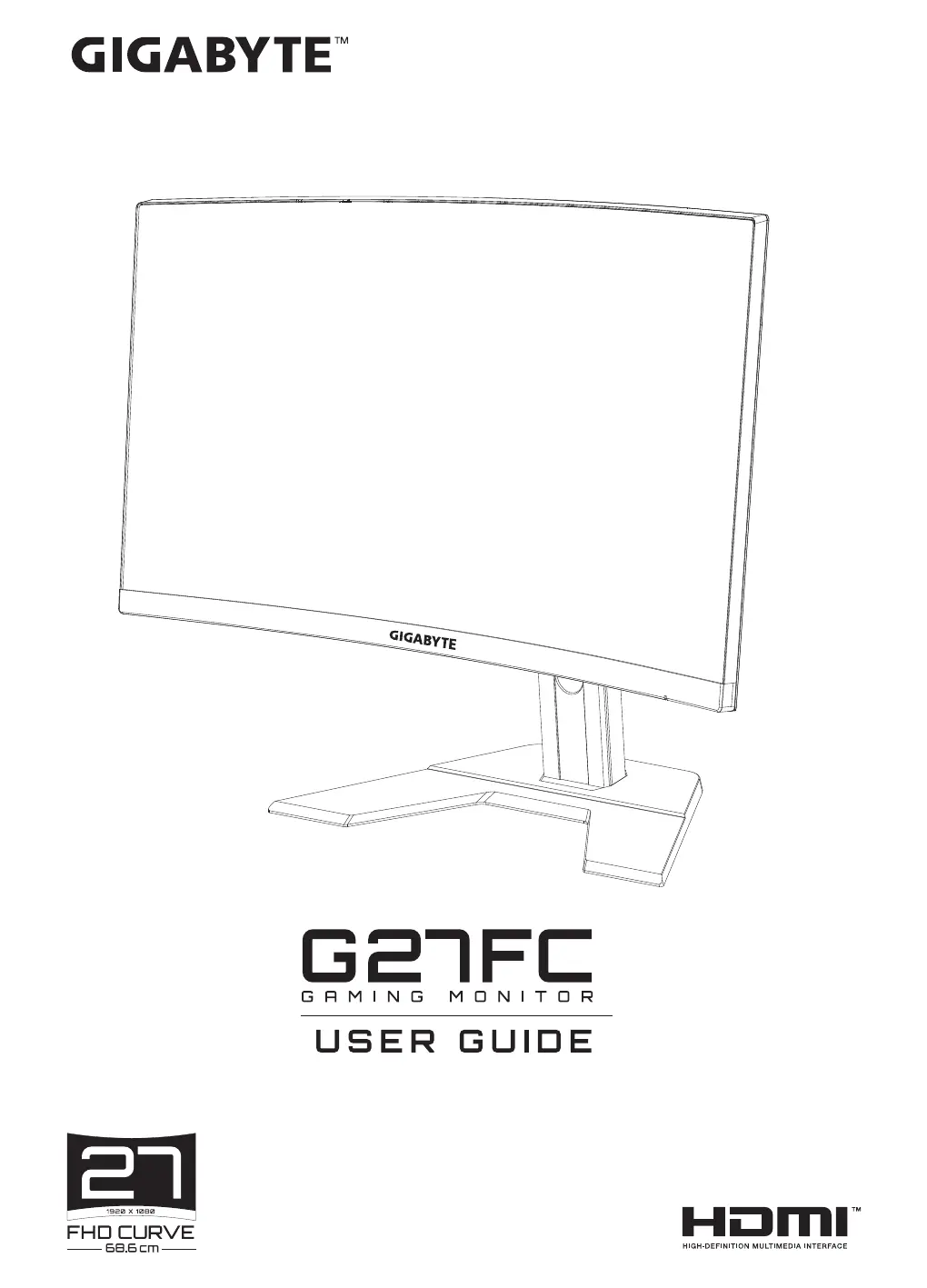
Gigabyte G27FC - User Manual

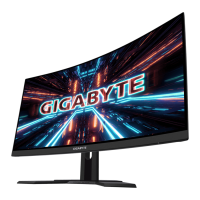
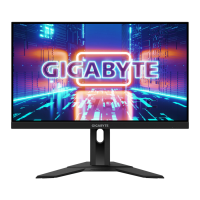
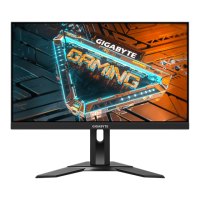
Gigabyte G27FC
45 pages
Print Icon
To Next Page IconTo Next Page
Loading...

Questions and Answers

  • D
    Derrick GonzalezJul 28, 2025
    What to do if my Gigabyte G27FC has no power?
    • J
      johnstonyaJul 28, 2025
      If your Gigabyte Monitor isn't powering on, ensure the power cable is securely connected to both the monitor and the power source. Inspect the cable and plug for any signs of damage. Also, verify that the monitor is switched on.
  • M
    Marcus ThomasAug 2, 2025
    Why is there no sound from my Gigabyte G27FC or the volume is low?
    • J
      Jason JordanAug 3, 2025
      If you're experiencing no sound or low volume on your Gigabyte Monitor, first ensure the headphone cable is properly connected. Then, adjust the volume level and check the Audio Source setting. Also, review your computer's sound settings.
  • R
    Robert RamosAug 8, 2025
    What to do if there is no image on my Gigabyte G27FC?
    • M
      Monica ClarkAug 9, 2025
      If no image appears on your Gigabyte Monitor, verify that the monitor and computer are correctly connected and both are powered on. Also, check that you've selected the appropriate input source.
  • K
    kathryndurhamAug 15, 2025
    Why are the colors distorted on my Gigabyte G27FC?
    • R
      Rachel JohnsonAug 15, 2025
      If the colors on your Gigabyte Monitor appear distorted, first ensure that the input signal cable is properly connected. If the issue persists, configure the image related settings.
  • R
    Robert SmithAug 21, 2025
    How to fix the image that does not fill the entire screen on my Gigabyte G27FC Monitor?
    • C
      Cody WallaceAug 21, 2025
      To fix an image that doesn't fill the entire screen on your Gigabyte Monitor, try a different Display Mode (aspect ratio) setting.

Summary

SAFETY INFORMATION

Safety Precautions

INTRODUCTION

Unpacking

Step-by-step instructions on how to safely remove the monitor and accessories from the packaging.

Product Overview

GETTING STARTED

Installing the Stand Base

Instructions on how to assemble and attach the monitor's stand to the base.

Lift the monitor

Steps for safely lifting and positioning the assembled monitor onto its stand.

Making Connections

USING THE DEVICE

Turning the Power On;Off

Detailed steps for switching the monitor on and off using the control button.

OPERATIONS

Quick Menu

Accessing and utilizing the monitor's quick access menu for common settings.

Configure the Device Settings

APPENDICES

Specifications

Detailed technical data and performance metrics of the GIGABYTE G27FC monitor.

Troubleshooting

Gigabyte G27FC Specifications

General IconGeneral
Panel typeVA
Color depth8 bit
Pixel pitch0.3114 x 0.3114 mm
Backlight typeEdge LED
Display surfaceMatt
Display diagonal27 \
Display technologyLED
Native aspect ratio16:9
Viewable size, vertical336.31 mm
sRGB coverage (typical)120 %
Contrast ratio (dynamic)12000000:1
Contrast ratio (typical)3000:1
Display number of colors16.78 million colors
Viewable size, horizontal597.88 mm
Display brightness (typical)250 cd/m²
Supported graphics resolutions640 x 480 (VGA), 720 x 480, 800 x 600 (SVGA), 1024 x 768 (XGA), 1280 x 720 (HD 720), 1920 x 1080 (HD 1080)
Flicker-free technologyYes
RMS rated power4 W
Number of speakers2
Product colorBlack
Market positioningGaming
HDMI version1.4
USB hub version3.2 Gen 1 (3.1 Gen 1)
DisplayPort version1.2
Headphone connectivity3.5 mm
Cables includedAC, DisplayPort, HDMI, USB
AC input voltage100 - 240 V
AC input frequency50 - 60 Hz
Energy efficiency scaleA to G
Power consumption (off)0.2 W
Power consumption (standby)- W
Power consumption (PowerSave)0.3 W
Tilt angle range-5 - 20 °
Height adjustment130 mm
Cable lock slot typeKensington
Panel mounting interface100 x 100 mm
Package depth248 mm
Package width700 mm
Package height481 mm
Package weight8900 g
Operating temperature (T-T)0 - 40 °C
Weight and Dimensions IconWeight and Dimensions
Depth (with stand)203 mm
Height (with stand)531 mm
Depth (without stand)84.5 mm
Width (without stand)610.3 mm
Height (without stand)367.4 mm
Weight (without stand)6400 g

Related product manuals