1
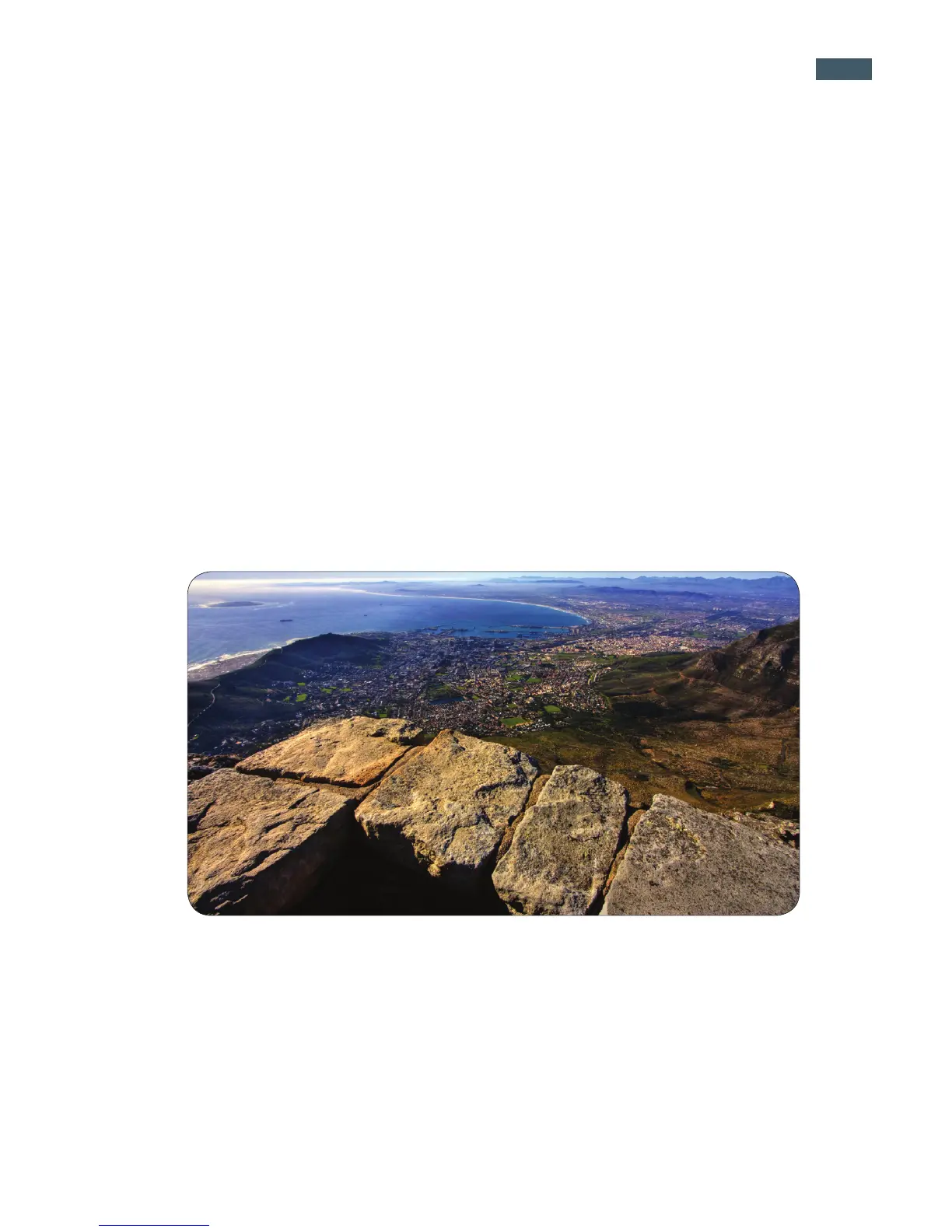
Capturing stunning gigapixel images is easy with GigaPan - a complete solution with
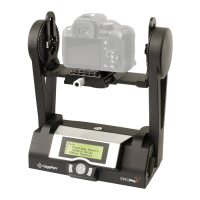
integrated equipment, software and website. The GigaPan EPIC Pro works seamlessly
with the GigaPan Stitch software and GigaPan.com to capture, upload and share gigapixel
panoramas. Zoom into thousands of stunning panoramas from around the world with the
amazing GigaPan Viewer. Join GigaPan.com to view and share with friends, take snap-
shots and embed panoramas on your own website.
Here is an overview of how easy and fun it is to use the GigaPan System, in 4 simple
steps:
Pick a scene 1.
The GigaPan EPIC Pro automates the panorama-taking process by taking hundreds
of images of the selected scene.
Click2.
The GigaPan EPIC Pro automatically operates your camera to take a series of photo-
graphs of your scene.
1.1 The GigaPan Solution
1. Introduction


 To Next Page