EasyManua.ls Logo

Gigaset 100 - User Manual

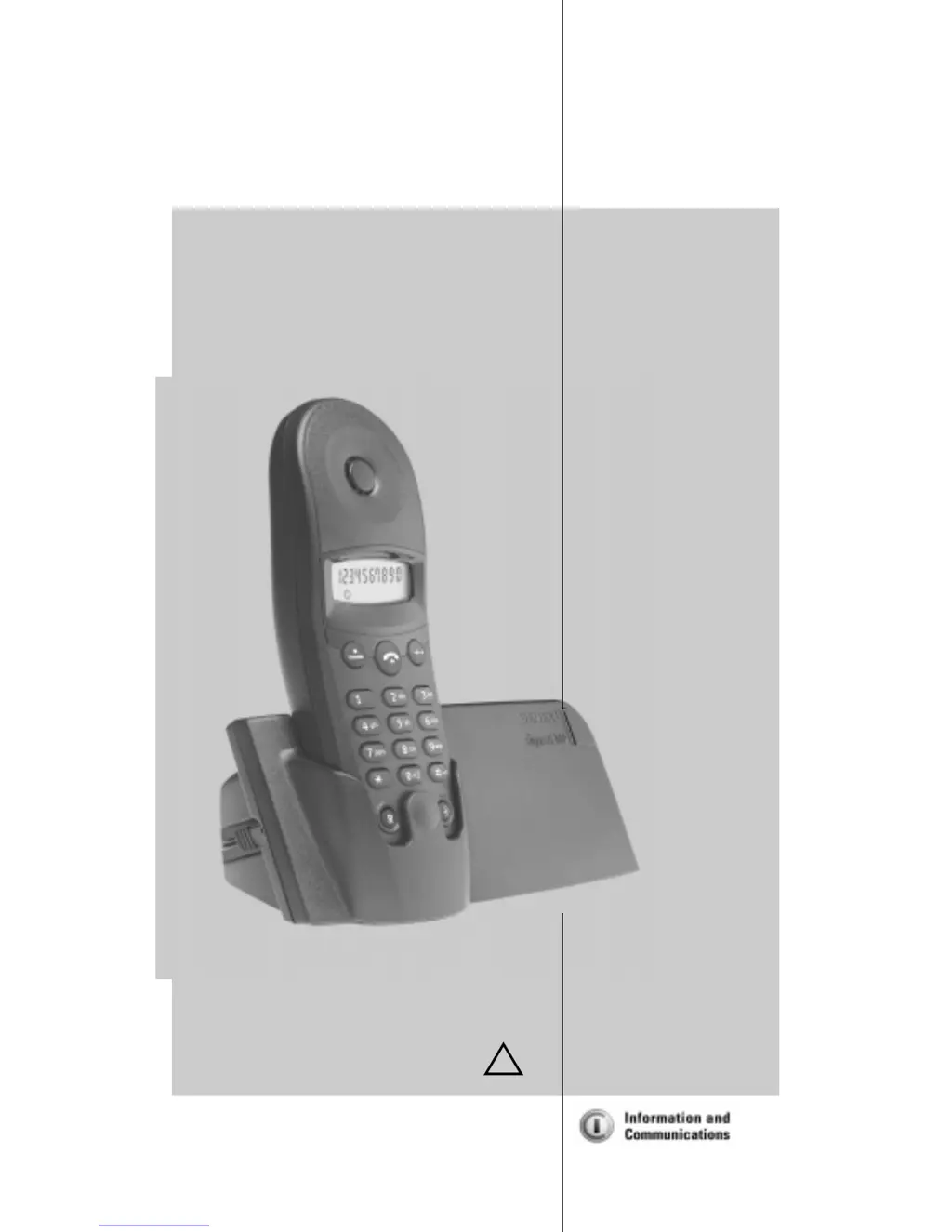
Gigaset 100
14 pages
Print Icon
To Next Page IconTo Next Page
Loading...
s
*LJDVHW
100
Operating Manual
and Safety Precautions
!
The digital cordless
DECT telephone

Questions and Answers

  • C
    Cynthia SimpsonAug 10, 2025
    What to do if my Gigaset Cordless Telephone has no radio connection?
    • M
      Megan SerranoAug 10, 2025
      If the antenna icon is flashing on your Gigaset Cordless Telephone, it indicates a lost connection to the base station. This could be due to several reasons: Your handset might be out of range, so try moving closer to the base station. Alternatively, the handset may not be registered; in this case, register the handset. Also, ensure the base station is active by checking the power supply unit.
  • W
    wagnerericAug 18, 2025
    How to fix Gigaset 100 registration issues?
    • E
      elunaAug 18, 2025
      If registration of your Gigaset Cordless Telephone did not work, there are a couple of potential causes. The battery may not be sufficiently charged, so charge the battery for 16 hours and then remove and re-insert the power supply unit. Also, ensure that both the handset and base station were prepared for registration.
  • C
    Cynthia JohnsonAug 26, 2025
    Why is there no display on my Gigaset 100?
    • J
      Joshua WrightAug 26, 2025
      If your Gigaset Cordless Telephone has no display, the battery may not be charged. Charge or replace the battery.
  • M
    Mr. Charles Arroyo DVMSep 2, 2025
    What to do if my Gigaset Cordless Telephone doesn't react to keystrokes?
    • M
      madison75Sep 2, 2025
      If your Gigaset Cordless Telephone is not responding to keystrokes, the keypad might be locked. To unlock it, press the L key for one second.

Summary

Brief Overview

Base Station and Handset Symbols

Explains symbols for base station status, handset functions, and dialling.

Keypad and Display Indicators

Details special display icons and their meanings for keypad lock and registration.

Safety Precautions

Putting the Telephone into Service

Connecting the Base Station

Step-by-step guide to connecting the base station to power and telephone jack.

Inserting the Battery

Instructions for correctly inserting the battery into the handset.

Registering the Handset

Procedure for registering the handset with the base station for calls.

Charging the Battery

Guidance on initial battery charging time and subsequent charging.

Setting Flash Time

How to set the short flash time (100ms) required for the recall key.

Making Calls

Call Operations

Instructions on making, ending, accepting, and redialling calls.

Speed Dialling and Cost-Effective Telephony

Saving numbers for speed dialling and using network access numbers.

Settings

Volume Settings

Adjusting handset volume and ringer volume to different levels.

Ringer Melody and Keypad Lock

Selecting ringer melodies and activating/deactivating keypad lock.

PABX Operation

Configuring DTMF and flash times for operation behind a PABX.

Tips and Support

Maintenance and Troubleshooting

Guidance on cleaning the device and resolving common malfunctions.

Range and Guarantee Information

Information on wireless range and the product's warranty.

Service Contact

Details for contacting customer service for assistance.

Gigaset 100 Specifications

General IconGeneral
BrandGigaset
Model100
CategoryCordless Telephone
LanguageEnglish

Related product manuals