Lombok A130-A230 / IM-Nord en / A31008-M2412-R201-1-SM19 / Lombok.fm / 12.02.2013
Version 4, 16.09.2005
2
Safety precautions
Warning
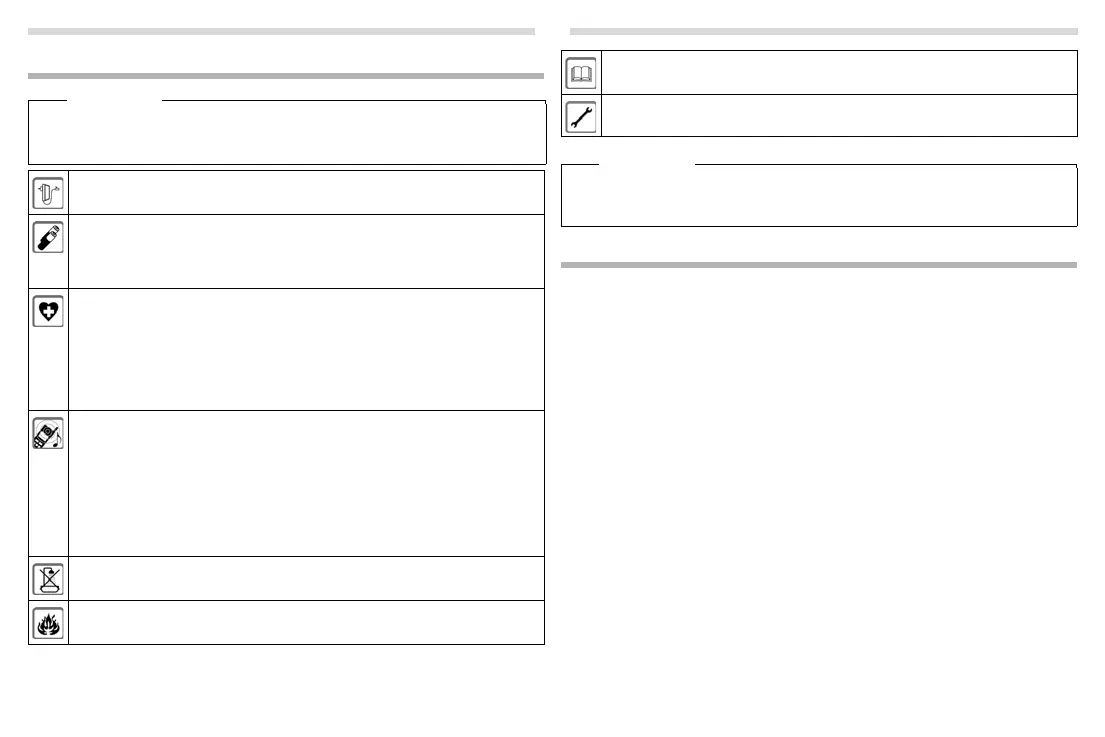
Read the safety precautions and the user guide before use.
Exp
lain their content and the potential hazards associated with using the device to
your children.
Use only the power adapter indicated on the device.
Use only re
chargeable batteries that correspond to the specification (see
"Technical Data"). Never use a conventional (non-rechargeable) battery or other
battery types as this could result in significant health risks and personal injury.
Rechargeable batteries, which are noticeably damaged, must be replaced.
Using your telephone may affect nearby medical equipment. Be aware of the
te
chnical conditions in your
particular environment, e.g. doctor's surgery.
If you use a medical device (e.g. a pacemaker), please contact the device
manufacturer. They will be able to advise you regarding the susceptibility of the
device to external sources of high frequency energy (for the
specifications of your Gigaset product see "Technical Data").
Do not hold the rear of the handset to your ear when it is ringing or when speaker
mod
e is activated. Otherwise you risk serious and permanent damage to your
hearing.
Your Gigaset is compatible with the majority of digital hearing aids on the market.
However, perfect function with all hearing aids cannot be guaranteed.
The phone may cause interference in analogue hearing aids (humming or
whistling) or cause them to overload. If you require assistance, please contact the
hearing aid supplier.
The devices are not splashproof. For this r
eason do not install them in a damp
environment such as bathrooms or shower rooms.
Do not use the devices in environments
with a potential explosion hazard
(e.g. paint shops).
First steps
Check the pack contents
One Gigaset A130/A230 base station, one mains adapter, one Gigaset handset, one
phone cord, two batteries, one battery cover, one user guide.
If you have purchased a model with multiple handsets, the package should contain
two batte
ries, a battery cover and a charging cradle with mains adapter for each addi-
tional handset.
Setting up the base station and charging cradle (if included)
◆ Set up the base station at a central location on a flat, non-slip surface in your house
or apartment. You can also mount the base station and charging cradle on the
wall.
◆ Pay attention to the range of the base station. This is up to 300 m in unobstructed
outdoor areas and up to 50 m inside buildings.
◆ The base station and charging cradle are designed for use in enclosed dry rooms
in a temperature range of +5 °C to +45 °C.
◆ Care: Wipe down the base station and handset with a damp cloth (no solvents) or
an antistatic cloth. Never use a dry cloth. This can cause static.
◆ The phone's feet do not usually leave any marks on surfaces. However, due to the
multitude of different varnishes and polishes used on today's furnishings, the risk
of marks on the surfaces cannot be completely ruled out.
◆ Never expose the telephone to the influence of heat sources, direct sunlight or
other electrical devices.
◆ Protect your Gigaset from moisture, dust, corrosive liquids and vapours.
If you give your Gigaset to a third party, make sure you also give them the user
guide
.
Remove faulty devices from use or have them repaired by our Service team, as
th
ese could interfere with other wireless services.
Please note
◆ The device cannot be used in the event of a power failure. It is also not possible to
transmit emergency calls.
◆ Emergency numbers cannot be dialled if the keypad lock is activated!



 To Next Page
 Loading...