14 da en fi no sv
Gigaset C430 / SUG IM-Nord en / A31008-M2502-R201-1-SM43 / telefony.fm / 6/5/13
Template Borneo, Version 1, 21.06.2012
Making calls
Making calls
Making an external call
¤ Enter number, briefly press the Answer call key c.
You can cancel the dialling process with the End call key a.
Dialling with the redial list
The redial list contains the 20 numbers last dialled with the handset. You can manage this
similarly to your phone's message lists (
¢ page 12).
¤ Press the Answer call key c briefly to open the redial list.
¤ q Select entry. ¤ Press the Answer call key c. The number is dialled.
When a name and corresponding phone number are displayed: Press the display key Vi
ew.
Dialling from the call list
v ¤ Ê ¤ OK ¤ q Select list. ¤ OK
¤ q Select entry. ¤ c
¤ The number is dialled.
Dialling with the phonebook
s ¤ q Select entry. ¤ c
¤ If multiple numbers are entered: Select the number with r and press the Answer call
key c or OK.
¤ The number is dialled.
One touch call
You can set up your phone so that you can dial a specific number when you press a key of your
choice. This allows children, who are unable to enter a number, to call a certain number, for
example.
v
¤ É ¤ OK ¤ q One Touch Call ¤ OK
¤ Activation: r On / Off
¤ Call to: Enter or change the number that you wish to dial.
¤ Save
The activated One Touch Call appears on the idle display
. The saved number is dialled by press-
ing any key. Press the End call key a to cancel dialling.
Ending one touch call:
¤ Press the display key OFF. ¤Press and hold the # key.
Or:
¤ Press and hold the # key.
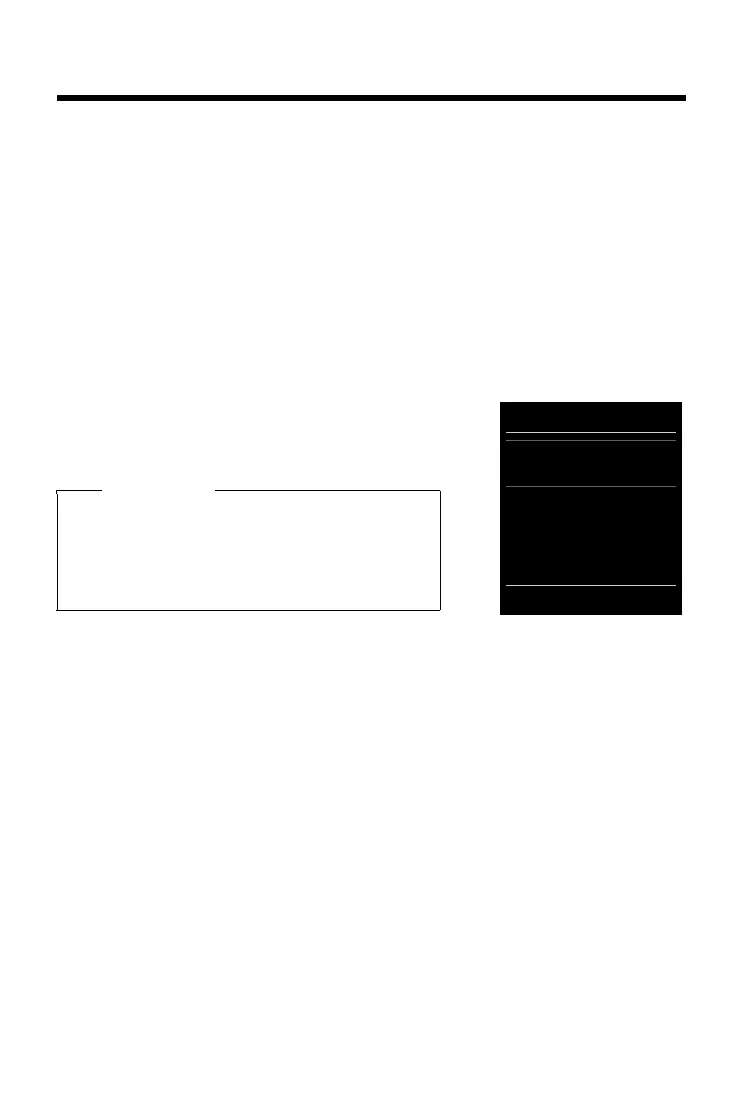
Notes
u You can also bring up the call list using the display
key Calls, but you must assign a display key
accordingly .
u You can also open the list Missed calls using the
Message key f.
Example
All calls
™ äJames Foster
Today, 18:30
™ 01712233445566
11.06.2013, 18:30
š 0168123477945
10.06.2013, 17:13
View Options



 To Next Page