EasyManua.ls Logo

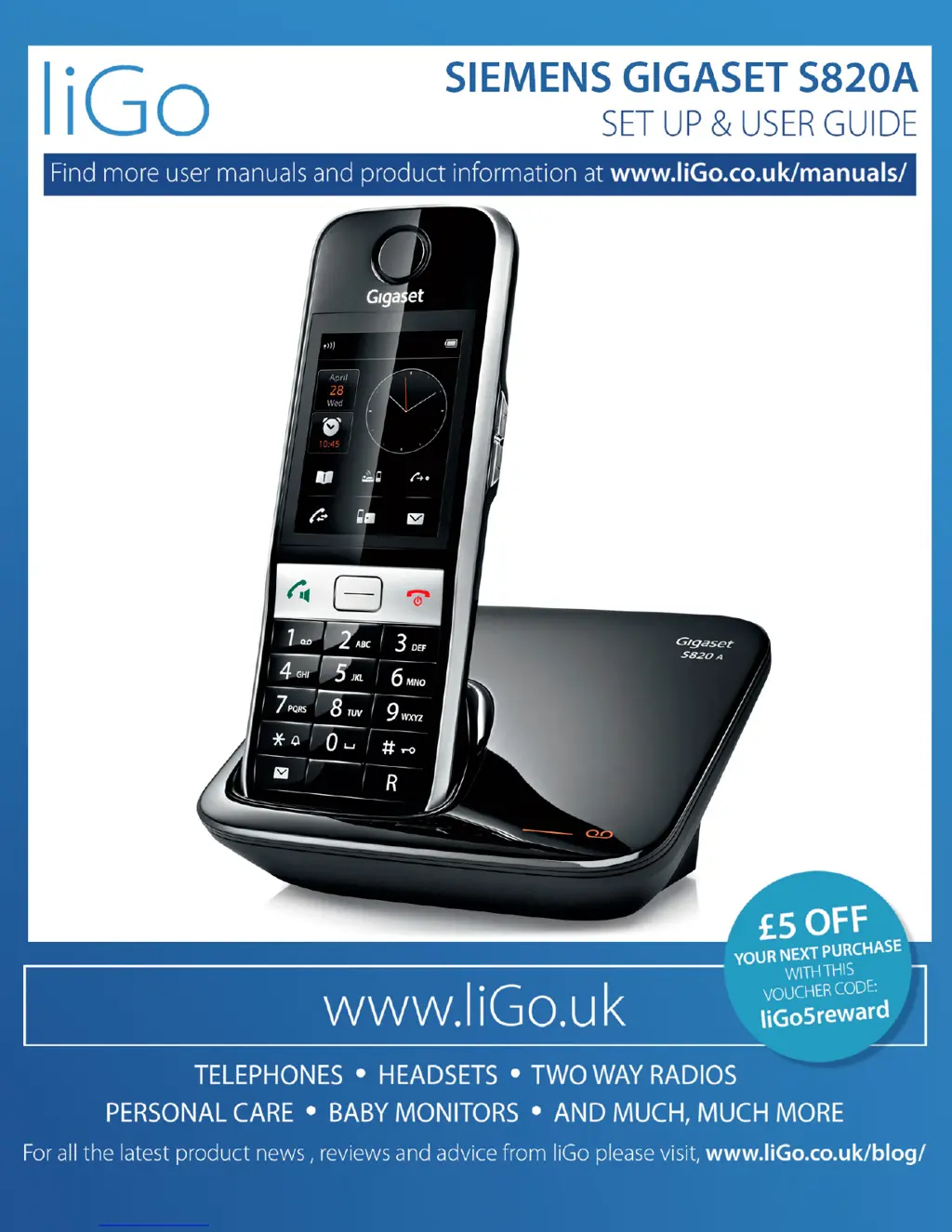
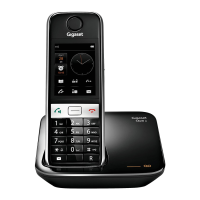
Gigaset S820A - User Manual

Gigaset S820A
83 pages
Print Icon
To Next Page IconTo Next Page
Loading...

Other manuals for Gigaset S820A

Questions and Answers

  • M
    Mrs. Monica Parker MDAug 10, 2025
    Why can't I send messages from my Gigaset S820A Cell Phone?
    • S
      Steven PearsonAug 10, 2025
      If you cannot send messages on your Gigaset Cell Phone, it might be due to several reasons. First, you may not have requested the CLIP service; in this case, ask your network provider to enable it. Second, SMS transmission might have been interrupted; try re-sending the text message. Finally, check if the send centre number is correctly entered, and if not, enter the correct number.
  • I
    ivan46Aug 20, 2025
    What to do if SMS message is played back on Gigaset S820A?
    • V
      vrussellAug 20, 2025
      If the SMS message is played back on your Gigaset Cell Phone, it could be due to a few reasons. It may be that the "display call number" service is not activated; in this case, ask your network provider to enable this feature. Alternatively, your mobile phone operator and SMS service provider might not be working together; obtain information from your SMS service provider. It also may be that the phone is not registered with the SMS service provider.
  • S
    sarah64Aug 29, 2025
    What to do if I receive an incomplete SMS on my Gigaset S820A?
    • R
      Ronald AlexanderAug 29, 2025
      If you receive an incomplete SMS on your Gigaset Cell Phone, it could be that your phone’s memory is full. Try deleting old SMS messages to free up space.

Summary

Gigaset S820;S820 A - Touch & Type

Touchscreen and Handset Keys

Overview of the phone's touchscreen interface and physical handset buttons.

Safety Precautions

Getting Started

Display Pages

Messages Page Overview

Accessing and viewing message lists like answering machine, network mailbox, and missed calls.

Using the Telephone

Handset Power and Idle Status

Switching the handset on/off and returning to idle status.

Keypad and Display Lock

Activating/deactivating manual and automatic keypad/display locks.

Making Calls

External and Redial List Dialing

Procedures for making external calls and using the redial list.

Directory Dialing and One Touch Call

Using the contacts directory and setting up speed dial for quick calls.

Changing Phone Settings

Ringtones and Alert Tones

Customizing ringtone volume, melodies, alert tones, and advisory tones.

Call Protection Features

Setting time control, VIP callers, anonymous call protection, and blacklisting.

Blacklist and System PIN Management

Editing the blacklist, managing system PIN, and activating music on hold.

ECO DECT

Factory Resets and Reduced Transmission Power

Restoring factory settings and reducing radiation by adjusting range settings.

Answering Machine (Gigaset S820 A)

Basic Operation and Setup

Activating, defining modes, and recording personal announcements.

Additional Answering Machine Settings

Options for recording length, quality, ring delay, and message playback.

Multiple Handsets

Handset Registration and Base Management

Registering new handsets, managing multiple bases, and changing base names.

Handset De-registration and Paging

Removing handsets and locating them using the paging function.

Internal Calls and Consultation

Making internal calls and performing consultations or transfers with other handsets.

Bluetooth Devices

Managing Bluetooth Connectivity

Activating/deactivating Bluetooth, finding, registering, and trusting devices.

Contacts (Address Book)

Managing Contact Entries

Creating, saving, viewing, editing, and deleting contact information.

Transferring Contacts and Navigating Lists

Transferring contacts, defining sort order, and navigating through contact lists.

Call List

Calendar

Alarm

Baby phone;Security Monitor (Room Monitor)

Synchronization with PC (Gigaset QuickSync)

Connecting Base to PABX;Router

Setting Options

Service (Customer Care)

Questions and Answers

Bluetooth Connection Troubleshooting

Solutions for problems connecting or registering Bluetooth headsets.

Gigaset S820A Specifications

General IconGeneral
Answering machineYes
DisplayColor TFT
TouchscreenYes
Rear CameraNo
Front CameraNo
SIMNo
Talk time20 hours
Standby time250 hours
Phonebook entries500

Related product manuals