2
Package contents
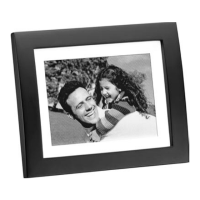
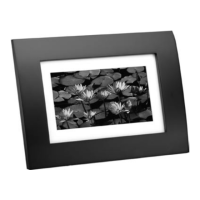
• Photo Frame • AC Adapter
• User’s Guide • Quick Start
Features
• 16Mb built-in flash memory stores up to 14 pictures
• Add additional pictures with the 4-in-1 Card Slot
(supports up to 8GB memory card)
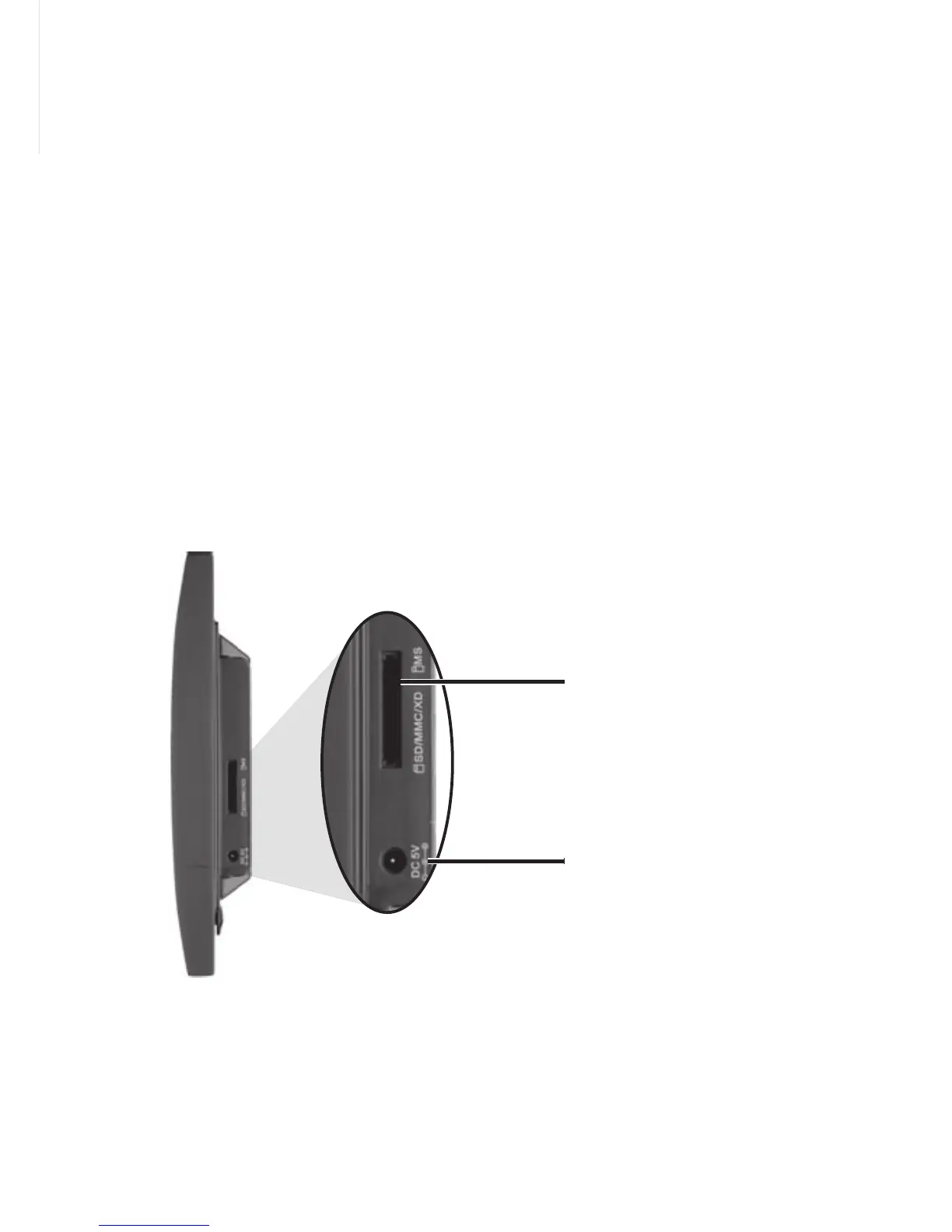
1 Power Your Photo Frame
Connect the supplied AC adapter to the DC 5 V jack and
plug in to a standard household outlet.
SD/MMC/XD/MS
memory card slot
Insert a memory card.
DC 5V
Plug in the supplied
AC adapter.


 To Next Page