EasyManua.ls Logo

Gigaware 16-952 - User Manual

Gigaware 16-952
10 pages
Print Icon
To Next Page IconTo Next Page
Loading...
TM
16-952
User’s Guide
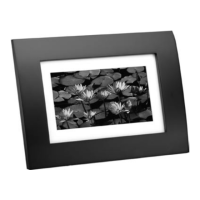
7” Digital Photo Frame
Please read this users guide before using your new
photo frame.
Question and Answer IconNeed help?

Do you have a question about the Gigaware 16-952 and is the answer not in the manual?

Summary

Package Contents

Features

Power Your Photo Frame

Position Your Photo Frame

Set Your Photo Frame Options

Viewing Photos on Your Frame

Copying Photos to Your Frame

Deleting Photos from Your Frame

Cautions and Warnings

Specifications

FCC Information

Limited Warranty

Gigaware 16-952 Specifications

General IconGeneral
Screen Size7 inches
Resolution480 x 234 pixels
Memory Card SupportSD, MMC, MS, xD
Aspect Ratio16:9
Contrast Ratio300:1
Supported FormatsJPEG
Power SourceAC adapter
Brightness200 cd/m²

Related product manuals