3
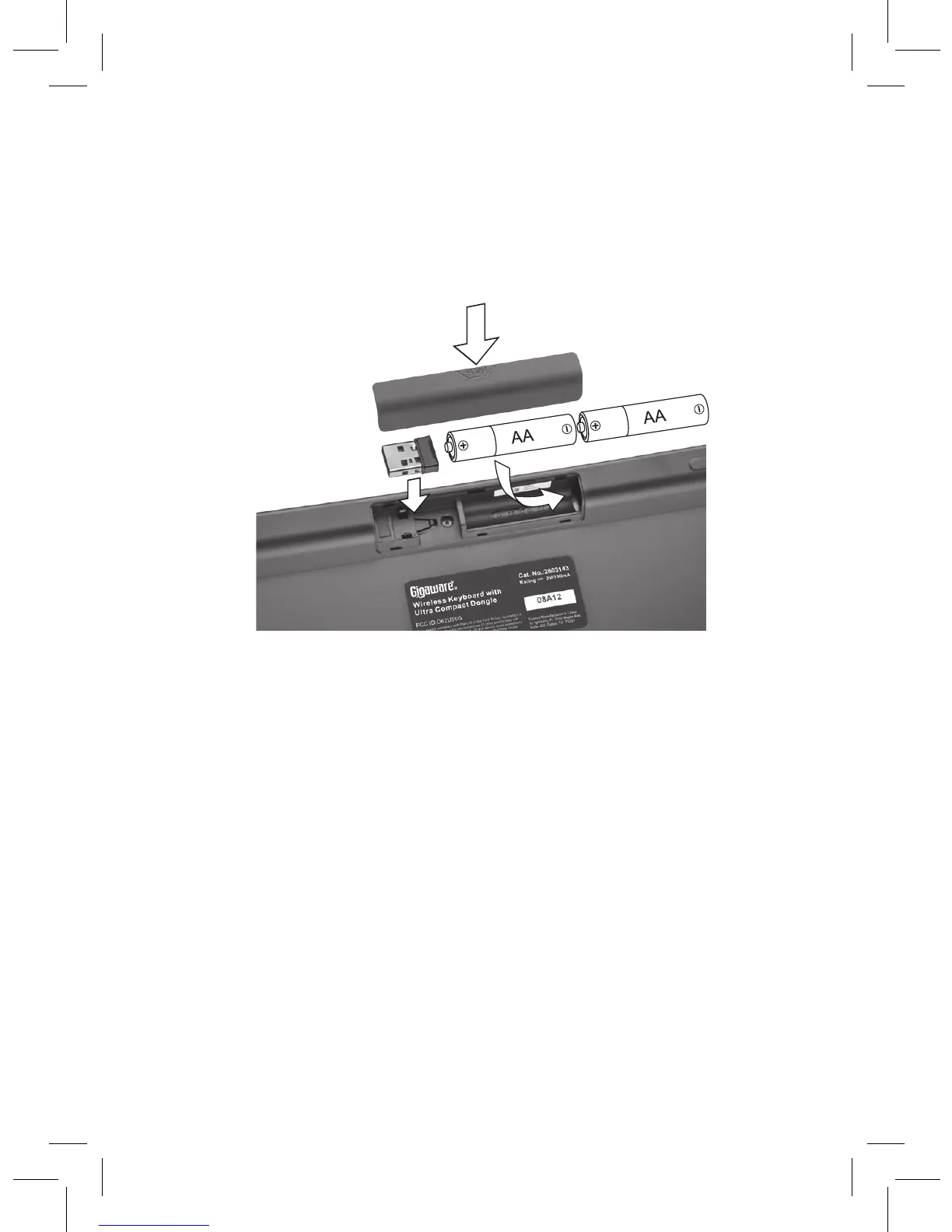
Install Batteries
1. Open the battery compartment cover at the bottom of the
keyboard.
2. Insert two AA batteries according to the polarity symbols
(+ and –) marked inside.
3. Replace the cover.
Battery Notes:
• When the keyboard is on and battery is low, the power
indicator
G
flashes. Replace the batteries with new ones.
• Dispose of batteries promptly and properly. Do not burn or
bury them.
•
Use only fresh batteries of the required size and type.
• Do not mix old and new batteries, different types of
batteries (alkaline, or rechargeable), or rechargeable
batteries of different capacities.
• If you do not plan to use the keyboard for some time,
remove the batteries. Batteries can leak chemicals that can
damage electronic parts.



 To Next Page