9
Windows 8 Functions
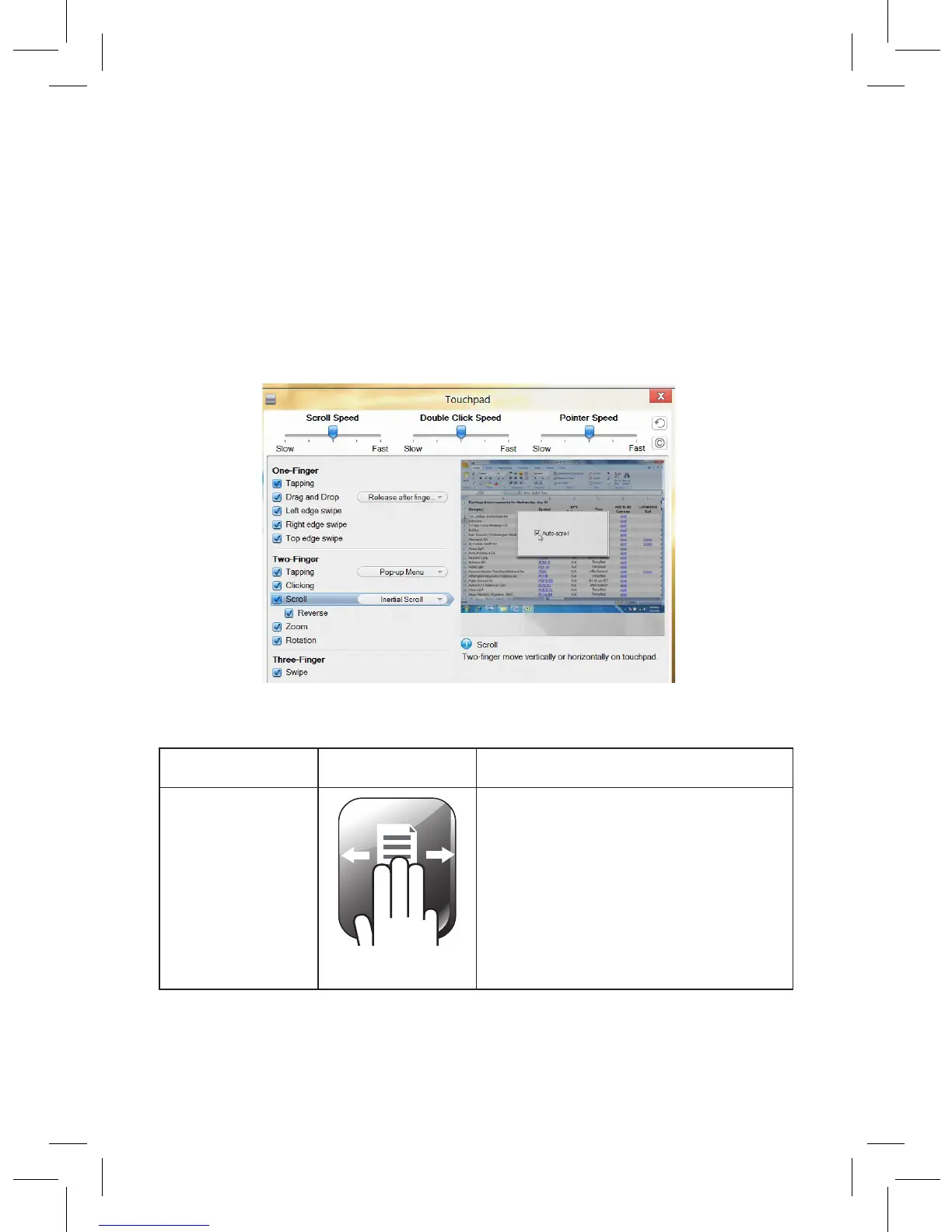
Install the touchpad driver for additional Windows 8 functions.
1. Insert the driver CD into your computer’s CD drive. The CD
will run the installation program automatically.
2. Follow the onscreen instructions to complete installation.
A Touchpad shortcut icon will appear on your desktop for
easy access to touchpad settings and a demonstration.
Function Gesture
Swipe page • Move three fingers to the
left to launch the assigned
function (Page Up).
• Move three fingers to the right
to launch assigned function
(Page Down).


 To Next Page