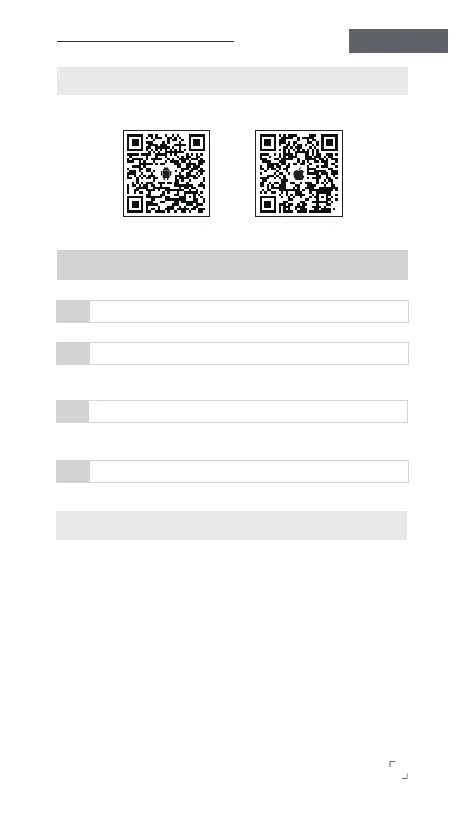
CONNECT TO THE GIMBAL PRO APP
GIMBAL PRO
Operation Instructions
Enter the phone's "Settings".
1
Click on Bluetooth
2
Click on Bluetooth and find the Bluetooth device named "GP7_XX".
Click on "GP�_XX"
3
Click on "GP7_XX" to bring up the pairing screen.
Connect Gimbal Pro App
4
Click on "Pair" to connect the device with the Gimbal Pro app.
※Note: "XX" refers to the last two digits of the device number, and
each device has a dierent number.
5
Gimbal Pro App
Android
Gimbal Pro App
iOS
※ The Gimbal Pro app requires iOS 12.0 or later for Apple devices,
and Android 6.0 or later for Android devices.


 To Next Page