10
6. Multimedia
6
6
.1 Camera
.1 Camera
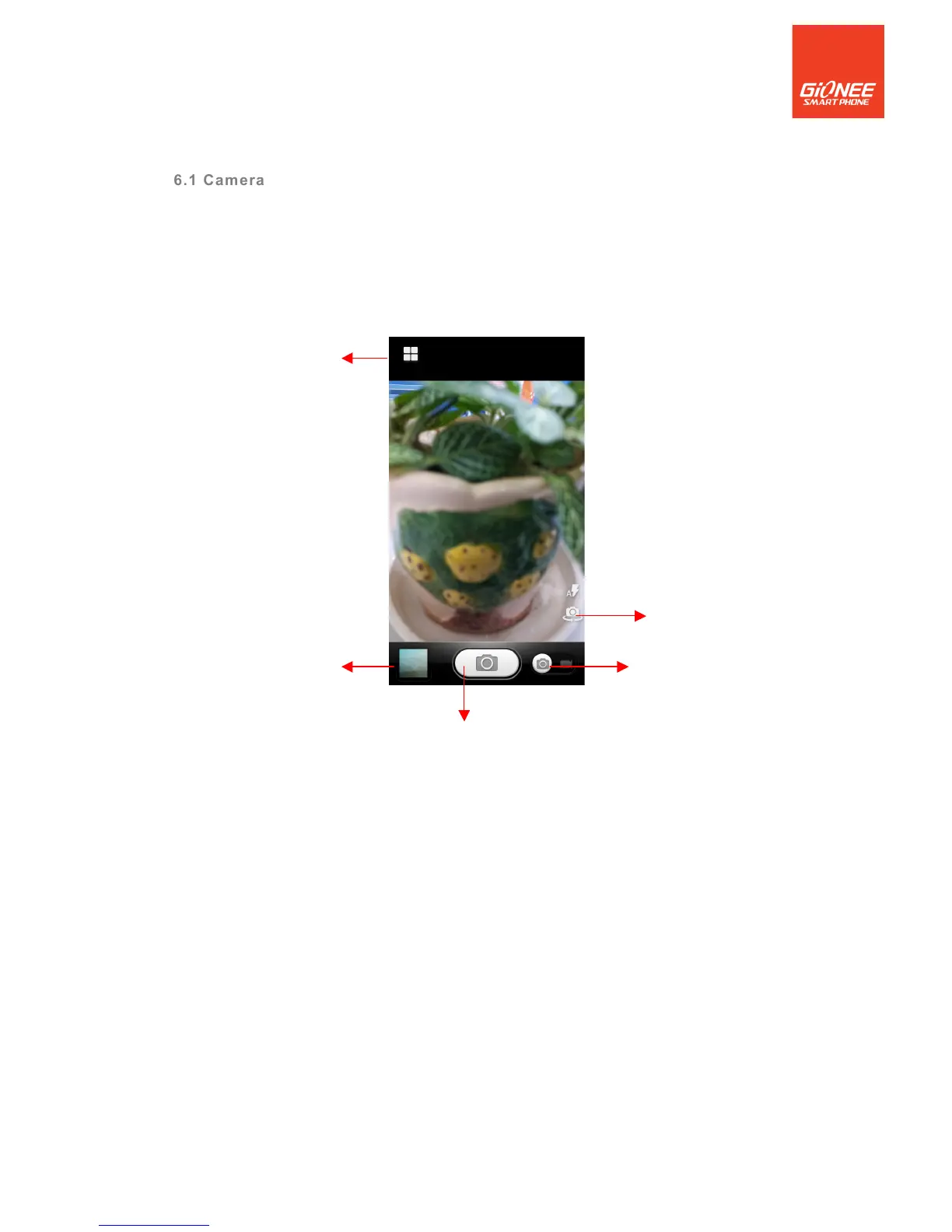
Camera is a combination camera and camcorder that you use to shoot and share pictures
and videos.
Note: Pictures and videos are stored on the phone’s SD card or phone.
6.1.1 Take a picture
! Adjust your exposure and other settings if you wish. Or leave them on automatic.
! Frame your subject on screen.
! Touch the Shutter icon on screen.
6.1.2 To shoot a video
! Adjust the quality and other settings if you wish. Or leave them on automatic.
! Point the lens to frame the scene where you want to start.
! Touch the Start Video icon. Camera starts shooting the video.
! Touch Stop video icon to stop shooting. An image from your most recent video is
displayed as a thumbnail at the bottom Left.



 To Next Page