8
4
4
.
.
5
5
C
C
onnect to network
onnect to network
When you assemble your phone with a SIM card from your wireless service provider, your
phone is configured to use your provider’s mobile networks for voice calls and for
transmitting data.
! Settings--> Dual SIM settings the name of the wireless service provider you’re
currently registered with is selected in the list.
! Click the name of the network provider, you can rename it or set the color for it.
! You can set default SIM for voice call and messaging;
4
4
.6
.6
.
.
Input text
Input text
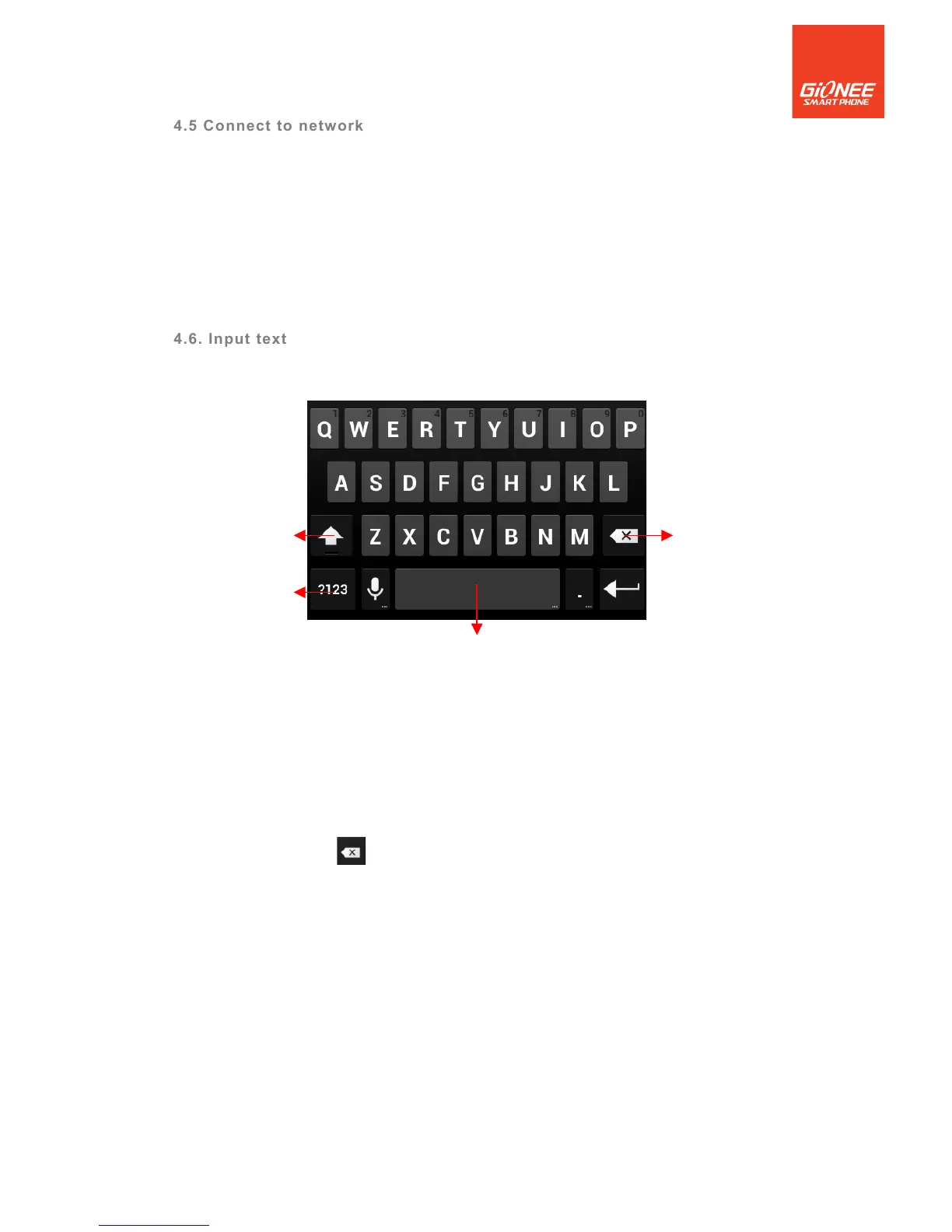
You can touch a text field where you want to enter text to open the keyboard.
To enter text
! Touch a text field, the onscreen keyboard opens.
! Touch the keys on the keyboard to type; the characters you’ve entered appear in a
strip above the keyboard. With suggestions for the word you are typing to the right.
Press space or a punctuation mark to enter the highlighted suggested word.
! Use the Delete key to erase characters to the left of the cursor.
! When you’re finished typing, Press Back to close the keyboard.



 To Next Page