14
① ②
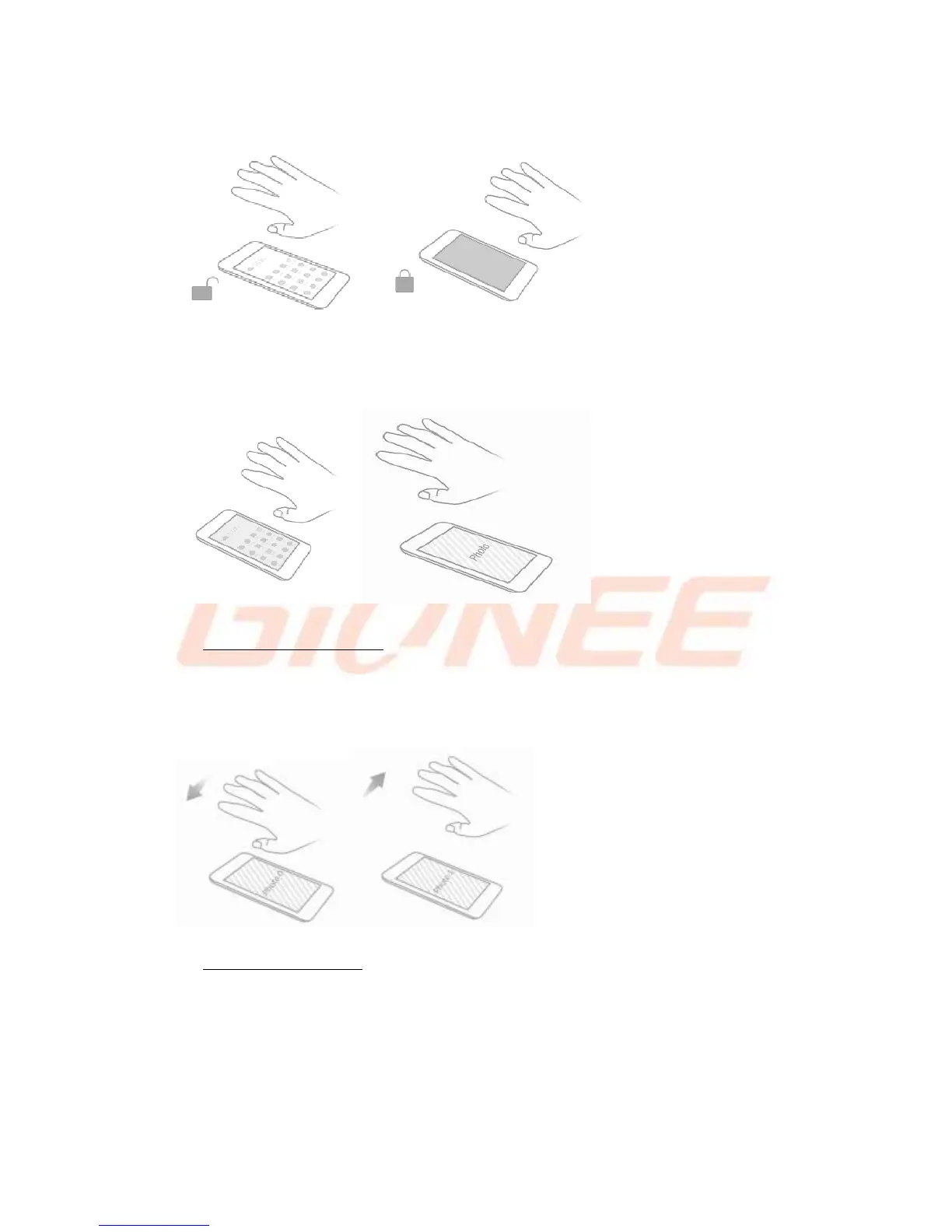
Mobile phone in the desktop,the palm of the hand from the top to the slow mobile phone
front breeze can enter the local wallpaper view interface.
① ②
Touchless image browsing
Settings--> Advanced Settings--> Smart Gestures-->Touchless wake-up -->Select
Touchless image browsing
Wave your palm left/right slowly over the top of the phone to view the previous/next image.
① ②
Touchless video control
Settings--> Advanced Settings--> Smart Gestures-->Touchless wake-up -->Select
Touchless video control
Wave your palm left/right slowly over the top of the phone to play/pause playing. Wave
up/down to control volume up/down.
① ②



 To Next Page