9
6. Multimedia
Camera
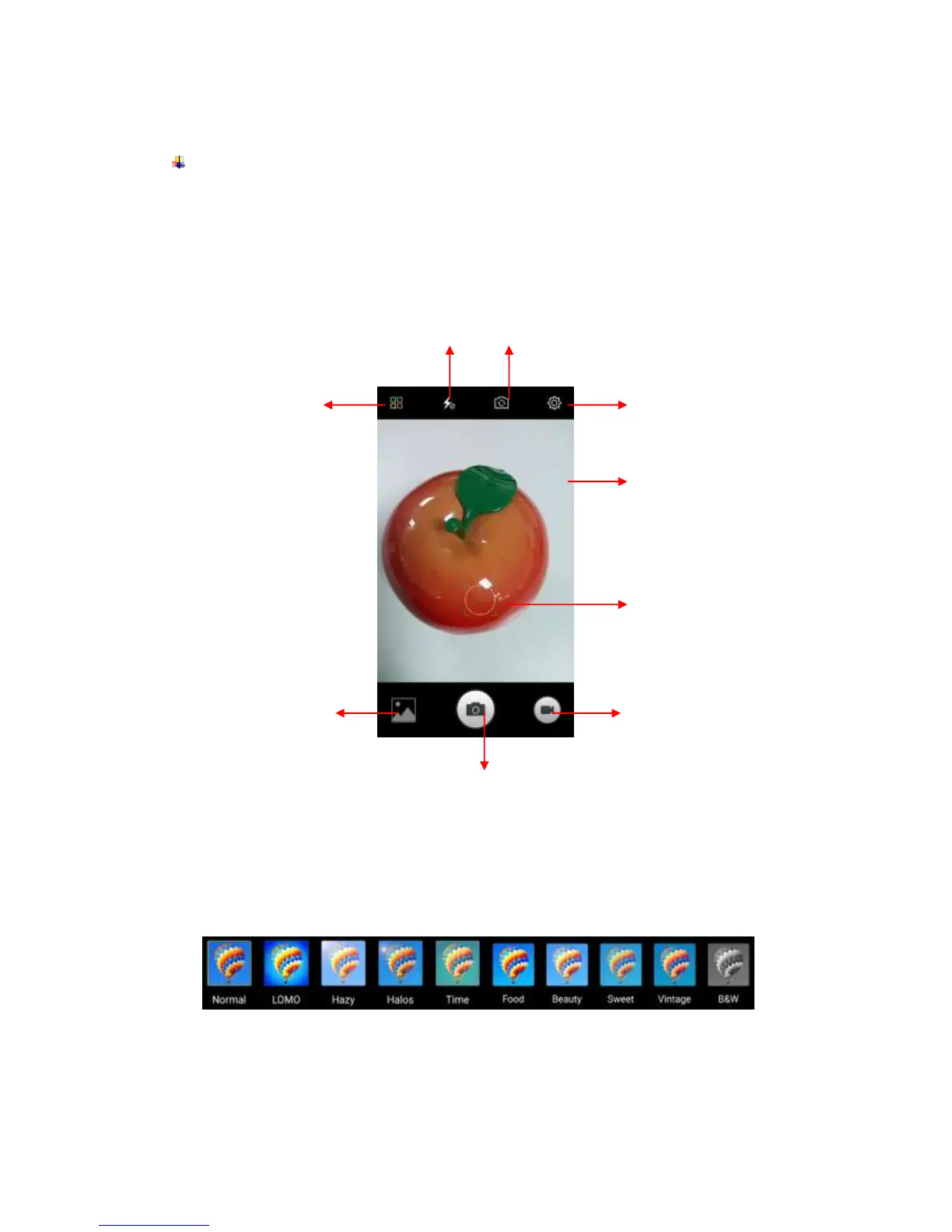
Camera is a combination of camera and camcorder that you use to shoot and share
pictures and videos. Tap the image on the camera screen where should focus on. You can
also change camera setting like transfer front and rear camera, adjust the exposure on
this screen.
Take a photo
Normal Mode - Take a photo.
Face Beauty Mode - DIY your face with Smoother, Whitening, Slimming, Enlarger.
Drag the slider to adjust it.
Filter Mode - Multiple filters can select from Normal, LOMO, Hazy, Halos, Time, Food,
Beauty, Sweet, Vintage, and B&W.
HDR Mode - High-Dynamic Range mode will improve the light and the shadow effect
at the same time. For Rear camera only.



 To Next Page