17
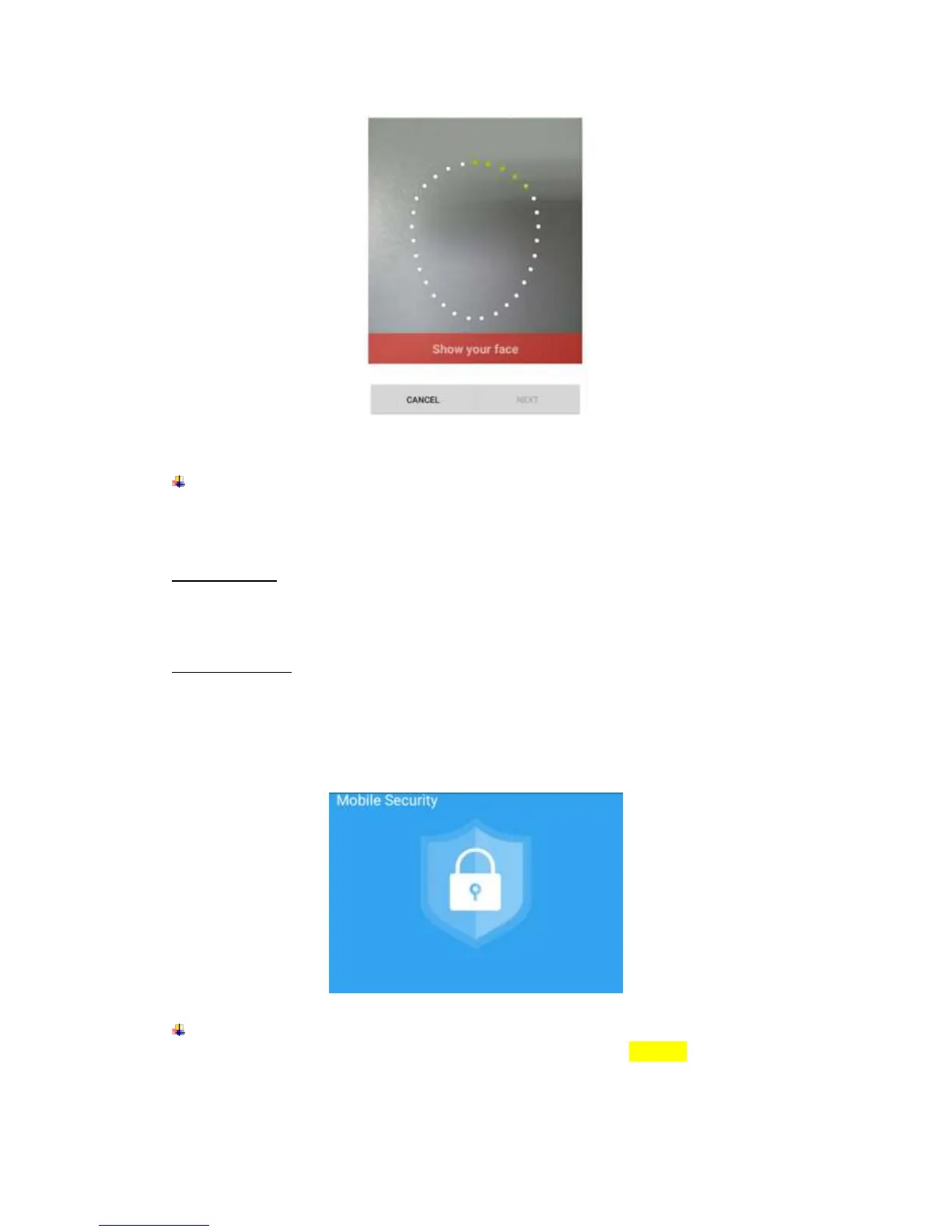
2) Turn on the screen and show your face on front camera when you want to unlock.
Mobile Security
If you lost your phone unfortunately, you could control it by remote. A security password
and close friend’s phone number must be necessary.
Lock the phone
Send a message with “lockphone*security password” to the lost phone to lock the device
thoroughly.
Unlock the phone
Enter the security password for unlocking when you get your lost phone back.
Once SIM card is been changed in your lost phone, the new SIM card number will be auto
sent to your close friend’s phone immediately.
AmiClone
Amiclone allows data migration from old smartphone to a new one. Connect each other to
transfer contacts, messages, pictures, music, videos and Apps.
Settings --> Advanced settings --> Backup & reset --> AmiClone



 To Next Page