5
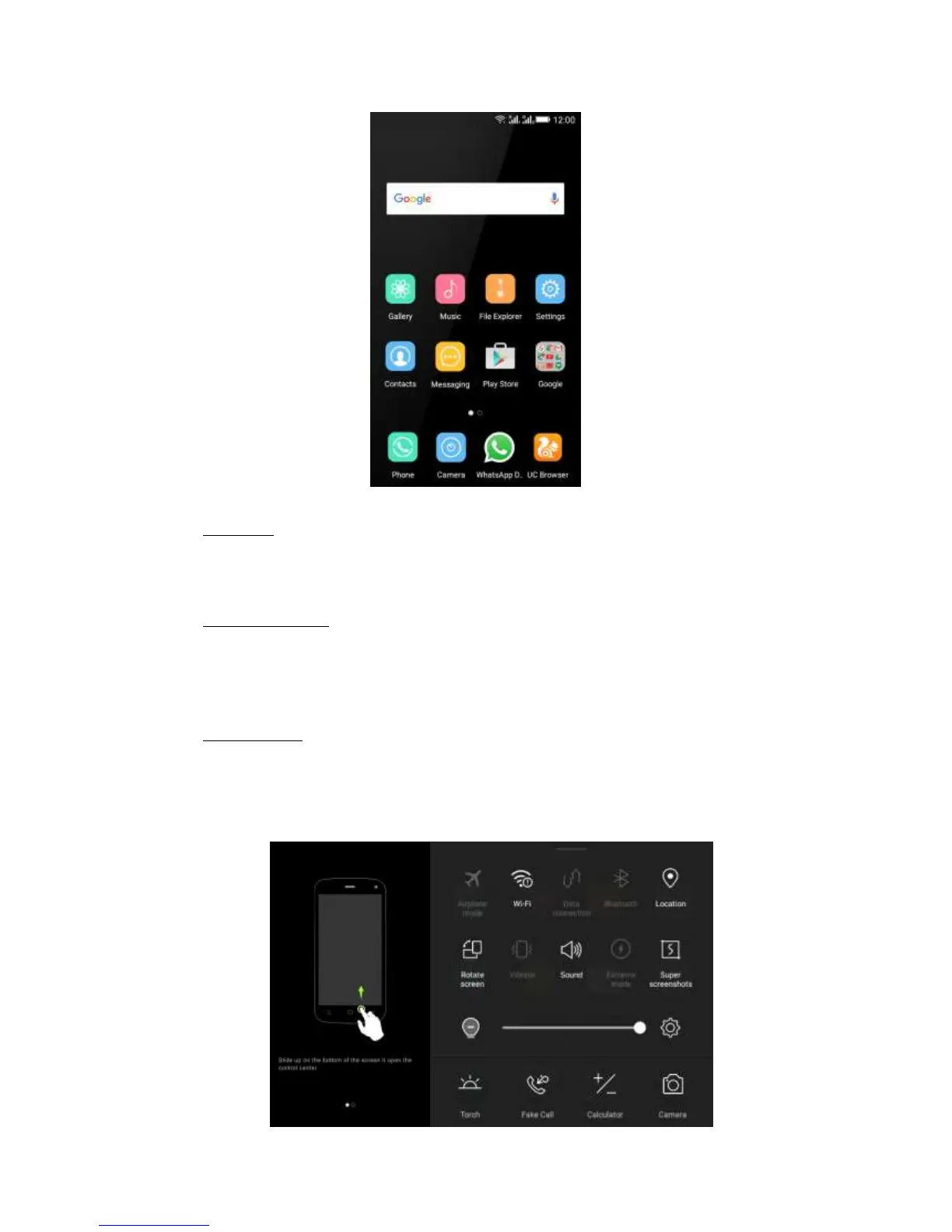
Status Bar
At the top of the screen, it displays the time, signal, battery information, and icons for
notifications that you’ve received.
Notification Center
Swipe down from the top edge to see more detail of the new notification, such as
messaging, missed call, Wi-Fi network available. Tap the notification and drag to left
or right to delete it.
Control Center
Swipe up from the bottom edge. In the control center, it’s a quick access to Torch,
Fake call, Calculator, and Camera. You can also adjust the brightness and turn on /
off Airplane mode, Wi-Fi, Data connection, Bluetooth, Location, Rotate screen,
Vibrate, Sound, Extreme mode, and Super screenshots.



 To Next Page