PAIRING | 05
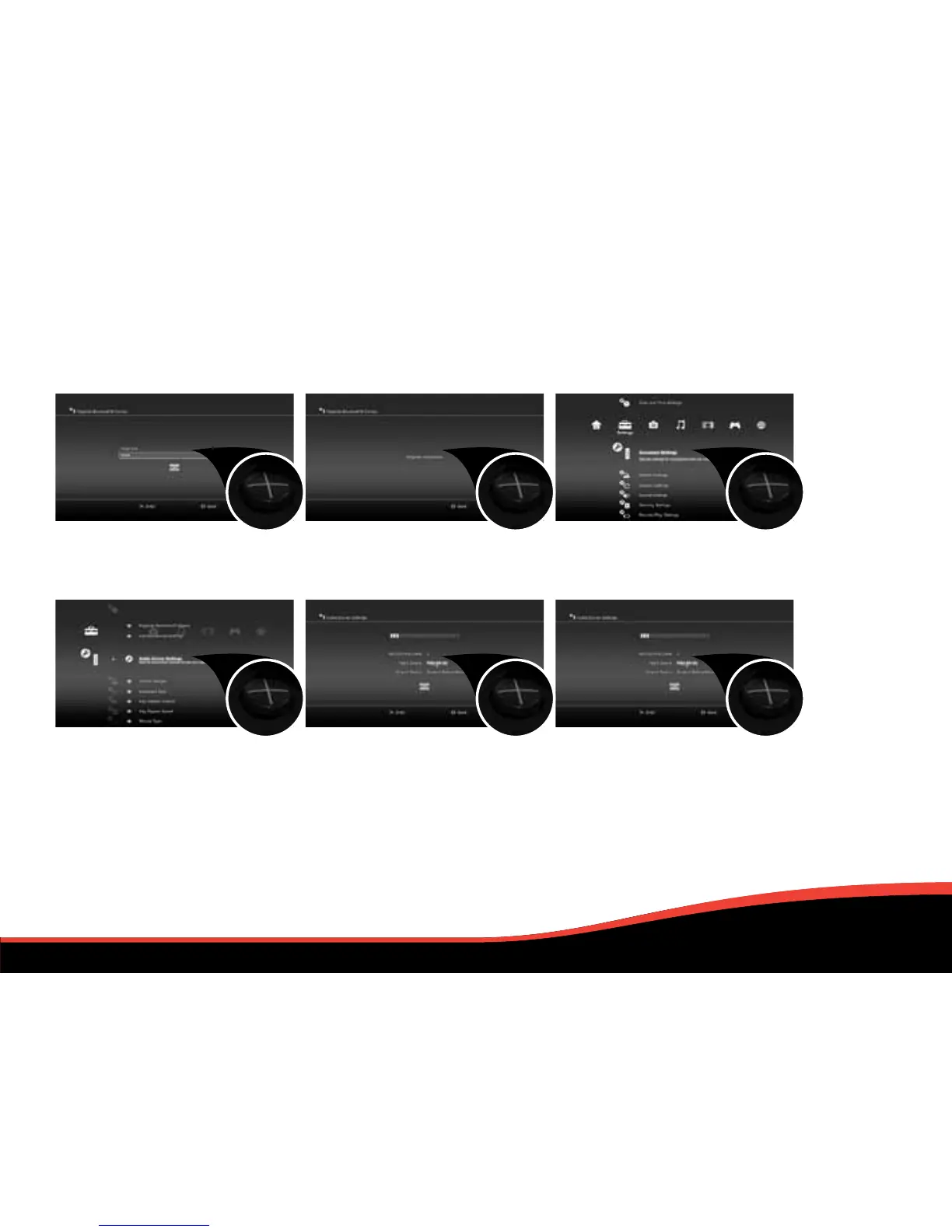
7. Press X, enter 0000 (four zeros)
as the Pass Key & press X on OK.
10. Scroll down and press X on
Audio Device Settings.
8. You will be taken to a new screen
stating: Register completed.
11. Choose PS3 EX-03 as your input
and output device from the lists.
Press X to confirm your choices.
9. Press O twice on your controller
to go back to Accessory Settings.
12. Scroll down and press X on OK.
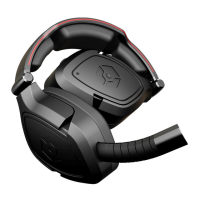
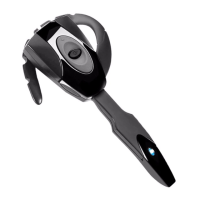
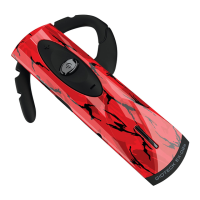
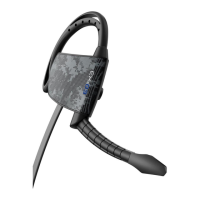
Your EX-03 Bluetooth® Headset
is now ready to use.. Enjoy :)


 To Next Page