Need help?
Do you have a question about the Gioteck VX1PS3-21 and is the answer not in the manual?
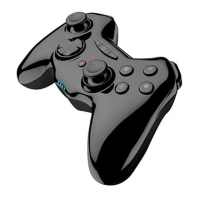
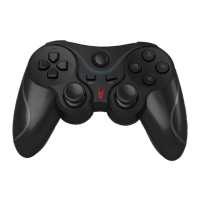
Plug the VX-1 Wired Controller into a PC USB port for automatic driver installation.
Channel 1 LED illuminates, controller ready for Digital mode; Home button switches to Analogue mode.
Navigate Control Panel to check/change key mapping and functions for the Gioteck PS3 Wired Controller.
 General
| Platform Compatibility | PlayStation 3 |
|---|---|
| Connection Type | Wired |
| Button Layout | Standard PlayStation layout |
| Vibration Feedback | Yes |
| Color | Black |
| Buttons | 12 |
| Analog Sticks | 2 |
| Cable Length | 2 meters |

 To Next Page