41
ENUSER’S MANUAL BR15
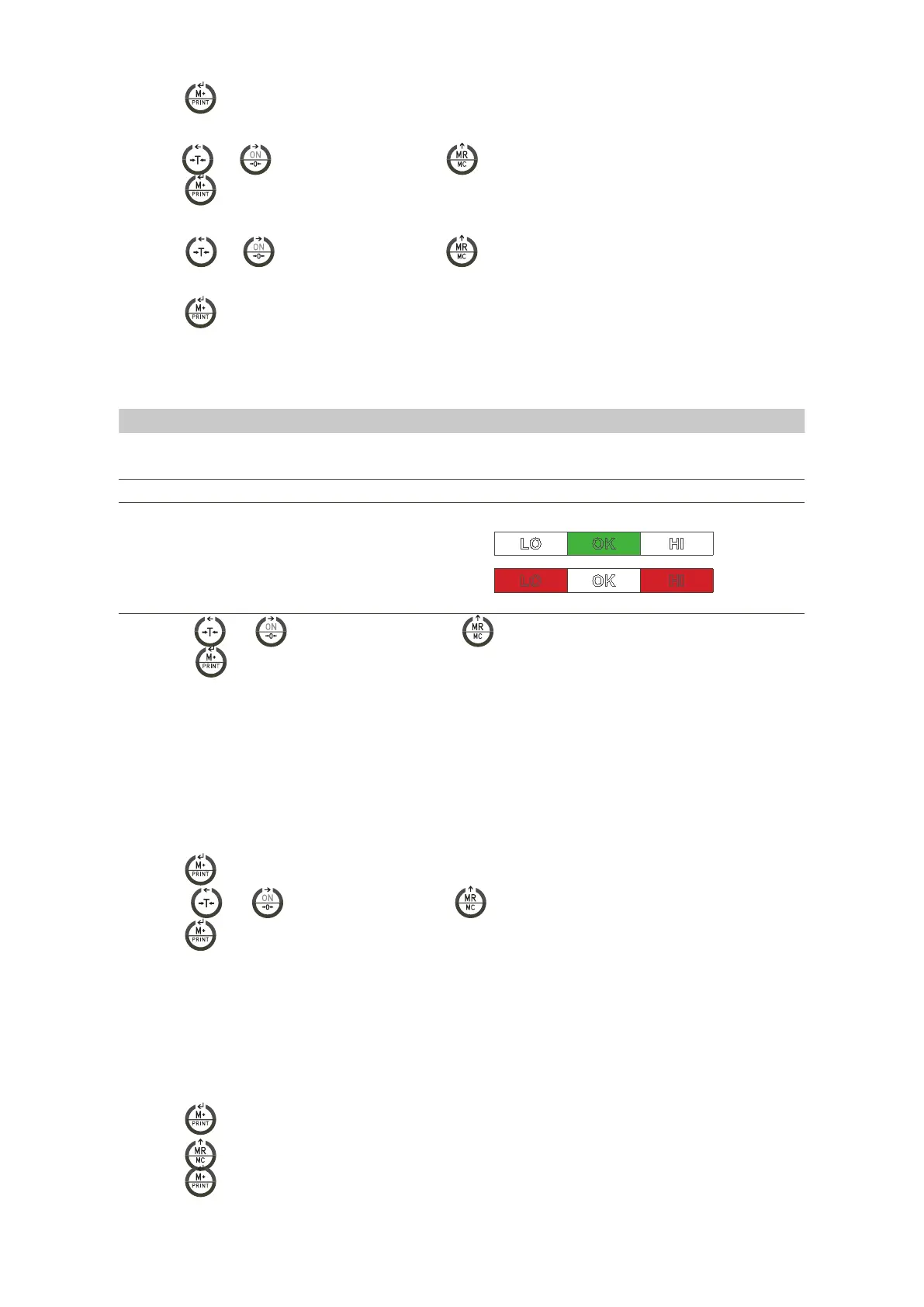
8.2 CONFIGURATION OF THE LIMITS OF WEIGHT ( SUPERIOR AND INGERIOR) |
UF-2
1. Press the key
to access the parameter.
2. The display will show the message “ 000.00L” ( inferior limit)
3. Use the keys and
to move the cursor and the key
to choose the desired number..
4. Press the key
to confirm.
5. The display will show the message “000.00h” (Superior limit=Hi)
6. Use the keys and
to move the cursor and the key
to choose the desired number.
Note: If you need to change or modify the last digit you can place the cursor on it to do it.
7. Press the key to confirm.
8. The display will show the value.
A B C
0 0 0
(configuration of the alarm)
DISPLAY VALUE ESTABILITY
A 0 There is no need to stabilize the alarm to make it ring
1 The alarm must be stabilized to ring
B 0 Always 0
C 0 Alarm switched off
1 The alarm ring if it is place on the band OK
( between the limits Lo and Hi)
LO OK HI
2 The alarm rings if it is situated below the
inferior limit Lo or above the superior limit
Hi
LO OK HI
9. Press the keys and
to move the cursor and the key to choose the desired number..
10. Press the key
to confirm.
8.3 AUTO SWITCH OFF|
UF-3
MODES:
• AoFF 00 – Auto switch off deactivated
• AoFF 01 – Auto switch off activated in a minute. The scale is going to switch off automatically after 1 minute of not being used.
• You can configure the value wished from 1 to 99 minutes.
1. Press the key to have an access to the parameter.
2. Press the keys and
to move the cursor and the key to choose the desired number.
3. Press the key to confirm.
8.4 DISPLAY BACKLIGHTING |
UF-4
MODES:
• A: Automatic.
• ON: Illumination Activated.
• OFF: Illumination Deactivated.
1. Press the key
to have an access to the parameter.
2. Press the key
to select the desired mode.
3. Press the key
to confirm.



 To Next Page