ENUSER’S MANUAL BR15
42
8.5 HOLD FUNCTION |
UF-5
(Once the object is retired from the plate, the display maintains the weight fixed during some seconds. This function is very useful for the weighing of
animals)
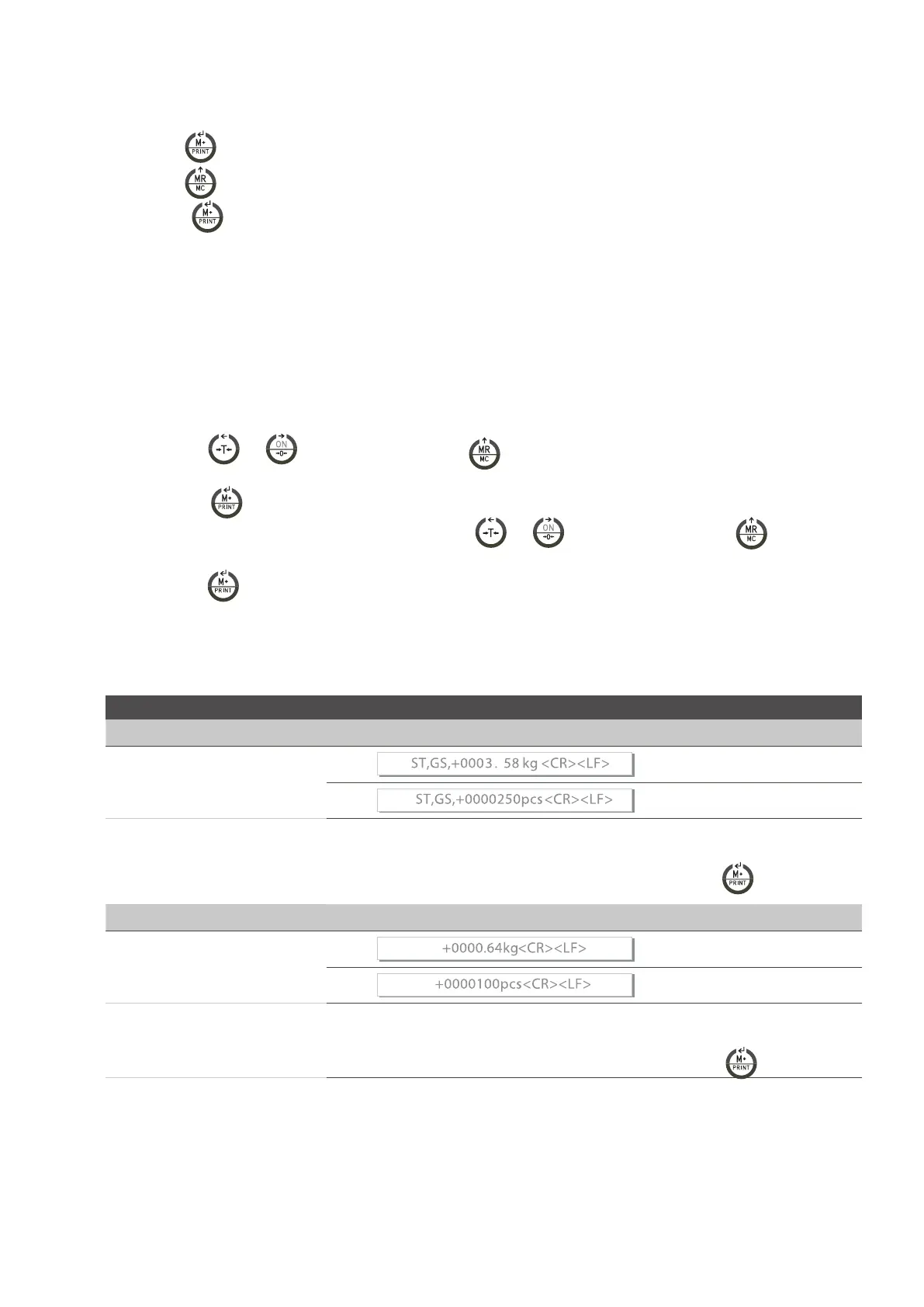
1. Press the key
to access to the parameter.
2. Press the key
to choose the desired mode.
3. Press the key
to confirm.
MODES:
• HOLD 0 : Deactivated.
• HOLD 1 : Animal in movement
• HOLD 2 : Value of peak
• HOLD 3 : Hold steady
• HOLD 4 : Hold steady with self cancelling at zero.
HOLD 1.
• When the user can access this parameter, the screen shows the message PCt,
• Use the keys and
to move the cursor and the key to choose the desired value of the range of HOLD, you can choose a
number from 001 to 100.
• Press the key to confirm.
• It will appear on the screen the message time 8, use the keys and to move the cursor and the key
T
o choose the
number of times you want to repeat during the range of hold.
• Press the key
to confirm. Example: PCt small and big time means more accuracy and longer stabilization.
8.6 RS-232 DATA EXIT|
UF-6
232 0 EXIT RS-232 DEACTIVATED
FORMAT OF THE DATA
Format 1 PC
VARIOUS FORMATS AVAILABLE
CONNECTION SENDING
232 1
232 2
232 3
Connection sending, without accumulation, when it achieves an estability with format 1
Continuous connection sending with format 1
Connection sending, without accumulation, manual by pressing the key
with format 1
Formato 2 PC
VARIOUS FORMATS AVAILABLE
CONNECTION SENDING
232 4
232 5
232 6
Connection sending, without accumulation, when it achieves the stability with formato 2
Continuous connection sending with formato 2
Connection sending, without accumulation, manual by pressing the key
with format 2



 To Next Page