ENUSER’S MANUAL BR15
50
BLINF LF 5
DISPLAY DESCRIPTION AND SEQUENCE OF USE
ZP 0 OFF
ZP 1 One division will not show being at zero
ZP 2 Two division will not show being at zero
ZP 3 Three divisions will not show being at zero
ZP 4 Four divisions will not show being at zero
ZP 5 Five divisions will not show being at zero
*This function is going to be blocked when UF-5 is in mode HOLD 1
*The value of factory is ZP 0
LF 5
DISPLAY DESCRIPTION AND SEQUENCE OF USE
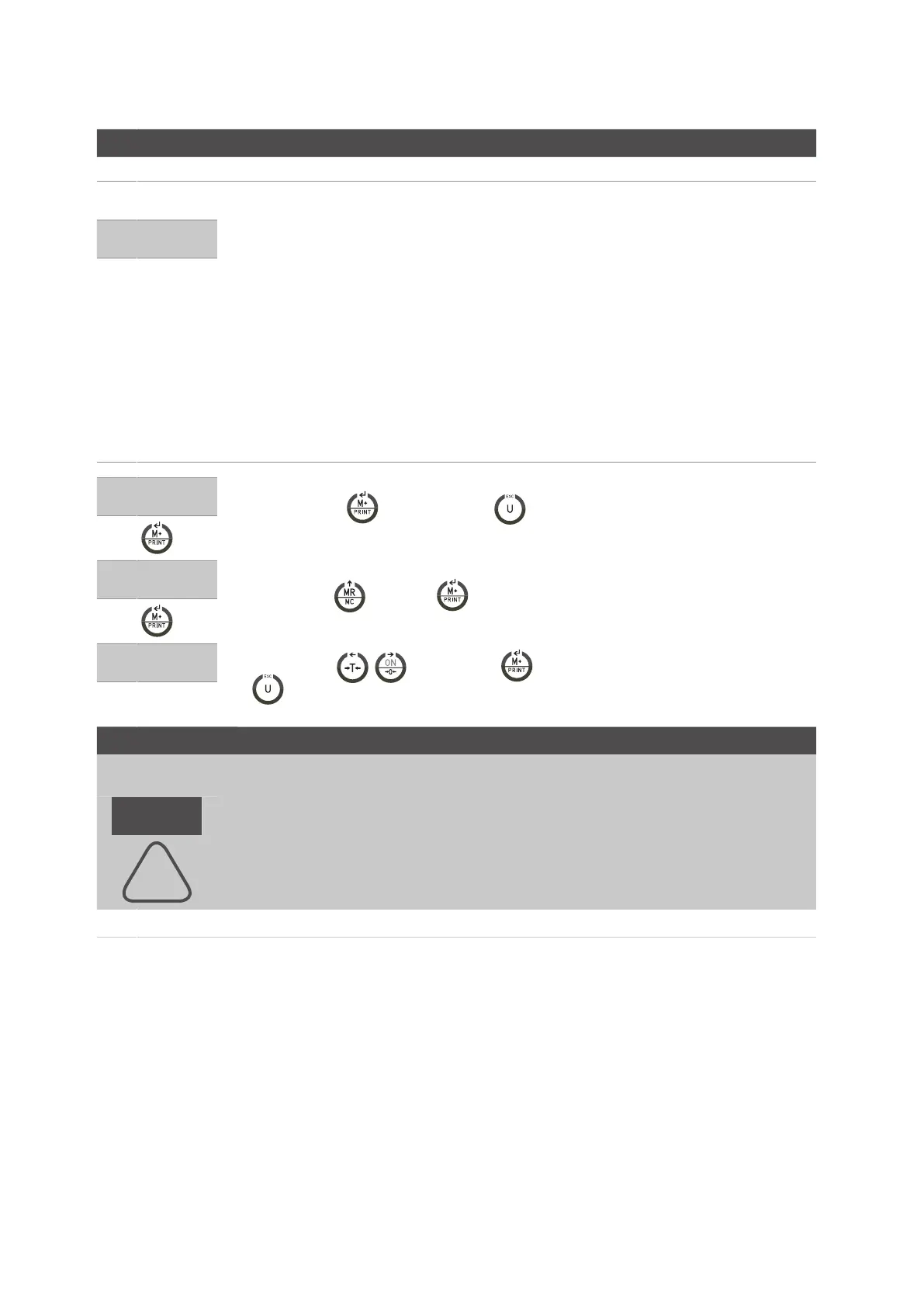
• Press the key to start or the key to exit from the menu and the scale will start again
automatically.
LF 5
ZP 0
• Use the key and the key to select how many divisions will show when in zero ( press
ESC to exit from the configuration and go back to the menu LF4)
LF 5
• Use the keys , and then the key to continue with other adjustment or press the key
to exit from the menu and the scale is going to start automatically.
APPROVAL CONFIRMITY LF 6
DISPLAY DESCRIPTION AND SEQUENCE OF USE
nonE Version not approved
DON’T MODIFY, IN NO WAY, THIS PARAMETER. IT MUST ALWAYS BE CONFIGURED AT
nonE.
The change of this parameter implies the blocking of some functionalities.
LF 6
!



 To Next Page