In Comfort mode the boiler monitors your hot water usage for
24hrs to predict the following days hot water needs and
preheat itself.
In economy mode this option is not active.
When the indicator is lit it shows that the boiler is in comfort
mode.
To select economy mode turn the domestic hot water
temperature control briefly to the comfort position and back
again and the light will switch off. The boiler is now in
economy mode. Repeat the action to switch back to comfort
mode.
If you adjust the central heating temperature (set point), the
display will light and show the temperature you have set. After
10 seconds the display will revert to showing the current
boiler central heating temperature and the backlight will switch
off after a further 10 seconds.
If you adjust the domestic hot water (set point), the display
will light and show the temperature you have set. After 10
seconds the display will revert to showing the current boiler
operating temperature and the backlight will switch off after a
further 10 seconds.
1.8 DHW DOMESTIC HOT WATER
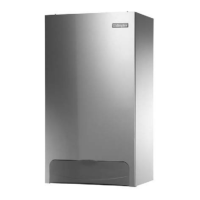
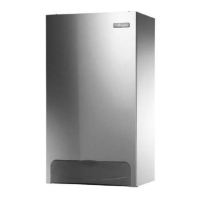
Reset Button
Central Heating
indicator light
Domestic Hot Water
Indicator Light
This dot flashes to
indicate set point
Decrease
Increase
Min
Max
Display - Set point turns off after 10 seconds,
backlight turns off after 20 seconds
Burner on indicator
Comfort mode indicator.
This is lit when the boiler
is in comfort mode
Decrease
Increase
Min
Max
1.9 RE-PRESSURISING THE SYSTEM
To re-pressurise the system, locate the filling loop and connect
to the two valves. Open one valve completely then carefully
open the other valve until the pressure gauge shows 1.5 bar
(halfway round the green section of the dial). Shut both valves
and disconnect the filling loop.
Disconnect filling
loop after re-pressurising
Green
2.0 PROBLEM SOLVING
2.1 STEP BY STEP GUIDE
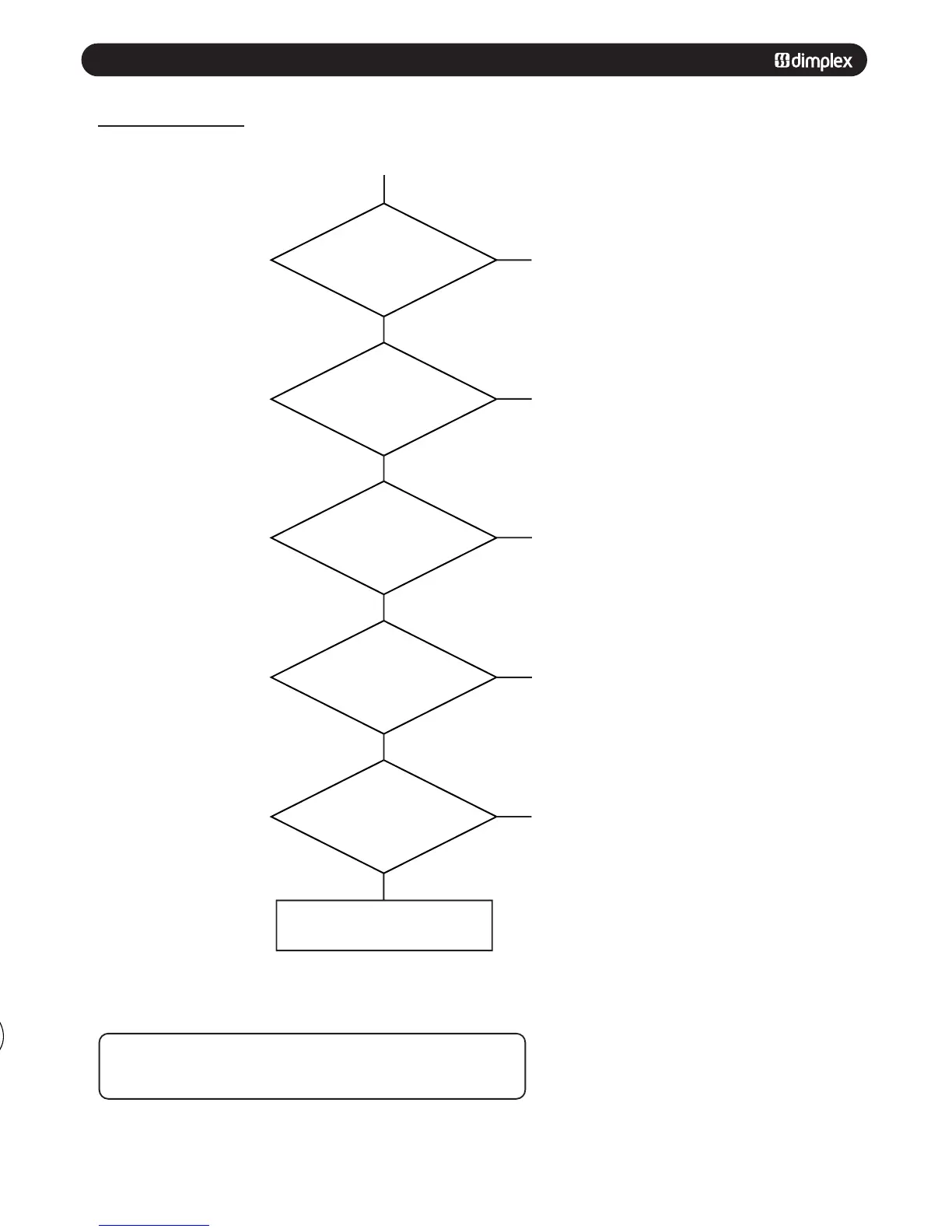
Boiler Not Working
Check that the gas
supply is turned on.
Are other gas appliances
working?
Is the central heating
pressure between 1 +2
bar (needle in the green)?
Is the timer on?
Are external controls
(thermostat) calling for
heat?
Is the central
heating light on?
Is the display flashing
with an error code?
Consult Error Codes
Reset boiler
Fig. 10
Yes
No
No
No
No
No
Yes
Yes
Yes
Yes
Consult gas supplier
Top up the system pressure
See section 1.9
Set timer to on
Ensure room thermostat is set to max
See section 1.3
If the boiler requires resetting frequently contact your installer or service engineer.
If the Reset button is pressed for more than 3 seconds then the screen will display
‘sequence indication’ mode. Press the button for less than 3 seconds to cancel.
Check external controls are calling for
heat. Check the electrical supply to the
boiler is switched on
Consult your installer/Service engineer



 To Next Page