EasyManua.ls Logo

Glen Dimplex ICC6GE3 - User Manual

Glen Dimplex ICC6GE3
28 pages
Print Icon
To Next Page IconTo Next Page
Loading...
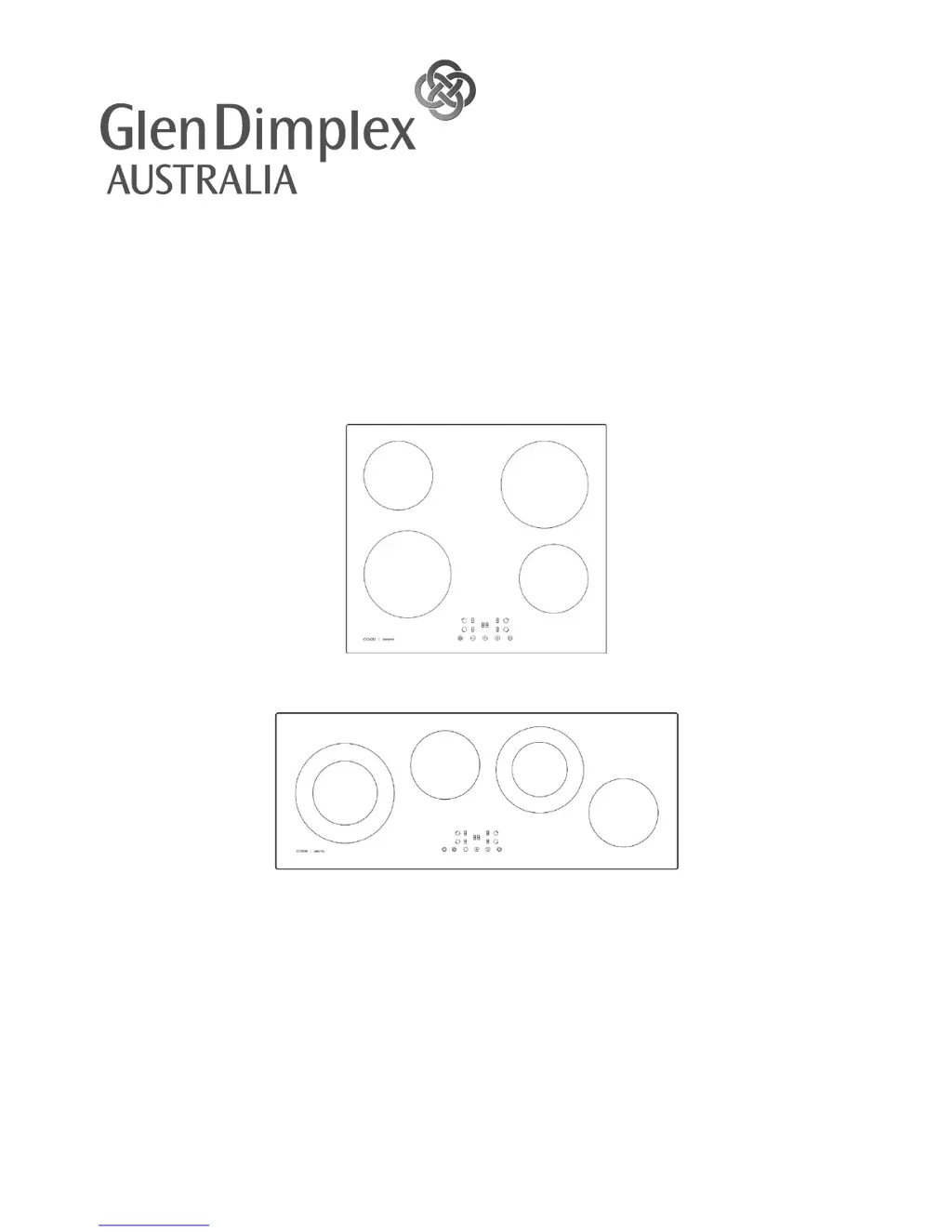
60cm & 90cm Ceramic Cooktop
Model ICC6GE3 (60cm) & CC96GB (90cm)
INSTRUCTION /
INSTALLATION MANUAL
PLEASE READ THE USER MANUAL CAREFULLY BEFORE USE
www.glendimplex.com.au

Questions and Answers

  • S
    sarah18Aug 3, 2025
    What to do if my Glen Dimplex ICC6GE3 cannot be turned on?
    • O
      oconradAug 3, 2025
      If your Glen Dimplex Cooktop isn't turning on, first ensure it's properly connected to the power supply and switched on. Check your home and area for any power outages. If the problem continues after these checks, it may require a service call.
  • M
    Megan Ford DDSAug 13, 2025
    Why are the touch controls on my Glen Dimplex Cooktop difficult to operate?
    • M
      Michael SmithAug 13, 2025
      If the touch controls on your Glen Dimplex Cooktop are hard to use, ensure the control area is dry. Also, use the ball of your finger, not the tip, when touching the controls.
  • J
    Jonathan MartinAug 22, 2025
    How to prevent the glass on my Glen Dimplex ICC6GE3 from getting scratched?
    • C
      Christopher PowellAug 22, 2025
      If the glass surface of your Glen Dimplex Cooktop is getting scratched, make sure you are using cookware with flat and smooth bases. Avoid dragging cookware across the surface and only use suitable, non-abrasive cleaning products.

Summary

Product and Installer Details

Product Details

Fields for model, serial number, and description of the cooktop.

Purchase Details

Fields to record purchase date, place, store, and receipt information.

Installation Details

Fields to record details of electricians, gas, and plumbing installers.

Installation

Customer Care

Safety Warnings

Electrical Shock Hazard

Precautions to prevent electrical shock during installation and maintenance.

Cut Hazard

Warnings about sharp edges on panels and scraper blades.

Important Safety Instructions

Key safety guidelines for safe operation and installation.

Product Overview

Top View

Diagram illustrating the layout of cooking zones and control panel.

Control Panel

Explanation of the touch controls, buttons, and indicators.

Before Using Cooktop

Initial setup and preparatory steps before operating the appliance.

Using Touch Controls

Guide on how to correctly operate the touch-sensitive controls.

Choosing the right cookware

Using your cooktop

Starting Cooking

Step-by-step guide to turn on and start cooking.

Finishing Cooking

How to turn off cooking zones and the entire cooktop.

Dual Zone Function

Explanation of the dual zone feature for specific models.

Locking the controls

How to lock and unlock the cooktop controls.

Residual Heat Indication

Understanding the 'H' indicator for hot surfaces.

Auto Shutdown

Information about the automatic safety shutdown feature.

Using the Timer

Timer as Minute Minder

Using the timer as a notification alert without shutting off zones.

Timer for Zone Shutdown

Setting the timer to automatically switch off cooking zones.

Cancelling the timer

How to cancel an active timer setting.

Cooking Guidelines

General Cooking Tips

Advice for efficient cooking, reducing times, and saving energy.

Simmering and Rice

Techniques for simmering and cooking rice by absorption.

Searing Steak

Method for cooking juicy steaks to desired doneness.

Stir-Frying

Steps for preparing and cooking stir-fry dishes.

Heat Settings Guide

Recommended heat levels for various cooking tasks.

Care and Cleaning

Troubleshooting Guide

Technical Specification

Installation - materials and dimensions

Installation - ventilation and clearances

Installation - fixing cooktop to work surface

Installation - electrical connection

Glen Dimplex ICC6GE3 Specifications

General IconGeneral
BrandGlen Dimplex
ModelICC6GE3
CategoryCooktop
LanguageEnglish