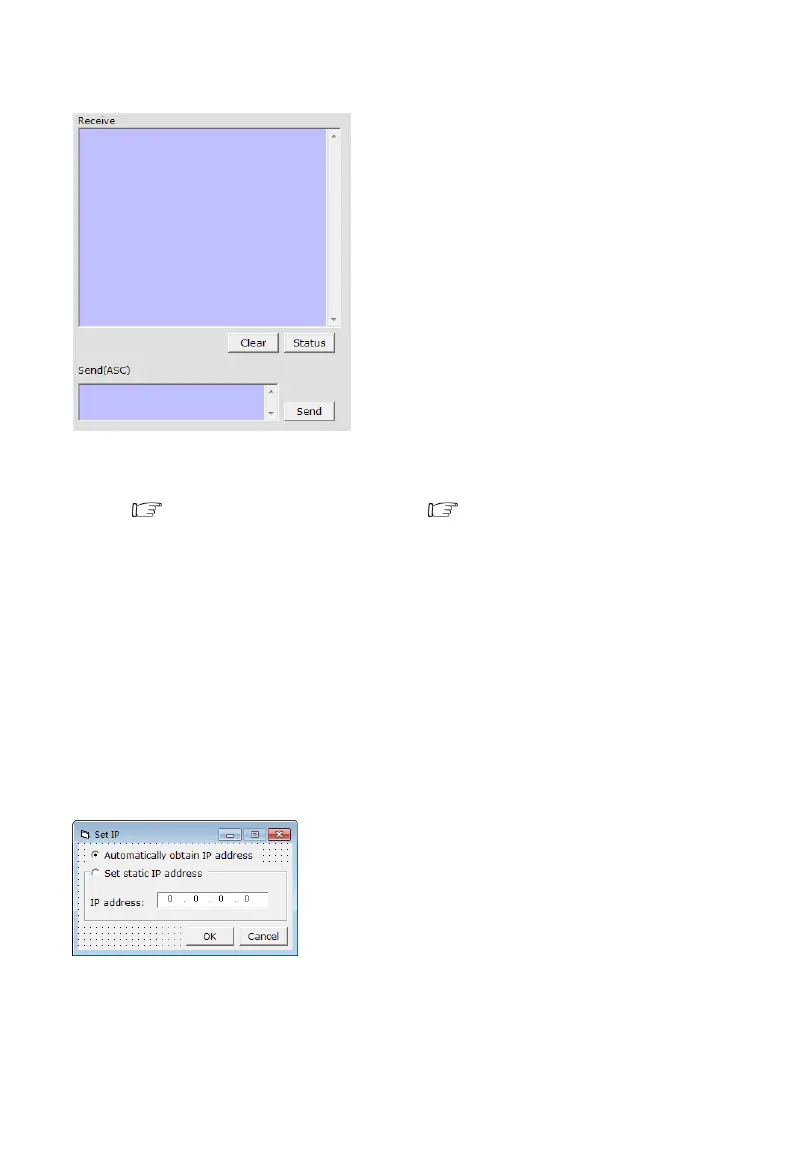
2) The Message Window
2.1) Receive Window
The “receive window” will show the message received from MX0808. When you click the Control
Buttons ( see step 4) or send Control Command ( see 2.3) to MX0808, it will send out the
message about “operation results” as below:
2.2) Status Button
Click this button to read the status of MX0808. The status is about which input is selected by the
output.
2.3) Send Window
Input the control command in this window. The control command use ASCII.
2.4) Setting Button
Click this button to enter Setting menu.
2.5) IP SET Button
Click this button to set IP address for LAN control (for example: 192.168.0.3).
2.7) EDID Set button
Select the Output Port in “Port Select” column, click “Read” button to get EDID from display


 To Next Page
 Loading...