equipment.
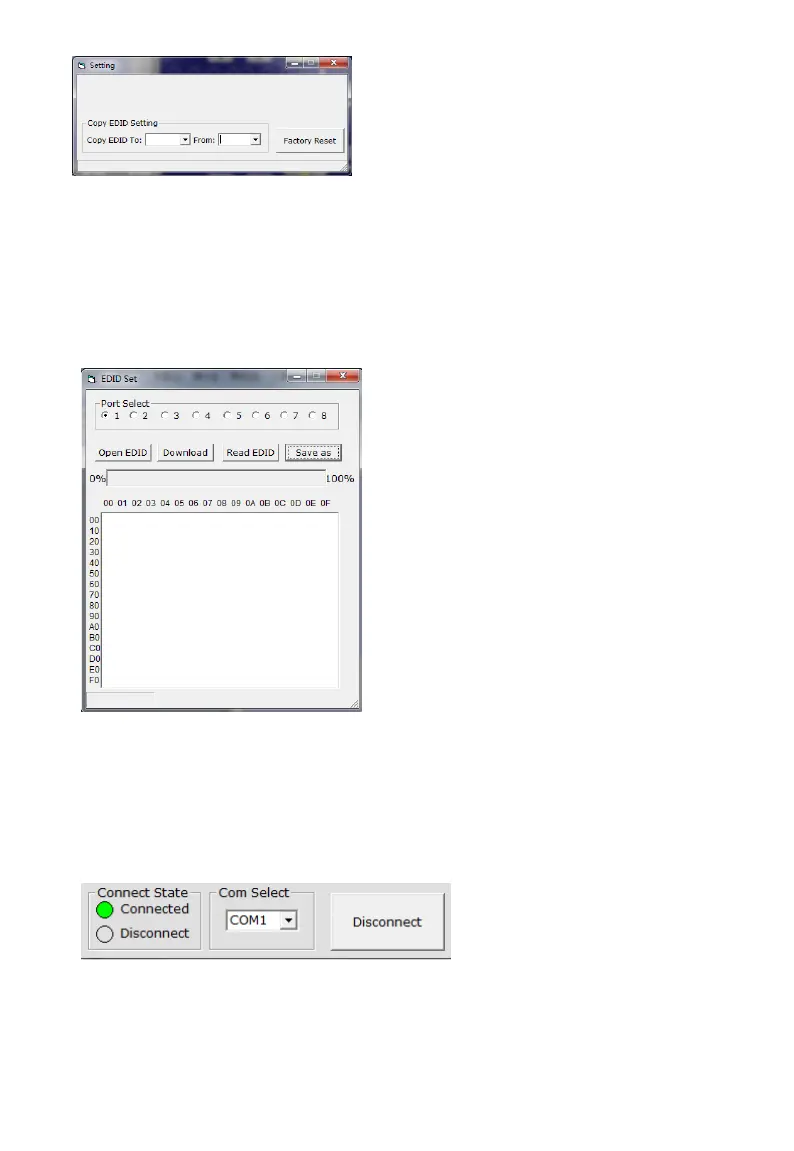
Select the Input Port in “Port Select” column, click “Write” button to set EDID of this Input Port the
same as display equipment.
Click “Save as” button to save EDID read from display equipment as “*.bin” file.
Click “Open” button to open saved “*.bin” file, select the Input Port in “Port Select” column, click
“Download” button to set EDID of this Input Port the same as “*.bin” file.
3) The Com status
3.1) Connect state.
Connect state shows the com open or not.
3.2) Com select.
Select which com you will use.
Connect button.
The word on this button will change when the connection state changes. If the word is “Disconnect”,
then click this button, the com will be closed. If the word is “Connect”, then click this button, the com


 To Next Page
 Loading...